 Metamoa
 3D ads · 3D ads
Space operator early sign-up · see the revenue share tiers
At a glance
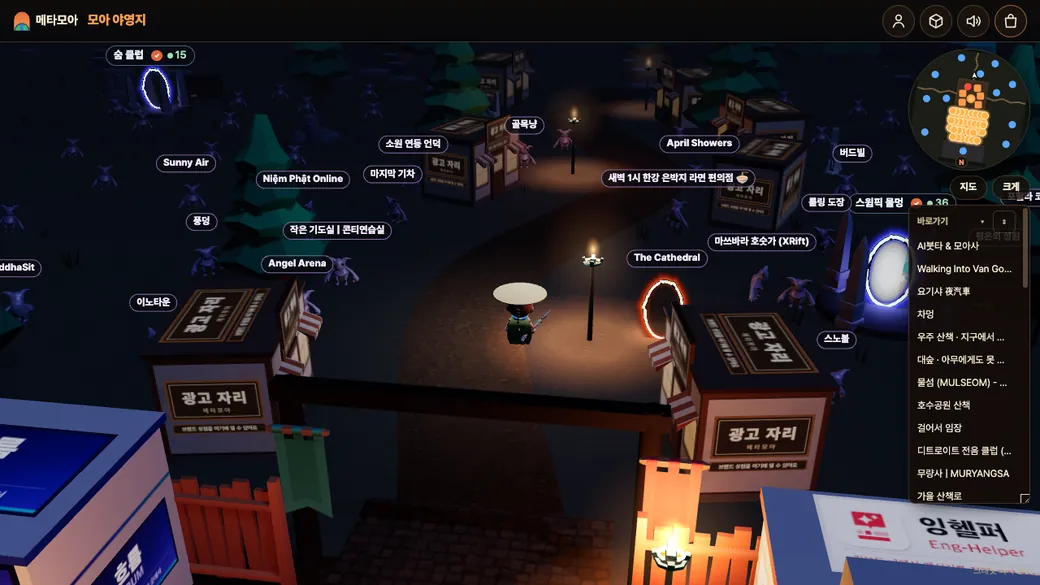
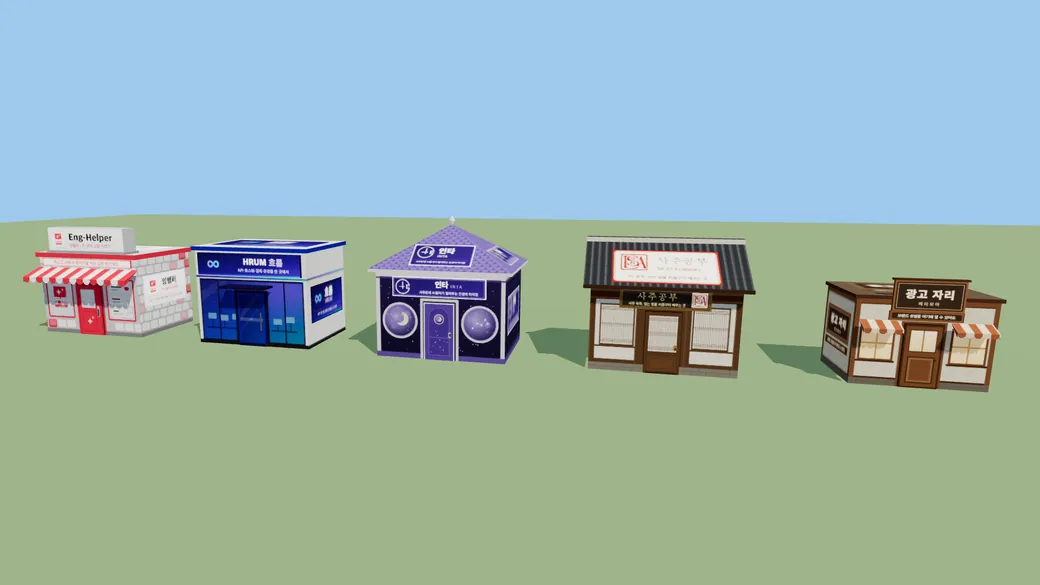
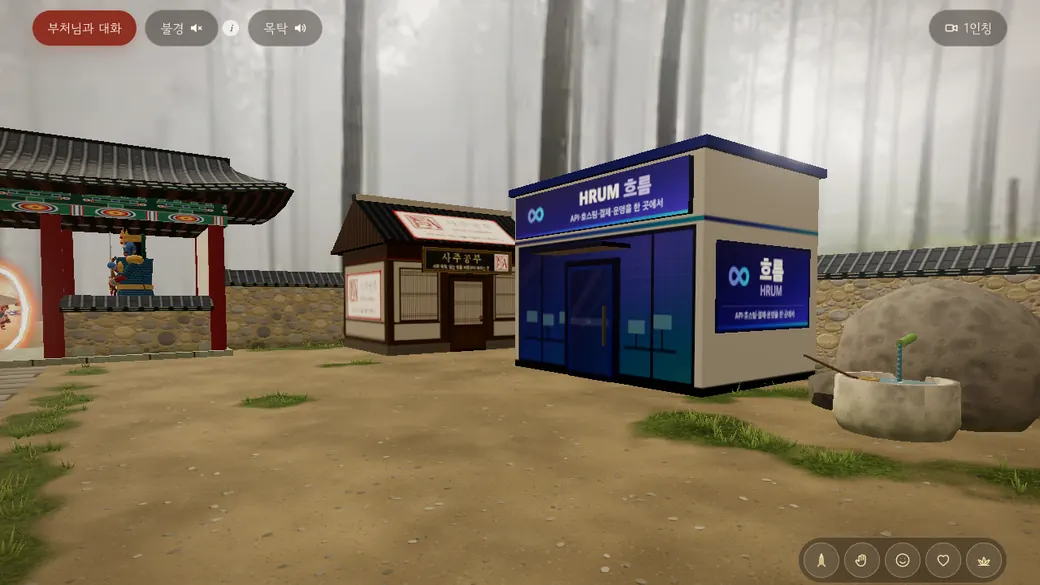
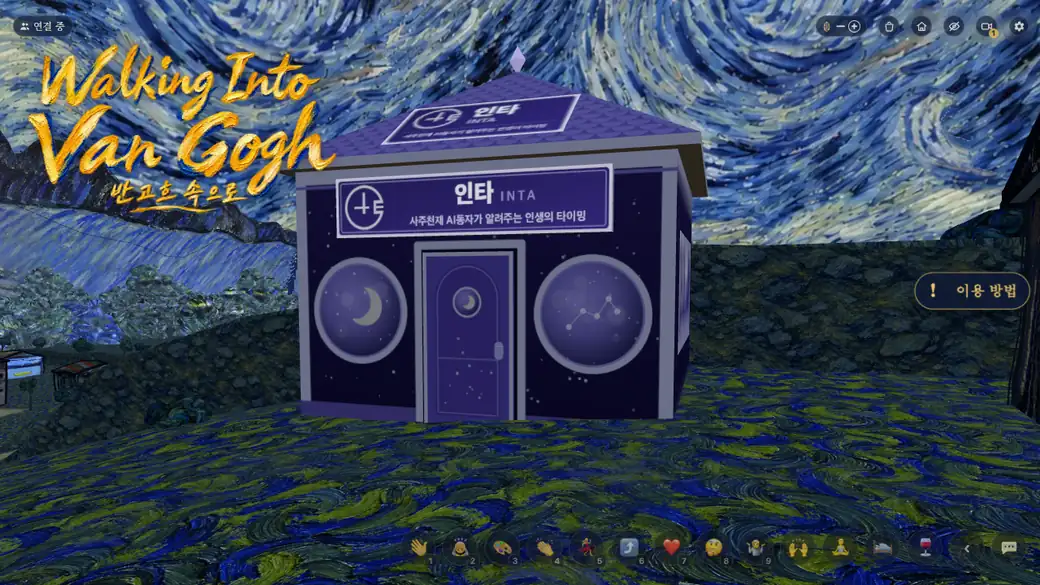
Metamoa 3D ads place an advertiser's 3D model, ad building or ad character in ad slots inside web metaverse spaces, count only what people actually saw and did, charge for that, and share it with the space operators. As an advertising and ad agency business, we take everyone from large enterprises to small businesses.
- Space operators: in the space console's Monetization (/owner/revenue), use 「Register for ads」 (terms check, payout info, ad slots) → add one line of script and the ad slots, and you're done.
- Advertisers: sign in with a Metamoa account at /ads/manage → upload a 3D model (glb), or pick an ad building and add an image or texture, or pick a prop and an ad for a basic ad character → pick the spaces yourself or use 「Recommend」 → billing type, budget and dates → runs after review.
- No model? Choose 「Request a model」 and we make one for you. You can also give us your own model. Basic ad characters are free at any amount.
- Four ways to pay: CPM (viewable impressions), CPA (model clicks, brand-space entries), view time (total time shown) and fixed space contracts (for a period, the slot to yourself). All amounts are (supply price, VAT excluded).
- The size of an ad model may be adjusted by the space operator or Metamoa depending on the space.
4 products and billing
All amounts are supply prices, VAT excluded.
| Product | billing | What is counted | Unit price |
|---|---|---|---|
| CPM (viewable impressions) | cpm | 1 viewable impression = the model stays on screen at least a set share, for longer than a set time without a break (with the tab visible) | ₩8,000 per 1,000 viewable |
| CPA · model click | cpa | A tap or click on the ad model. If the click goes on to a brand-space entry, only that 1 entry is charged | ₩700 per 1 click |
| CPA · brand-space entry | cpa | Tapping the ad and going into the brand space (brand_url). Counted by a server redirect (/ads/go); once a day per person and campaign | ₩1,000 per 1 entry |
| View time | time | Total time the ad was shown after a viewable impression (only while there is input, up to a daily cap per person and model) | ₩1,000 per 1,000 viewable seconds |
| Fixed space contract | fixed | For a set period (up to one month). You have the contracted ad slot to yourself for that period (per slot). Impressions are not guaranteed | See the tier table below |
Fixed space contract tiers
The tier is set by the median of the clean daily space clicks over the last 14 days of the space the slot is in (leaving out the operator's own visits, data-centre networks and automated browsers; metamoa's “Enter” counts only after the human check). Slots in spaces below the lowest tier are not sold as fixed contracts, only as performance ads. The contract period is either weekly (7 days) or monthly (30 days).
| Tier | Daily space clicks | Weekly (1 slot) | Monthly (1 slot) |
|---|---|---|---|
| S | 1,000 or more | ₩50,000 | ₩180,000 |
| A | 300~999 | ₩15,000 | ₩50,000 |
| B | 100~299 | ₩5,000 | ₩18,000 |
- Minimum spend: media spend ₩10,000 (supply price, VAT excluded), model-making fees excluded. For performance ads the budget counts; for fixed contracts, the sum of the contract amounts.
- Performance ads (CPM, CPA, view time) charge only what was actually counted, and a campaign stops running once its spend reaches its budget (budget_won).
- A CPM contract is accepted only up to 70% of the expected viewable impressions of the chosen slots (daily space clicks × 0.7 × days) (409 over_inventory).
- CPA and view-time ads are not blocked, but if the budget is larger than the expected spend, /ads/manage warns you before you apply: on the same expected viewable impressions, CPA multiplies by the click-rate baseline 2% × the larger of the click and entry prices, and view time by 60 seconds per person per day (spend_estimate of GET /api/ads/options).
- A slot under a fixed contract shows only that campaign for the period, and no other fixed contract is taken for the same slot over overlapping dates (409 slot_taken). The slot is held when the review approves it: applications waiting for review do not hold slots, and the contract approved first wins. If the model failed to show on some days or traffic drops by more than 30%, we make up for it with a pro-rata refund or an extension.
- Billing and tiers are based on Metamoa's own measured reports (viewable impressions, clicks, entries, view time, space clicks).
Counting formulas
Dates are Korea-time days (ad_daily). Amounts are supply prices with anything below one won dropped. Events caught by a rule are not counted and are tallied separately by reason (ad_excluded).
- Viewable impressions imps = the number of
impevents that passed every rule - Clicks clicks = passed
clicks, entries enters = passed entries (/ads/go), converted = clicks that went on to an entry with the same token - View time view_ms = the sum of ms of passed
timeevents (only tokens whose impression was counted, up to 15,000ms per event, up to the daily cap per person and model) - CPM amount = floor(imps × cpm_won ÷ 1,000)
- CPA amount = (clicks − converted) × click_won + enters × enter_won
- View-time amount = floor(view_ms ÷ 1,000 × time_1000s_won ÷ 1,000)
- Fixed contract amount = the sum of the tier prices of each contracted slot. When only part of the period is counted, per slot floor(price × contract days within that period ÷ contract days)
- Space operator's share = floor(amount per space × that space's operator tier ratio (%) ÷ 100). The amount is the media supply price after invalid traffic is removed; model and space-making fees are not shared. Tiers: 「Space operator revenue share tiers」 below.
Space operator revenue share tiers
Ad revenue (the ad media amount per space, supply price after invalid traffic) is split between the space operator and Metamoa by the tier's ratio. In effect from 2026-11-11. Early sign-up: https://metamoa.com/ads/partners
| Tier | Who | Space operator : Metamoa |
|---|---|---|
| Platinum | First come: space operators 1 to 10 | 9:1 |
| Gold | Space operators 11 to 100 (90 people) | 8:2 |
| Silver | Space operators after that | 7:3 |
| Bronze | Space operators signing a new contract from 2027-1-1 | 6:4 |
Ratios may be adjusted later based on ad performance.
- A space operator = one owning account that registered a space on Metamoa and signs in to the space console. The order is the time each first turned on 「Consent to ads」 in the space console, numbered one at a time by the server.
- A tier, once set, stays as it is, and the same operator's other spaces get the same tier.
- Space operators signing a new contract from 2027-1-1 0:00 (Korea time) are Bronze regardless of their order.
- Your tier and ratio: the 「3D ads」 panel of the space console, partner of GET /api/space/{id}/ads. Seats left: seats of GET /api/ads/partners.
- Seats left now: Platinum 0/10 · Gold 80/90
Terms check and consent to ads
The terms of service now include an ad placement clause (Article 4-4). To take ads, the space operator does two things at once in 「Register for ads」 of the space console's Monetization.
- Terms check: tick the terms check in step 1 of 「Register for ads」 in the space console (/owner/revenue?id=<space id>). It works only in the space console (with a space key it is 403 owner_page_only).
- Consent to ads: turned on together with the terms check, then turned on and off per space on the same screen. To turn it on, the payout info type and a contact are needed (otherwise 409 payout_info_required). Only when it is on does the space's ad API (one line of script, ad key) show; turning it off stops ads right away (serve 403 ads_off).
Consent record: the space, who (a hash of the space operator's sign-in mail for that space console), when, which terms version (data-ads-version of terms.html) and on/off are kept without deleting (ad_consents).
Spaces that have not checked the terms, have consent to ads turned off, or are not listed get no ads.
Ad slots
The space operators decide where ads stand inside their own metaverse. Advertisers pick slots or get recommendations, and fixed contracts are made per slot too. The slot list can be viewed and turned on and off in the space console.
| Field | Format | Meaning |
|---|---|---|
| name | 1 to 40 characters | A name not used twice in the space |
| kind | floor · wall · air · character | Floor model · wall sign · air banner · ad character standing or walking around |
| position | [x, y, z] meters | Position of the middle of the slot box's floor (space coordinates) |
| rotation | [x, y, z] degrees (-360 to 360) | Rotation of the slot. Default [0, 0, 0] |
| size | [width, height, depth] meters (0.1 to 200) | The box the ad goes in. The ad is scaled up or down to fit this box |
| scale | [min, max] times (0.05 to 20) | Size scale per space: when fitting the box, the ad is scaled only within this range of its original size. Default [0.25, 4] |
| roam | 0 to 50 meters | character slots: the radius the character walks around in (0 means standing) |
| industries | List of industry ids | Industries this slot takes. Empty means all industries |
| enabled | true · false | When off, no ads show in this slot |
The size of an ad model may be adjusted by the space operator or Metamoa depending on the space.
Character ads go only to character slots; model and building ads only to floor, wall and air slots.
The SDK (public ad key) can only create new slots, and slots made that way come in turned off; ads show only after the space operator checks and turns them on in the space console. The SDK cannot change an existing slot (same name) and returns it as it is. Up to 5 SDK slots that are off per space, counted apart from the 30 operator slots. One IP group can create up to 20 a day, and SDK slots the space operator never turned on within 7 days are deleted (slots turned on once, and slots used by a campaign, are not deleted). Once turned on, they count within the 30 operator slots. Changing a slot's box, kind or industries and turning it on or off works only with a space console sign-in or the space key.
Industry ids: game (games) · fashion (fashion, beauty) · food (food and drink) · tech (IT, electronics) · finance (finance) · edu (education) · travel (travel, leisure) · culture (culture, entertainment) · auto (cars) · public (public, non-profit) · etc (other)
Up to 30 slots per space. The slot API takes the space key (mm_live_) or a space console sign-in:
GET    https://metamoa.com/api/space/{space_id}/ads/slots
POST   https://metamoa.com/api/space/{space_id}/ads/slots          {"name":"plaza-front","kind":"floor","position":[0,0,-8],"rotation":[0,90,0],"size":[4,4,4],"scale":[0.5,2],"industries":["game","food"]}
POST   https://metamoa.com/api/space/{space_id}/ads/slots          {"name":"gate-greeter","kind":"character","position":[3,0,-4],"size":[1.2,2.2,1.2],"roam":3}
PATCH  https://metamoa.com/api/space/{space_id}/ads/slots/{slot_id} {"enabled": false, "scale": [0.5, 1.5]}
DELETE https://metamoa.com/api/space/{space_id}/ads/slots/{slot_id}
Space operators: steps to set up
- In 「Register for ads」 of the space console's Monetization (
https://metamoa.com/owner/revenue?id=<space id>), tick the terms check and start ads. - Put the one line of script from the 「Ad API」 panel on the same screen at the end of your space page's <head> or <body>. The ad key (mm_adpub_) is safe to make public (never put the space key mm_live_ there).
- For a three.js space, call attach and slot after the scene is built. A slot is registered turned off the first time it is called. Ads show once you turn it on in 「Ad slots」 of the space console (you may also create it turned on from the start with the slot API).
- Once the ad shows, you're done. The SDK sends viewable impressions, clicks and view time by itself, and for brand-space entries the SDK opens /ads/go when the ad is tapped and the server counts it.
- In 「Ad slots」 of the space console, turn slots on and off and see the 30-day report (before and after the rules) and your share (GET /api/space/{space_id}/ads/stats).
<script src="https://metamoa.com/ads/sdk.js" data-space="{space_id}" data-key="{mm_adpub_…}" async></script>import * as THREE from 'three';
import { GLTFLoader } from 'three/addons/loaders/GLTFLoader.js';
// after your scene, camera and renderer exist:
(window.metamoaAdsReady = window.metamoaAdsReady || []).push((ads) => {
ads.attach({ THREE, GLTFLoader, scene, camera, renderer });
ads.slot({ name: 'plaza-front', kind: 'floor', position: [0, 0, -8], rotation: [0, 0, 0], size: [4, 4, 4] });
ads.slot({ name: 'north-wall', kind: 'wall', position: [0, 3, -15], size: [6, 3.4, 0.4] });
ads.slot({ name: 'gate-greeter', kind: 'character', position: [3, 0, -4], size: [1.2, 2.2, 1.2], roam: 3 });
});Engines other than three.js (Babylon.js, PlayCanvas, Unity WebGL, etc.) get the ad with serve, draw it themselves and send the events: ads.serve(name) → { ad }, ads.report(name, event). For entries, open ad.enter_url in a new window or the same one. The spec is in 「Event spec」 below.
How the SDK counts
- Viewable impression: when at least a set share of the model is inside the camera view, at a size on screen of at least a set area, for longer than a set time while the tab is visible, it sends 1 impression (once per serve token).
- View time: after the impression, while the ad stays visible under the conditions above, it adds up and sends every 5 seconds, together with the number of camera and pointer inputs in between (it stops when the tab is hidden).
- When the serve response has a vid, keep it in that browser and send it with the next serve (GET /ads/v1/serve?…&vid=). Only a vid the server signed for that network is read. The server combines the vid and the connecting IP group and signs that person into the token. An impression is counted only about 2 seconds after serve.
- Click: a tap or click on the ad sends
click, and if the ad has a brand space it opens enter_url (/ads/go) in a new window. The server counts the entry and sends the visitor on to the brand space. - Door: if ad.door is there, walking in through the door opens enter_url once in a new window. When it opens again: see 「Enter through the door」 below.
- The browser id (vid) is given by the server and kept in localStorage by the SDK. It is used only for repeat limits. No personal information such as names or contacts is sent.
- Ads are fetched again every 30 minutes (a new token). Characters in character slots walk slowly within the roam radius.
Enter through the door
You can put a door on an ad building or your own 3D model. It is a door, not a portal: when someone walks in through the door, the current space stays as it is and the brand space opens in a new window (new tab). Put "door": true in the campaign creative (only when kind is model or building), and brand_url is required (otherwise 400 invalid, fields brand_url). serve's ad then comes with door.
"creative": { "kind": "building", "building_id": "bld-corner-shop", "mode": "image", "images": { … }, "door": true }
serve → "ad": { …, "enter_url": "https://metamoa.com/ads/go?t=<serve 토큰>", "door": { "node": "door", "enter_m": 1.2, "exit_m": 3 } }
Rules so the door does not keep reopening (must be followed)
- Walking within 1.2m of the door opens the brand space (enter_url with &via=door) once in a new window.
- After closing the new window and coming back, moving a little inside or near the door does not open it again.
- It opens again only after walking out farther than 3m from the door and coming back in (enter distance 1.2m < exit distance 3m).
- It does not open while the tab is hidden or the window has no focus, and after coming back you must leave the door area once. It does not open if you are already standing inside the door when the page opens.
- Tapping or clicking the building to open it works as before (every click). The door rules apply only to walking in.
- If the browser blocks the new window, an 「Open <brand>」 button appears at the bottom of the screen. It opens only when that button is tapped (it disappears if you leave the door without tapping).
Door position: a node named door in the glb if there is one; otherwise the SDK draws a default door at the bottom middle of the ad's front (+Z). The distance is the floor distance from the walking character to the front of the door. Give attach a walker (the walking character's Object3D or a function returning {x, y, z}). Without it, the camera position is used.
ads.attach({ THREE, GLTFLoader, scene, camera, renderer, walker: player }); // player: the walking character (Object3D)Spaces that draw ad.door themselves with an engine other than three.js must follow the same rules: after opening once, do not open again until the walker goes outside exit_m, and after the tab was hidden and came back, until the walker leaves the door area once.
So walking in and out does not drain the budget
- An entry through the door is counted at the same price as 1 CPA entry (price and minimum spend unchanged).
- Entries per person (the browser id from the server + internet address group) and campaign are counted once every 24 hours, up to 3 times in 30 days. The same internet address group is up to 3 times a day per campaign and space.
- Entries beyond that still send the visitor to the brand space but are not charged, only recorded (exclusion reason repeat_limit). They are checked again against the server's event records (hashes only), so nothing is forgotten when the server restarts.
- An entry with the same serve token is counted once, and only for tokens whose impression was counted first (the bot and fraud rules as they are).
Bot and fraud rules
On the server, events go through the rules below in order. If any one catches it, it is left out of the report and tallied separately under that rule's name. Each rule is turned on and off in bot_rules of data/ads-config.json.
| Rule | What it does | Now |
|---|---|---|
Bot UA (ua_bot) | Search robots, previewers, scripts (curl, python, headless, etc.) and requests with no User-Agent are left out. | On |
Automated browsers (headless) | Browsers with navigator.webdriver on, HeadlessChrome, PhantomJS, Electron, jsdom, and requests without Accept-Language are left out. This is a measurement definition, not counted as a defence against scripts. | On |
Tab visibility and focus (visibility_focus) | Impressions count only while the tab is visible (document.visibilityState = visible) and the window has focus; view time only while the tab is visible. This is a measurement definition. | On |
Viewable check (min_view) | At least a set share of the model must stay on screen, at least a set area, for longer than a set time for 1 impression. This is a measurement definition. | On |
Repeat limits per person and internet address (repeat_limit) | Impressions and clicks of the same person and model count once in a set time; entries (door included) once a day and up to a set number over set days. Anything over the hourly cap of one internet address group, the daily new viewers per space, or the daily impressions, clicks and entries per campaign and space is left out. Entry limits are checked again against the server's event records, so nothing is forgotten when the server restarts. | On |
Server-signed tokens (signed_token) | Events must carry the signed token (HMAC) given by serve. The viewer and the internet address group at serve time are signed into the token; impressions from another address are left out, and so are impressions before a set time has passed since serve. A token counts at most one impression, click and entry each within its valid time. The campaign budget is checked again when counting, and events beyond it are not counted (budget). | On |
View-time measurement (view_time) | View time counts only when there is camera or pointer input in between, and only up to the daily caps per token, per person and model, and per internet address and model. | On |
Space operator's own traffic (owner_traffic) | Events from an internet address that opened that space's console are left out for a set number of days. | On |
Signs of human input (human_input) | Only clicks the browser marks as human input (isTrusted) count. Impressions do not look at the number of inputs (people watching still, keyboard and screen-reader users). | On |
Anomaly watch and holds (anomaly) | Impressions one person saw beyond a set number a day are left out. CPA clicks and entries count up to an automatic daily allowance per space, and the rest are held. If the click and entry rate (compared with the network minus that space), impressions per space click, new viewers per internet address, the data-center share, repeats from the same address, or entries per click cross their thresholds, that space's share for that month is held and an administrator decides. | On |
Data-center networks (asn) | If x-mm-asn (AS number) added by Cloudflare is a cloud or hosting network, the event is left out, and if that share is large, the space is held. It is trusted only when the secret header (origin-auth) that a Cloudflare Transform Rule adds with it matches the server env value; otherwise the event's network is set to 「unknown」 and the data-center share is measured only from events whose network is known. | On |
Human check on entry (turnstile) | A brand-space entry (/ads/go) counts only after passing Cloudflare Turnstile on the Metamoa domain. If it fails, the visitor is still sent to the brand space and only the entry is not counted. Entries that came in while there was no key are held. | On |
Impression human check (turnstile_imp) | The SDK runs Cloudflare Turnstile in a hidden metamoa window and puts the pass it gets (bound to that network and space) on impressions. A pass counts; a failed check is left out. Without a pass only that impression is held; when the month ends it is released or voided by the space's unverifiable share (an admin may release it). The ad always shows as it is. | On |
- Clicks and entries count only when that token's impression was counted first (otherwise no_impression).
- When the tables the server keeps are full, it does not delete records whose time is not up yet; it stops counting new events (capacity). It fails closed.
Event spec
SDK requests are taken only from that space's own site. For the operator's own domain, the same registrable domain; for shared hosts such as github.io or vercel.app, exactly the same host name; and for spaces under a path (github.io/<repository>, claude.ai), the Referer path must be under it too (the SDK sends the full Referer). All with CORS open, JSON. sendBeacon (text/plain) is accepted too.
Getting an ad · serve
GET https://metamoa.com/ads/v1/serve?space={space_id}&key={mm_adpub_…}&slot={자리 이름 또는 id}&vid={vid}
→ 200 {
  "space_id": "onsen-village",
  "vid": "<새 브라우저 id: 이 브라우저에 id가 없을 때만 와요>",
  "slot": {
    "id": "sl_k2m9x0a1b2c3d4e5",
    "name": "plaza-front",
    "kind": "floor",
    "position": [
      0,
      0,
      -8
    ],
    "rotation": [
      0,
      0,
      0
    ],
    "size": [
      4,
      4,
      4
    ],
    "scale": [
      0.25,
      4
    ],
    "roam": 0
  },
  "ad": {
    "campaign_id": "cp_q8w7e6r5t4y3u2i1",
    "brand": "반짝 우유",
    "token": "<serve 토큰>",
    "enter_url": "https://metamoa.com/ads/go?t=<serve 토큰>",
    "kind": "building",
    "building_id": "billboard-low",
    "model_url": "https://metamoa.com/ads/models/billboard-low/billboard-low.image.glb?v=1",
    "size_m": [
      4,
      2.24,
      0.575
    ],
    "mode": "image",
    "faces": [
      {
        "id": "main",
        "mesh": "ad_image",
        "image_url": "https://metamoa.com/ads/a/as_a1b2c3d4e5f6g7h8.webp"
      }
    ]
  }
}
If ad is null, there is no ad for that slot right now. If kind is model, place the glb at model_url; if building, place the building glb, then if mode is image, put the image at image_url on each mesh name in faces, and if texture, put image_url over all of texture.meshes, repeated by repeat. If character, stand the character glb, attach the prop at prop.attach, and put the image at image_url or the text letters on its board. Everything fits the slot.size box but is scaled only within slot.scale of its original size.
Registering a slot · slots
POST https://metamoa.com/ads/v1/slots
{
  "space": "{space_id}",
  "key": "{mm_adpub_…}",
  "name": "plaza-front",
  "kind": "floor",
  "position": [
    0,
    0,
    -8
  ],
  "rotation": [
    0,
    90,
    0
  ],
  "size": [
    4,
    4,
    4
  ],
  "scale": [
    0.5,
    2
  ],
  "industries": [
    "game",
    "food"
  ]
}
→ 201 { "slot": {…, "enabled": false} } (새 자리, 공간운영자가 켤 때까지 꺼짐) · 200 (같은 이름의 자리를 바꾸지 않고 그대로)
Sending events · events
POST https://metamoa.com/ads/v1/events
{
  "space": "onsen-village",
  "key": "mm_adpub_XXXXXXXXXXXXXXXXXXXXXX",
  "events": [
    {
      "type": "imp",
      "token": "<serve 토큰>",
      "ms": 2100,
      "area": 0.04,
      "inside": 1,
      "vis": true,
      "focus": true,
      "inputs": 3,
      "wd": false
    },
    {
      "type": "time",
      "token": "<serve 토큰>",
      "ms": 5000,
      "vis": true,
      "inputs": 2,
      "wd": false
    },
    {
      "type": "click",
      "token": "<serve 토큰>",
      "trusted": true,
      "wd": false
    }
  ]
}
→ 200 { "accepted": 3, "excluded": 0 }| type | Field | Meaning |
|---|---|---|
| imp | token, ms, area, inside, vis, focus, inputs, wd | ms: time shown without a break, area: model area over screen area (0 to 1), inside: share of the model inside the screen (0 to 1), vis·focus: tab visible and window focus, inputs: camera and pointer inputs in the meantime, wd: navigator.webdriver |
| time | token, ms, vis, inputs, wd | Time shown since the last time (up to 15,000ms) and the number of inputs in between |
| click | token, trusted, wd | The ad was tapped or clicked. trusted: human input (isTrusted) |
Impressions count with the human-check pass the SDK gets from a hidden metamoa window (Cloudflare Turnstile). The ad shows at once without waiting for it. If your site sends a Content-Security-Policy, add https://metamoa.com to frame-src. When the window is blocked or there is no pass, that impression is held; after the month ends it is released if the space's unverifiable share is 20% or less, and voided above that.
Up to 20 at a time. Events do not carry vid; the viewer comes from the value inside the token. Wrong events and tokens of another space are counted only as excluded.
Entry · go
An entry counts only after /ads/go on the Metamoa domain checks with Cloudflare Turnstile that it is a person (when there is a key, a small check screen shows for 1 to 2 seconds). If the check fails, the person still goes to the brand space and only the entry is not counted.
GET https://metamoa.com/ads/go?t={serve 토큰}
→ 302 Location: {brand_url}   (노출이 센 토큰이면 입장을 센 뒤 브랜드 공간으로. 캠페인이 집행 중·기간 안이고 토큰이 유효 시간 안일 때만 검수에서 승인된 brand_url로 가고, 아니면 Location: /)
Ad buildings, characters and upload specs
Advertisers without a model pick one of our ad buildings or basic ad characters. For buildings, pick one of two ways: image (one image on each set board) · texture (one texture or pattern over the whole building surface).

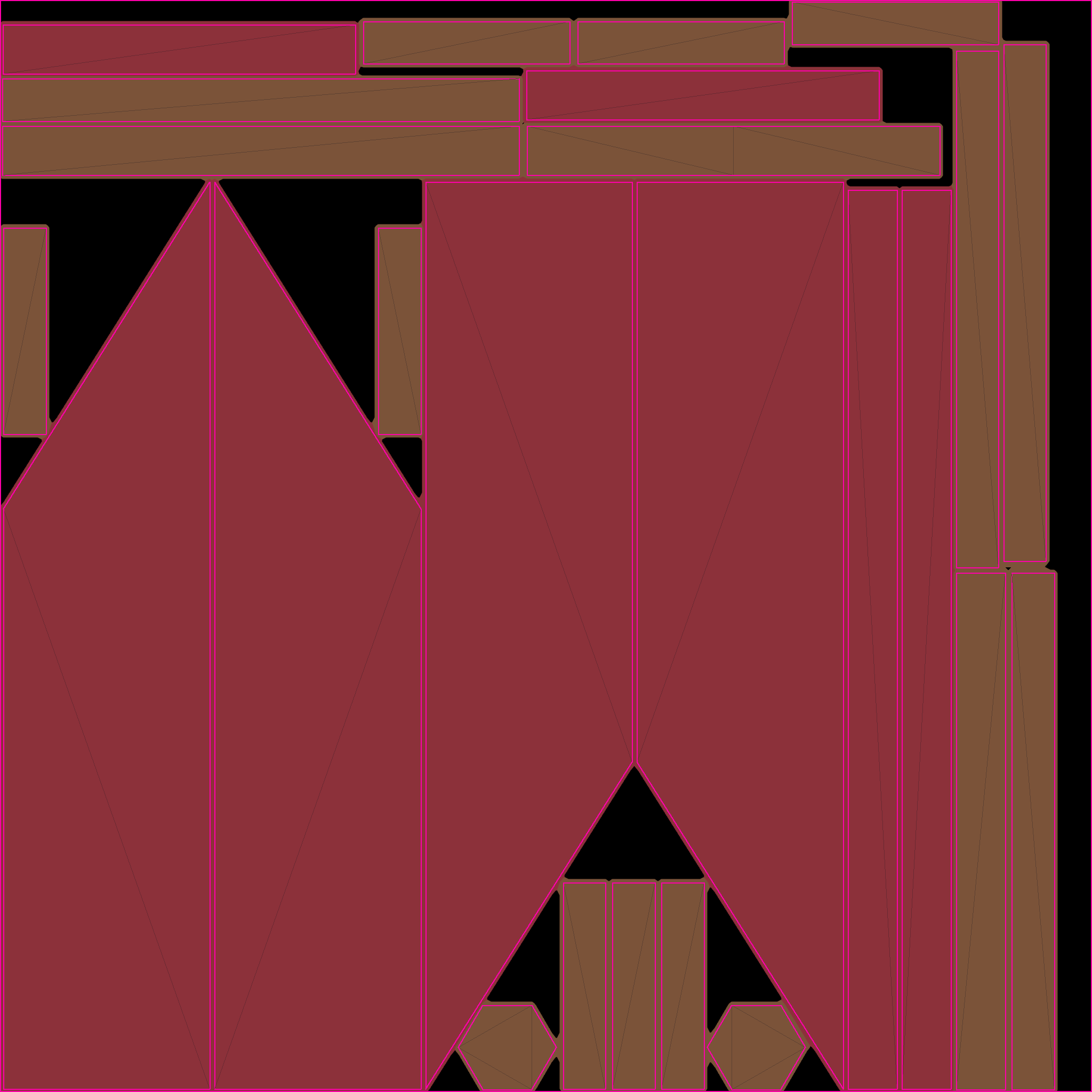
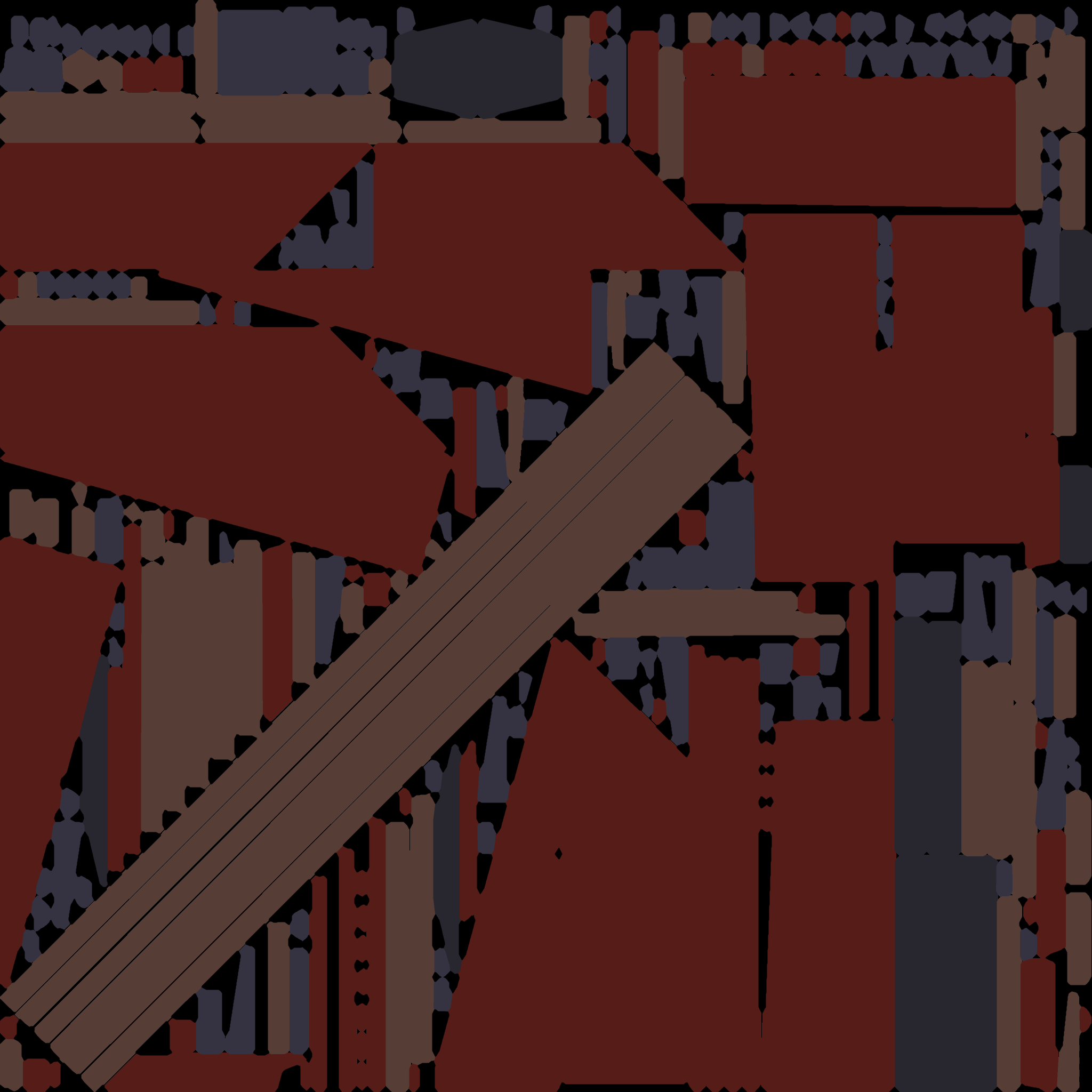
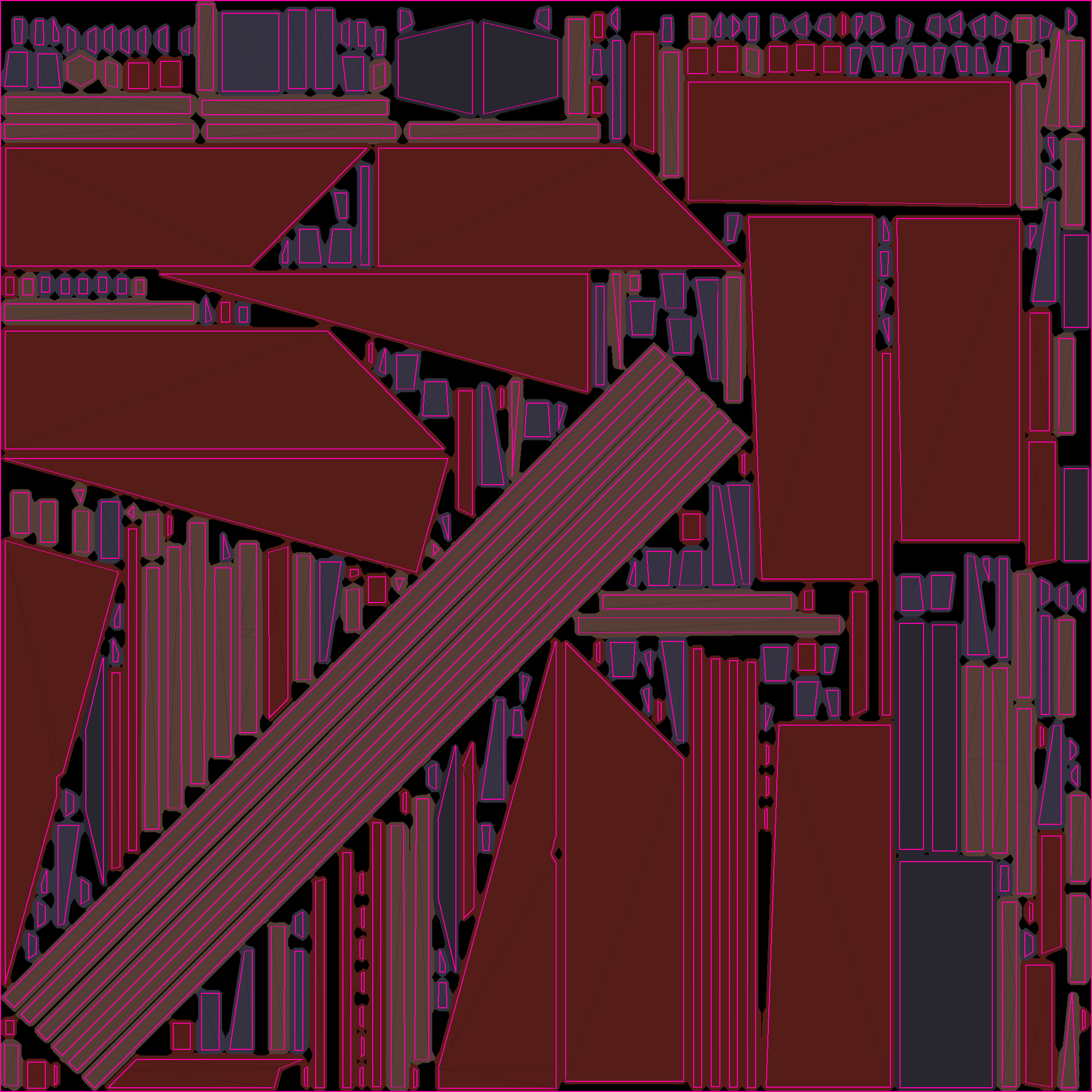
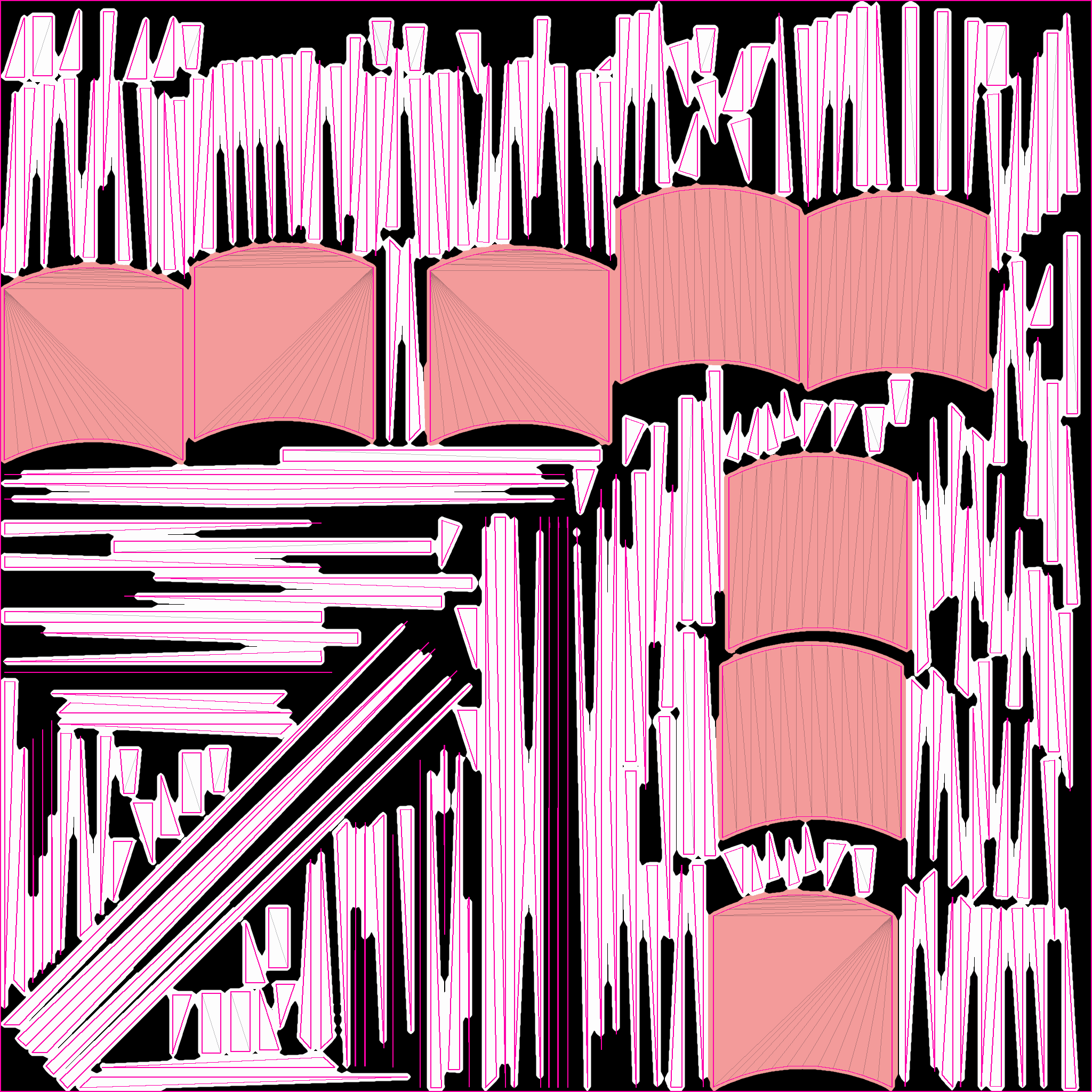
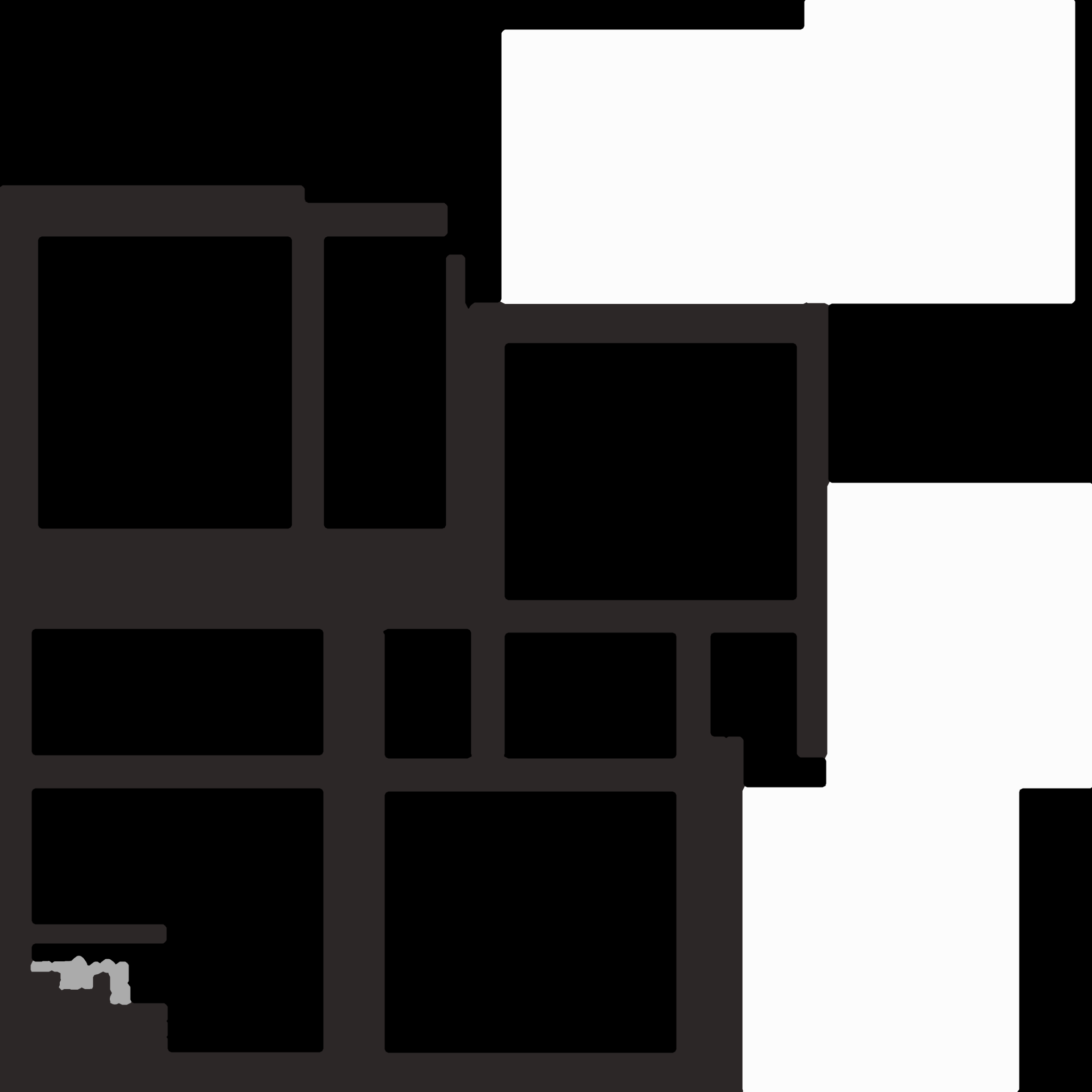
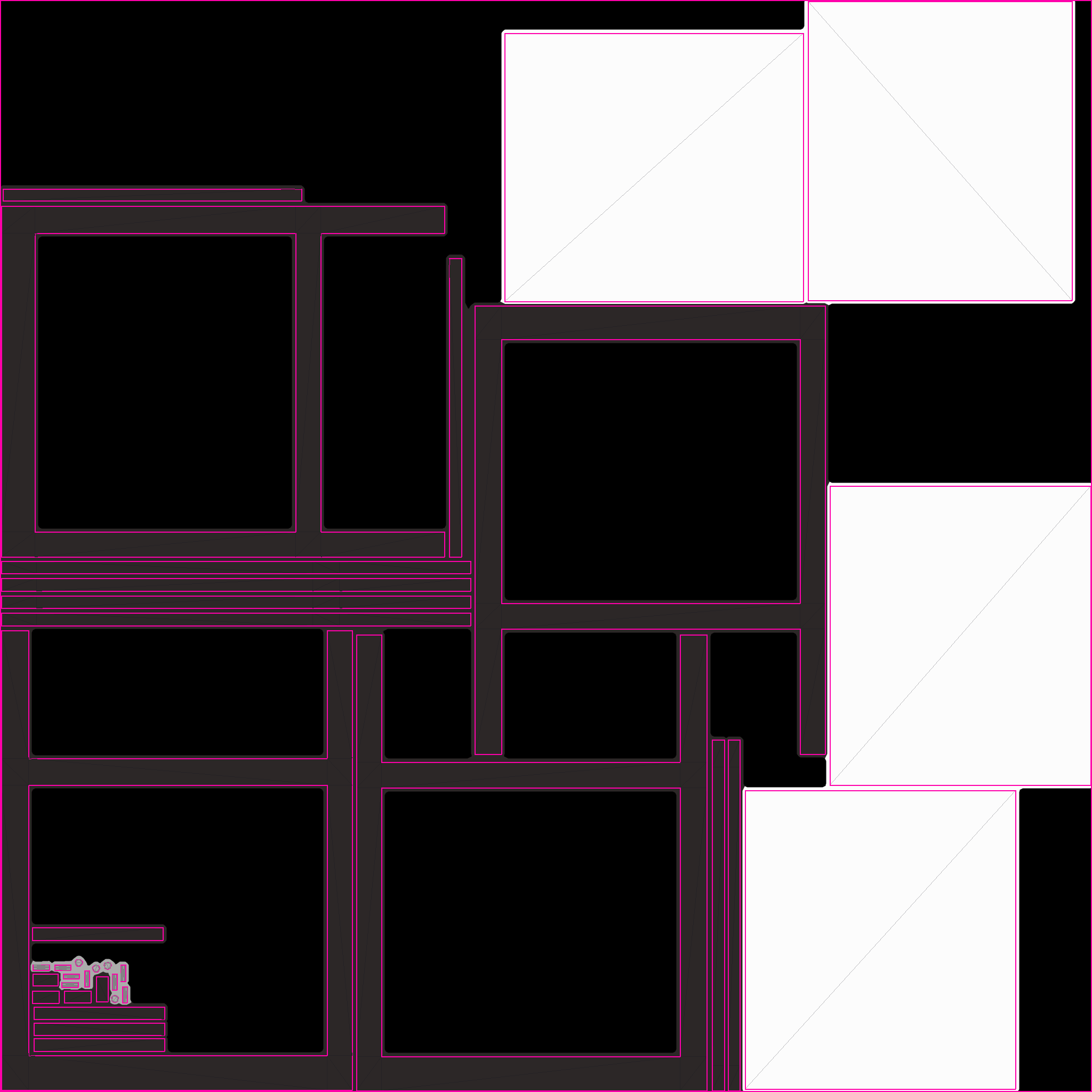
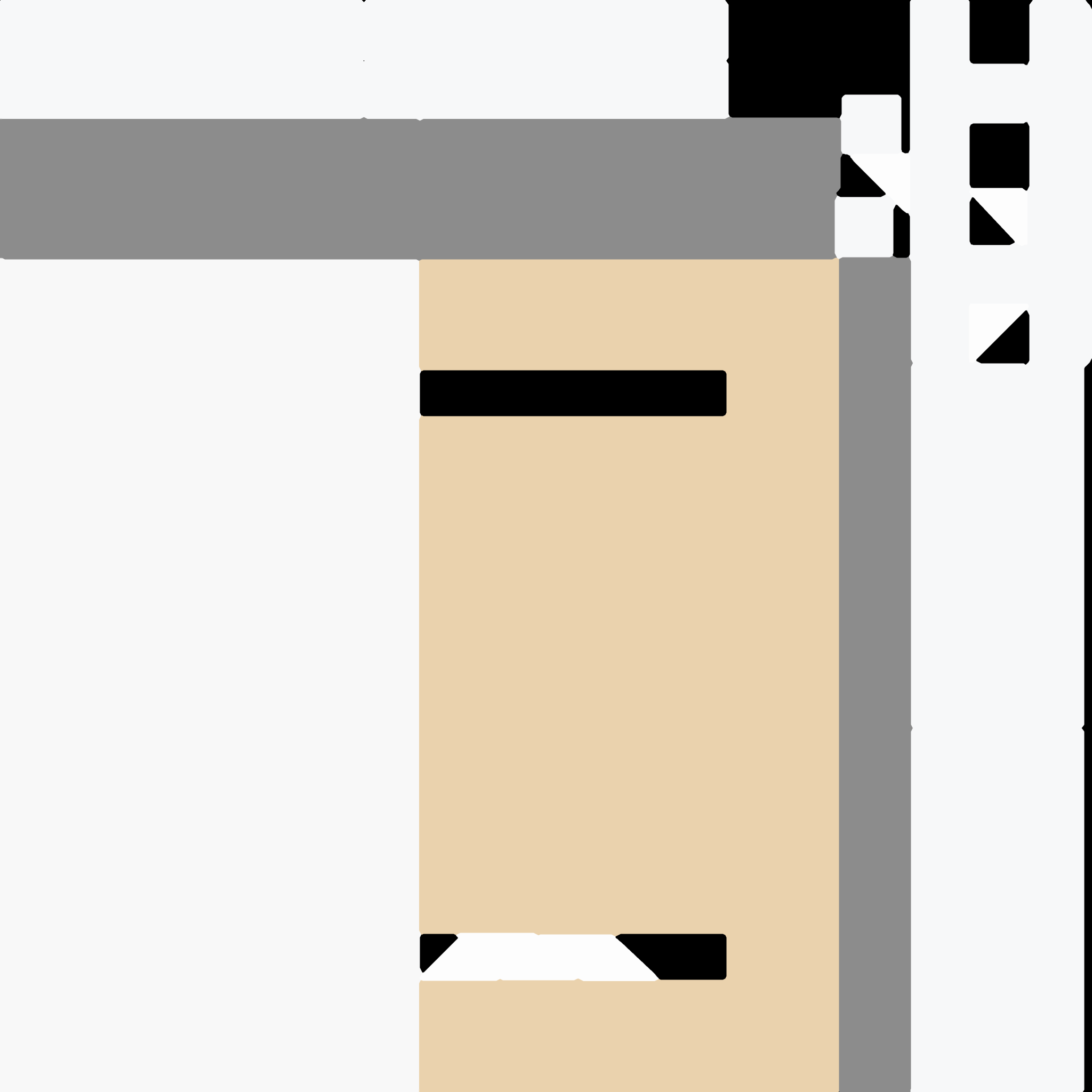
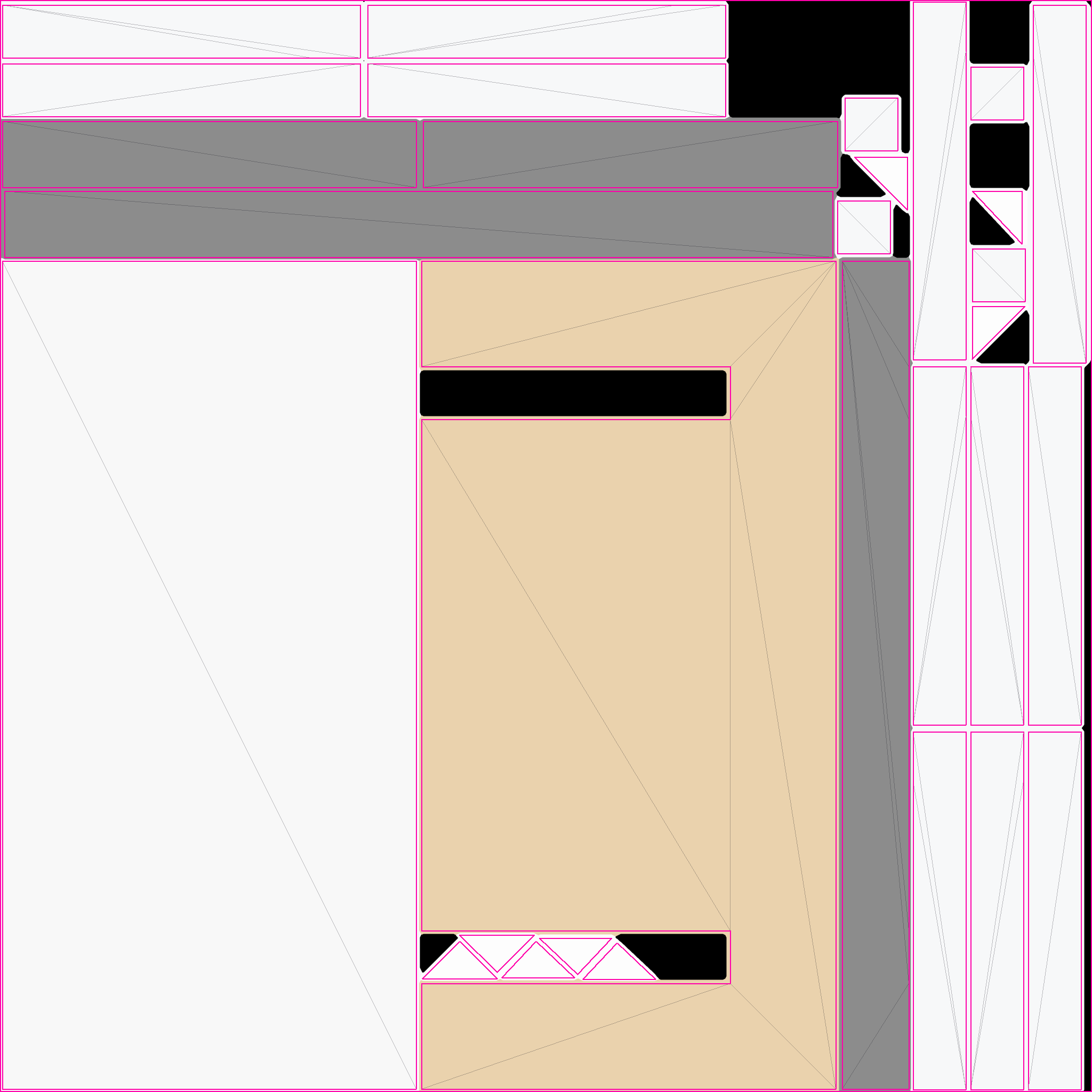
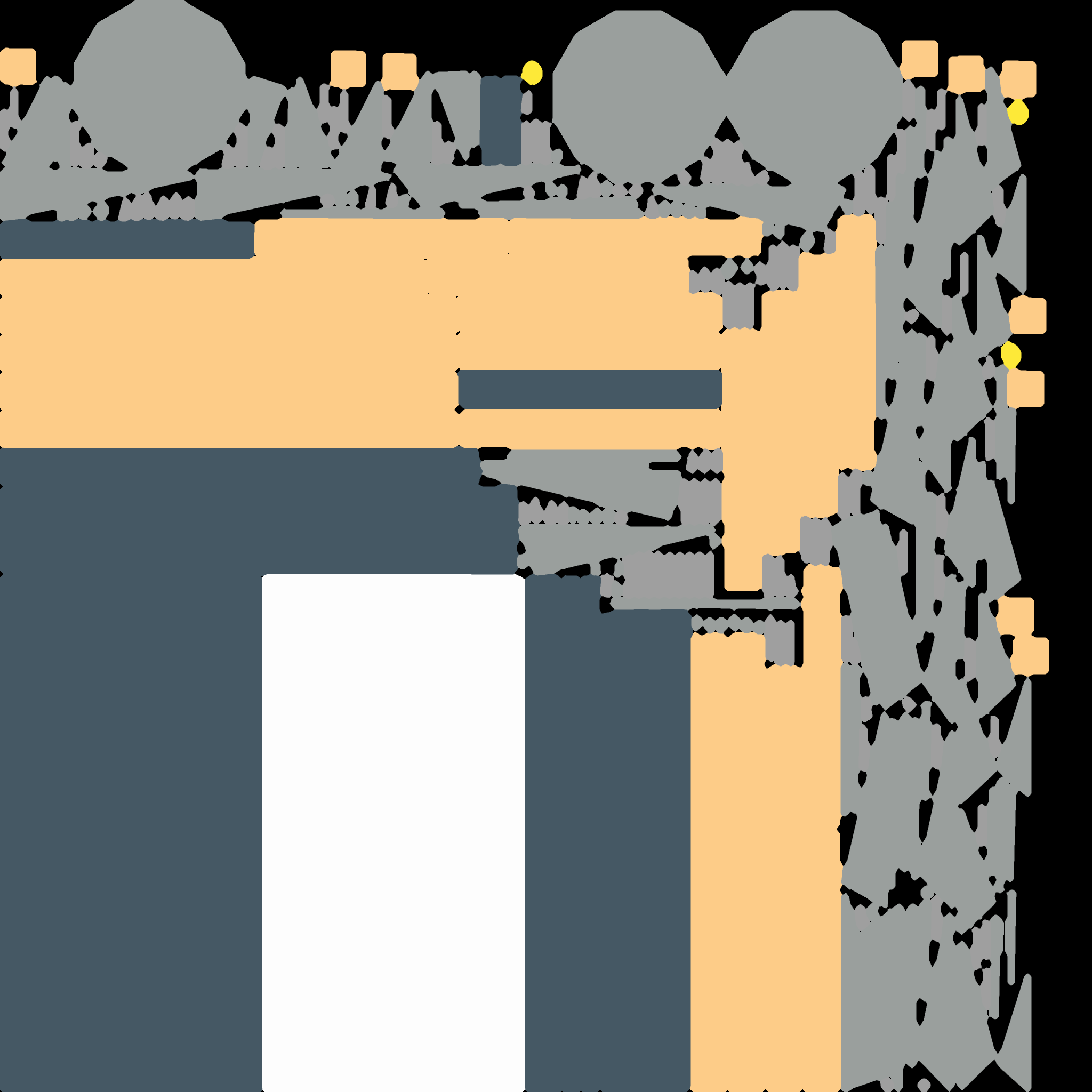
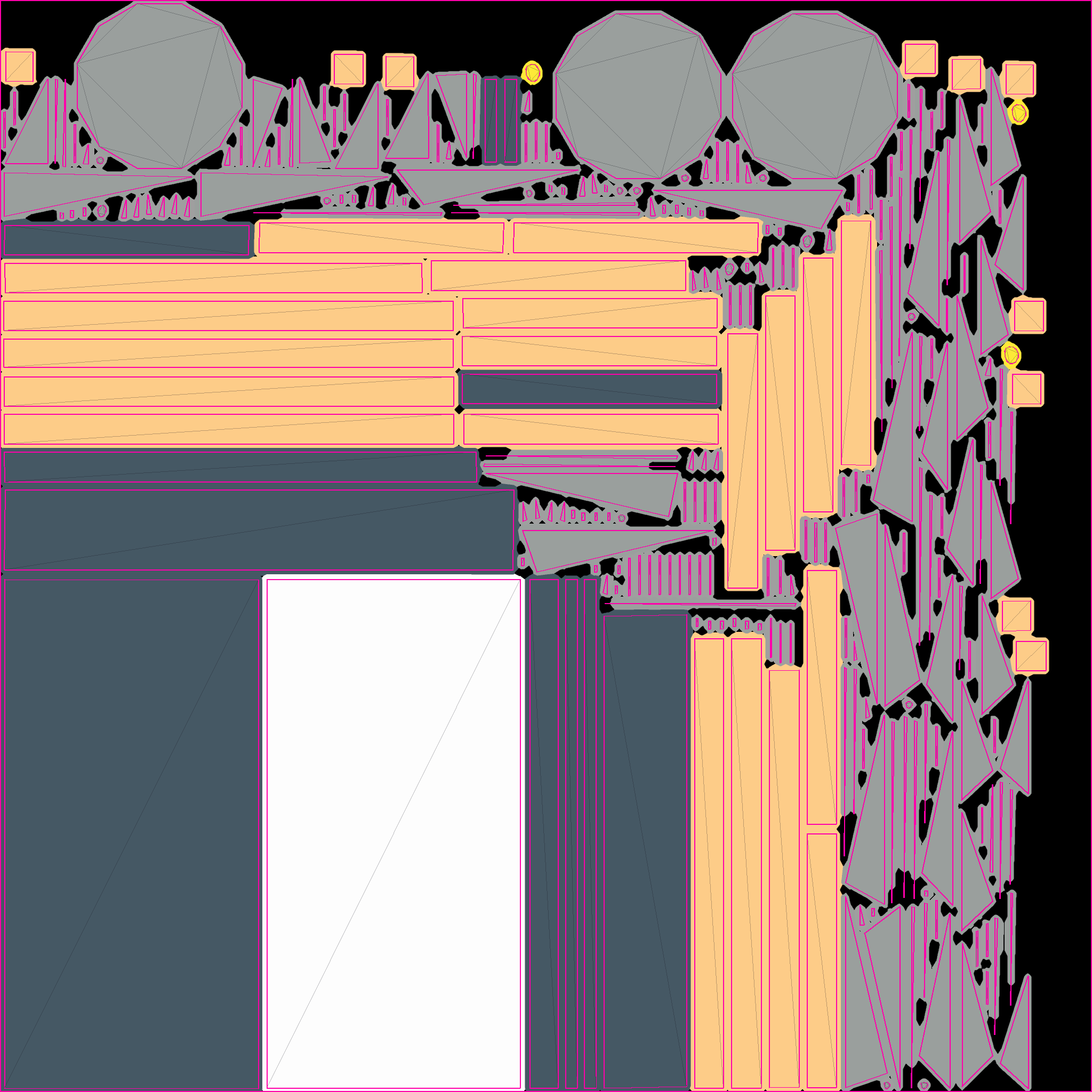
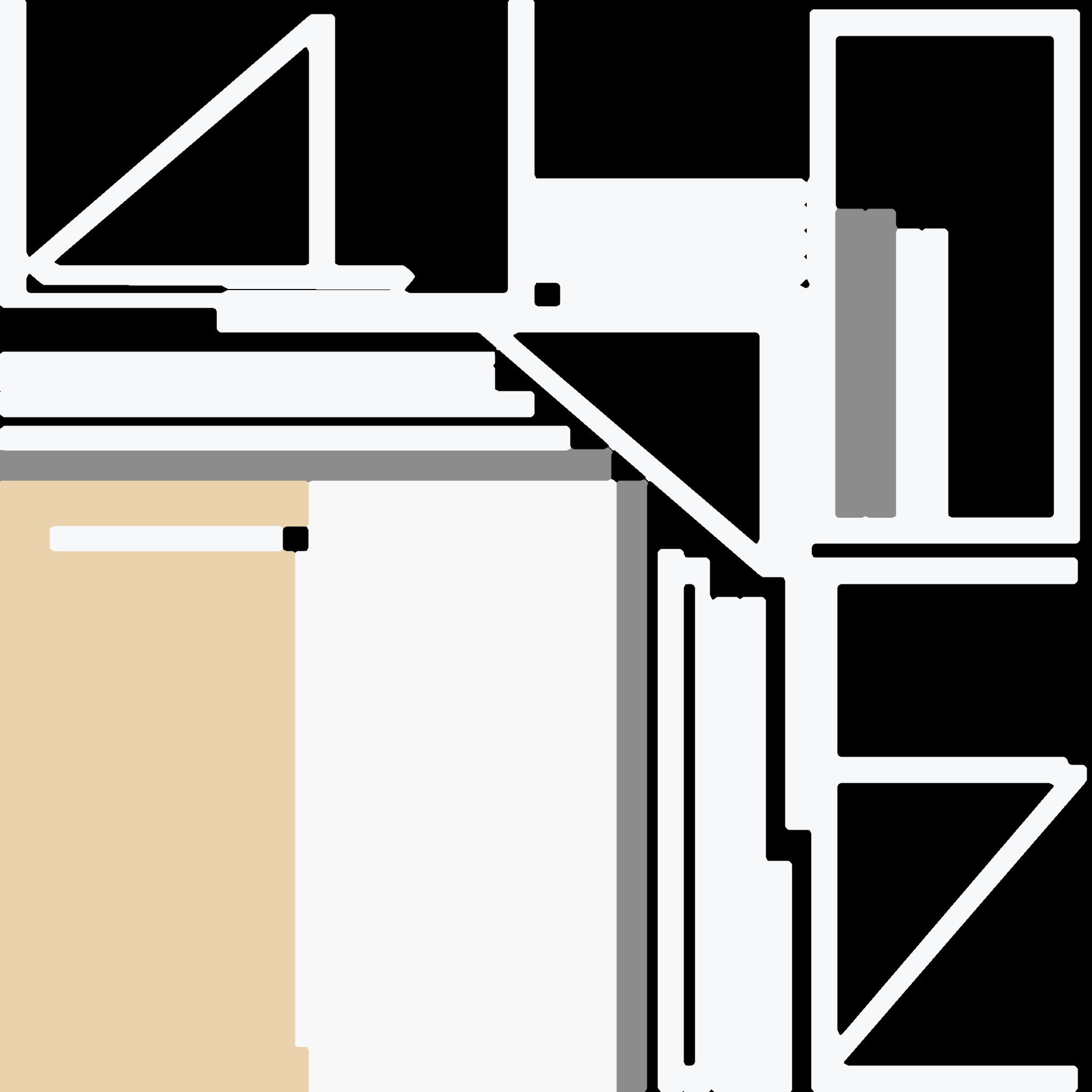
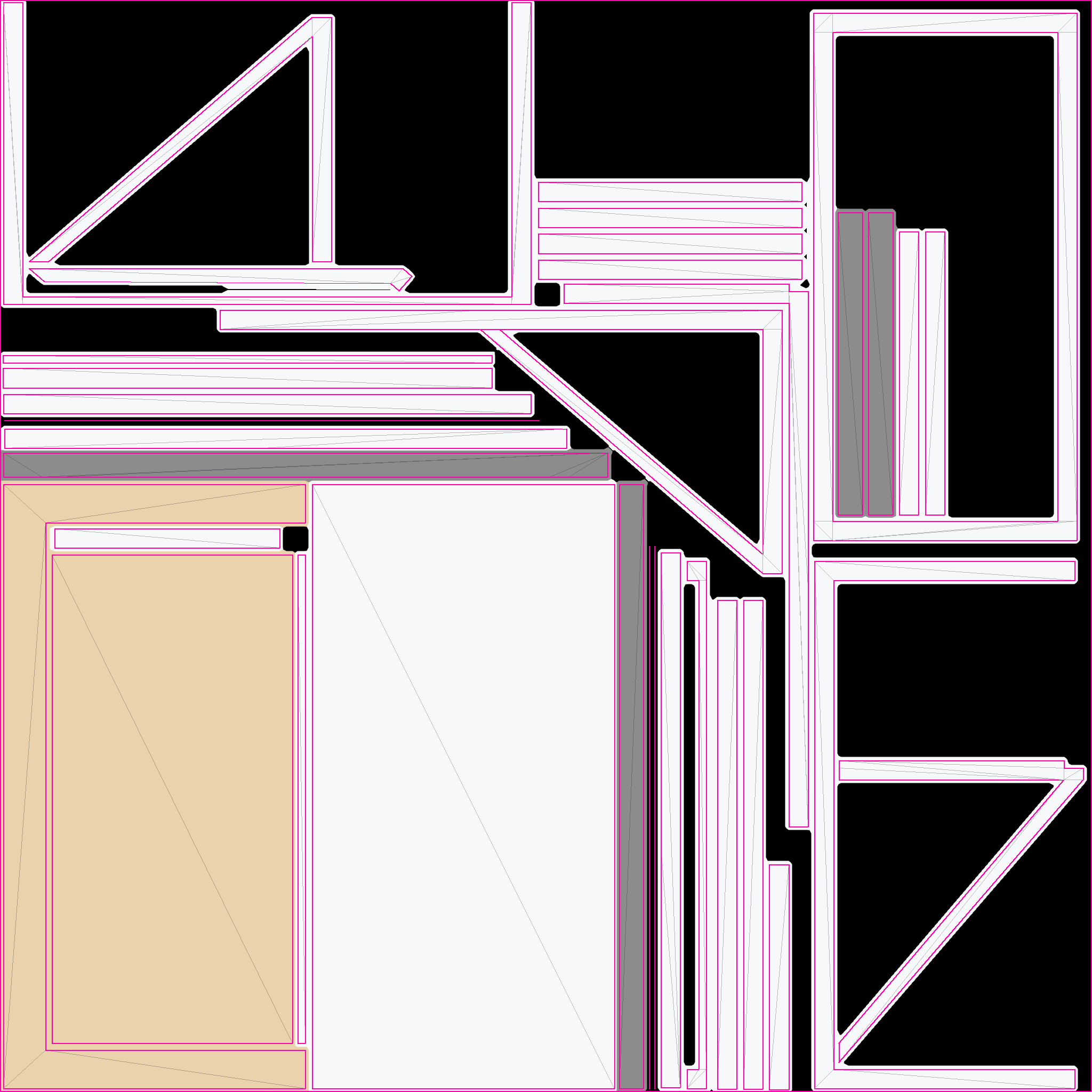
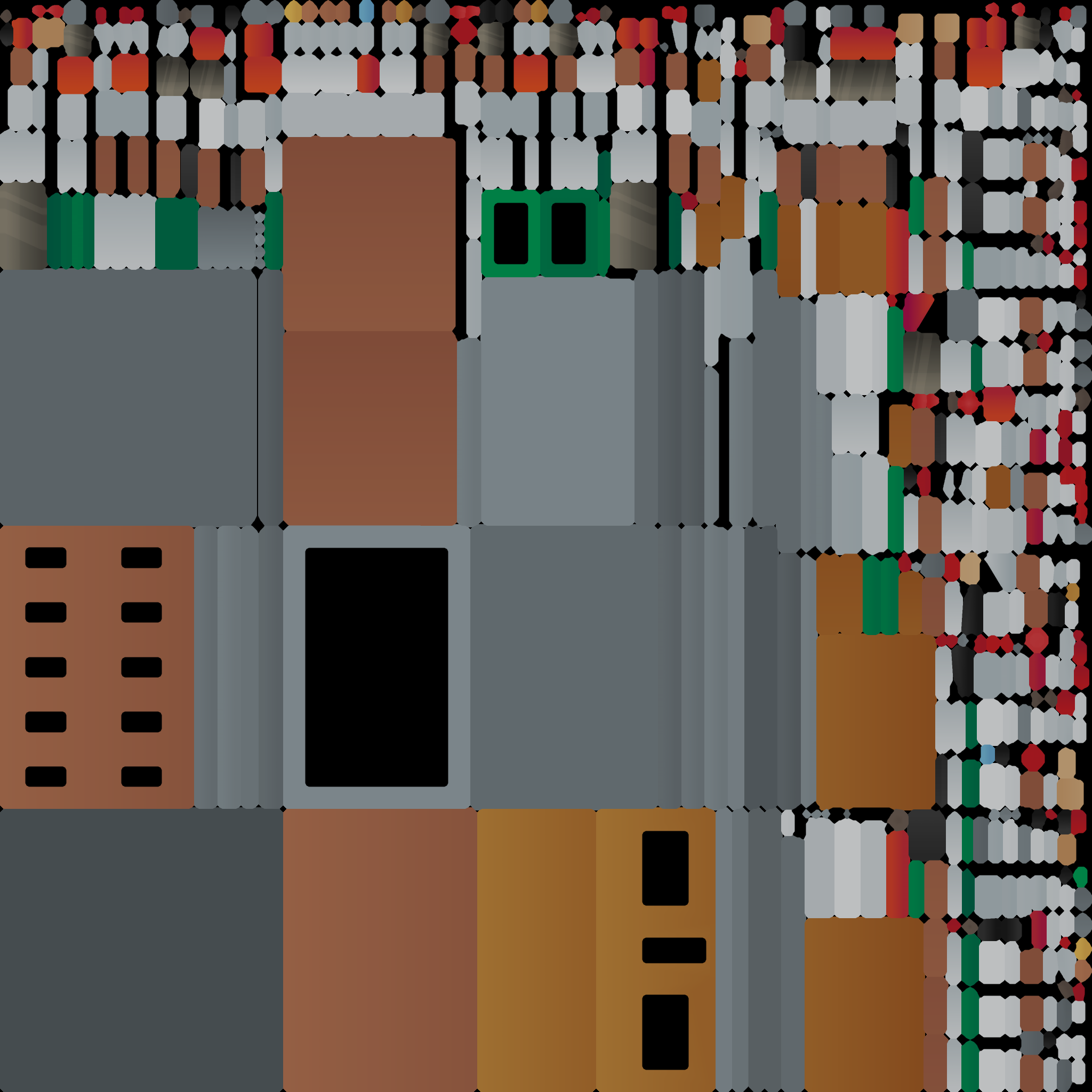
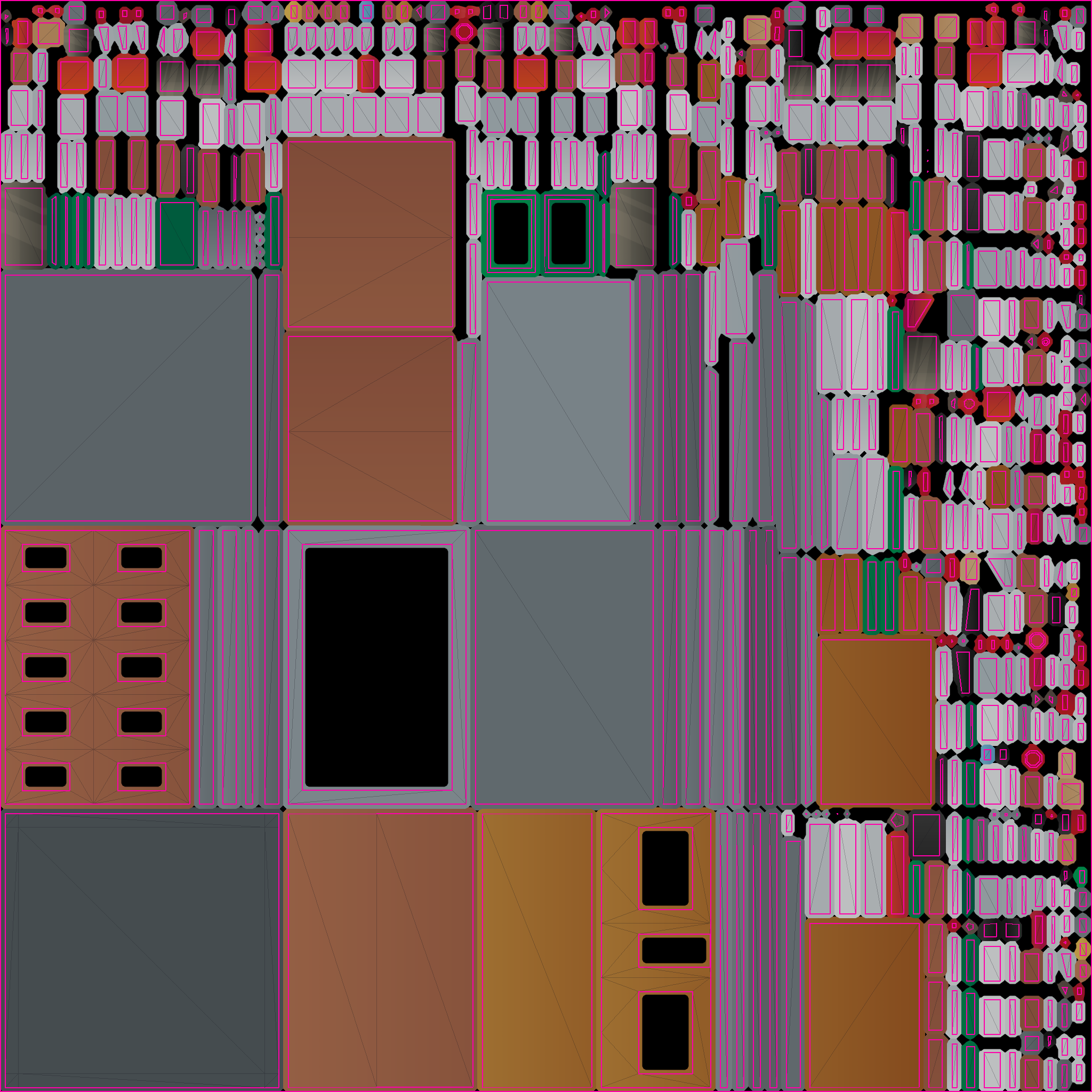
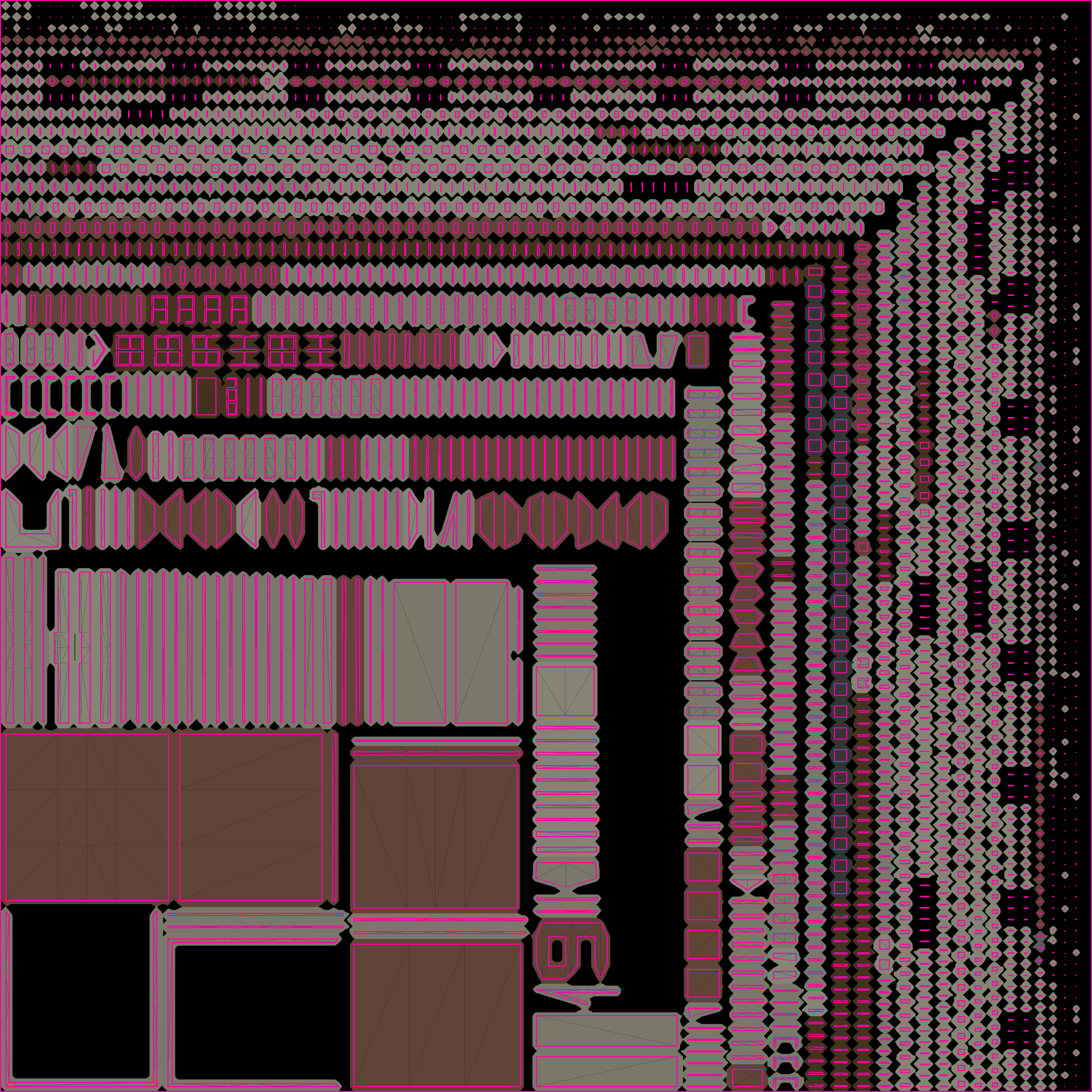
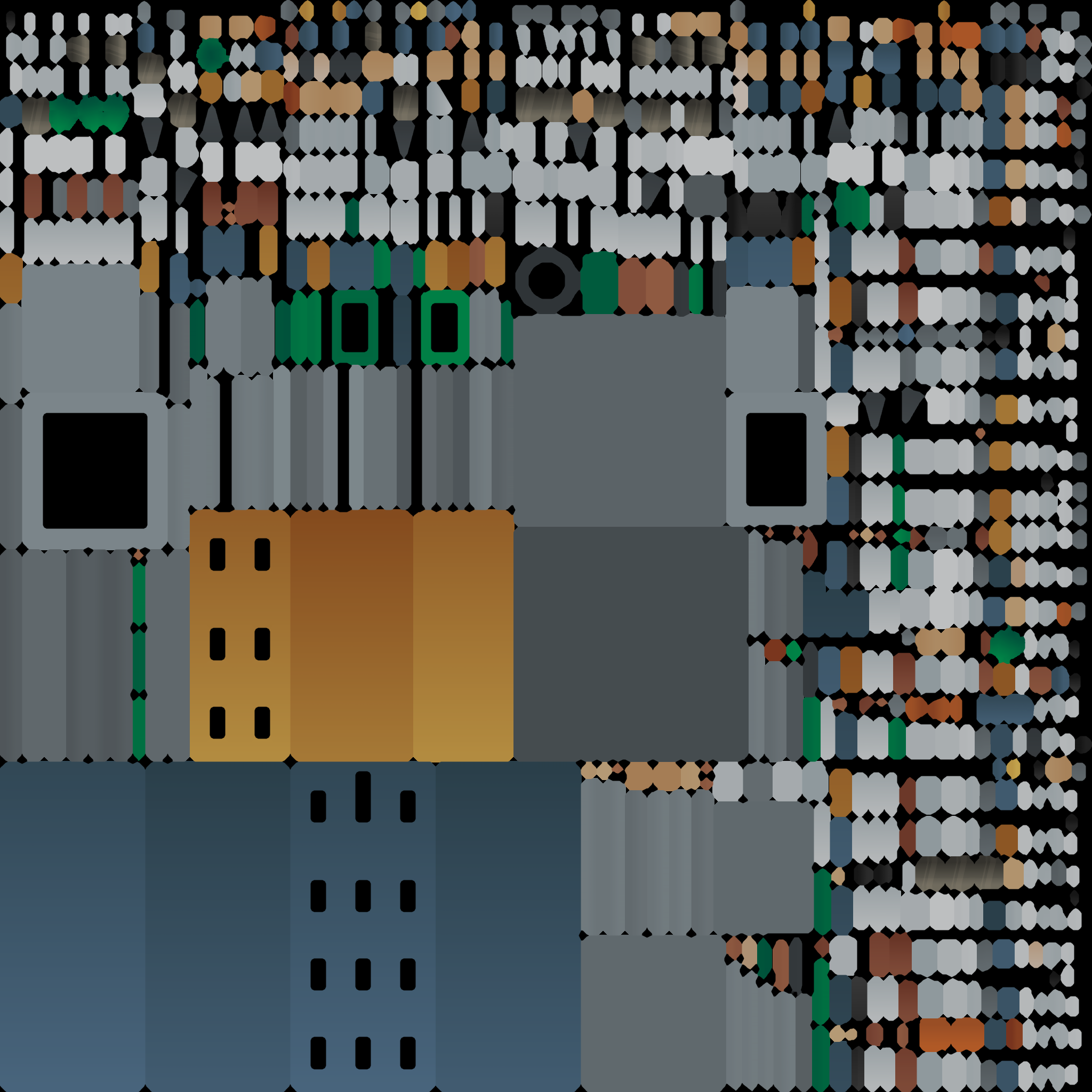
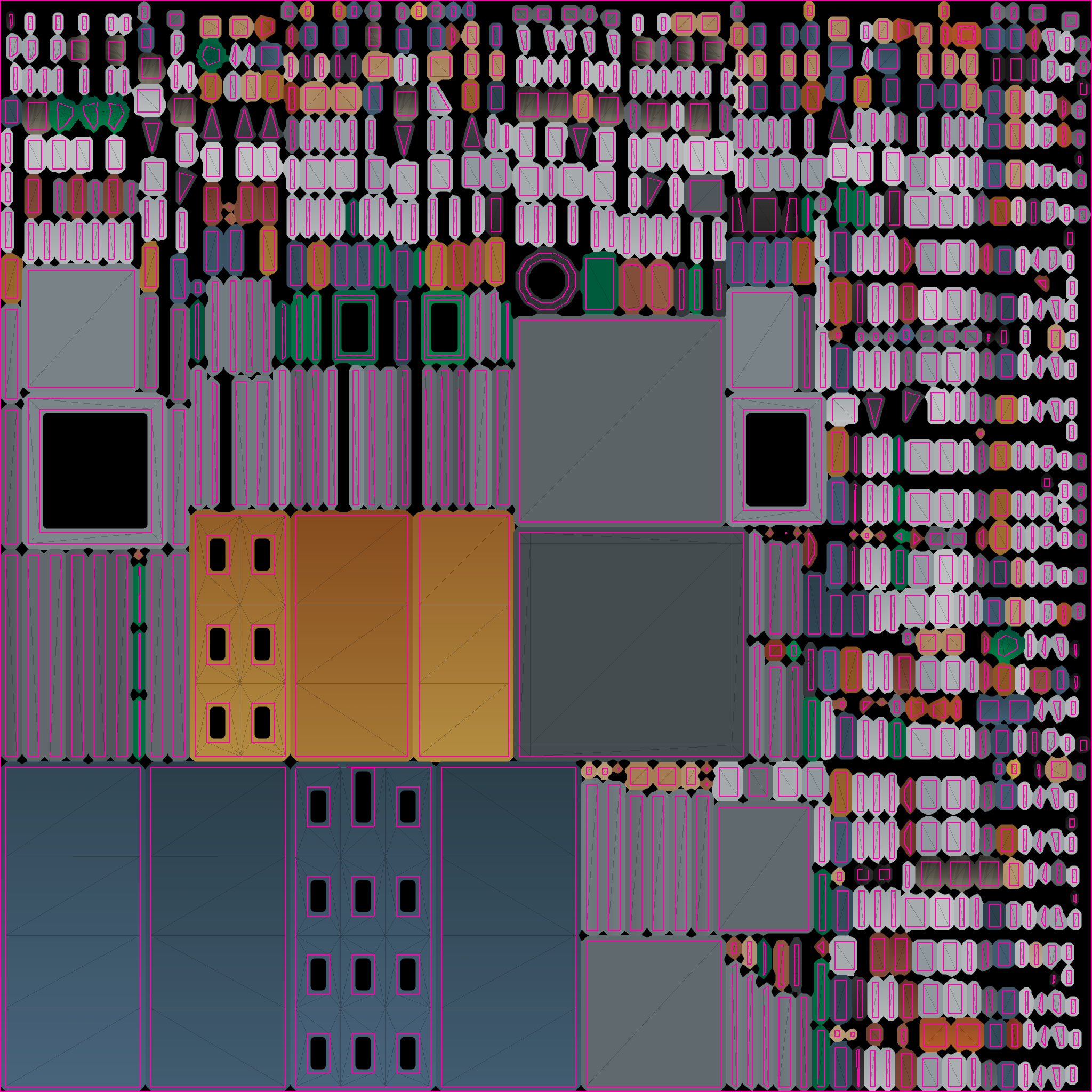
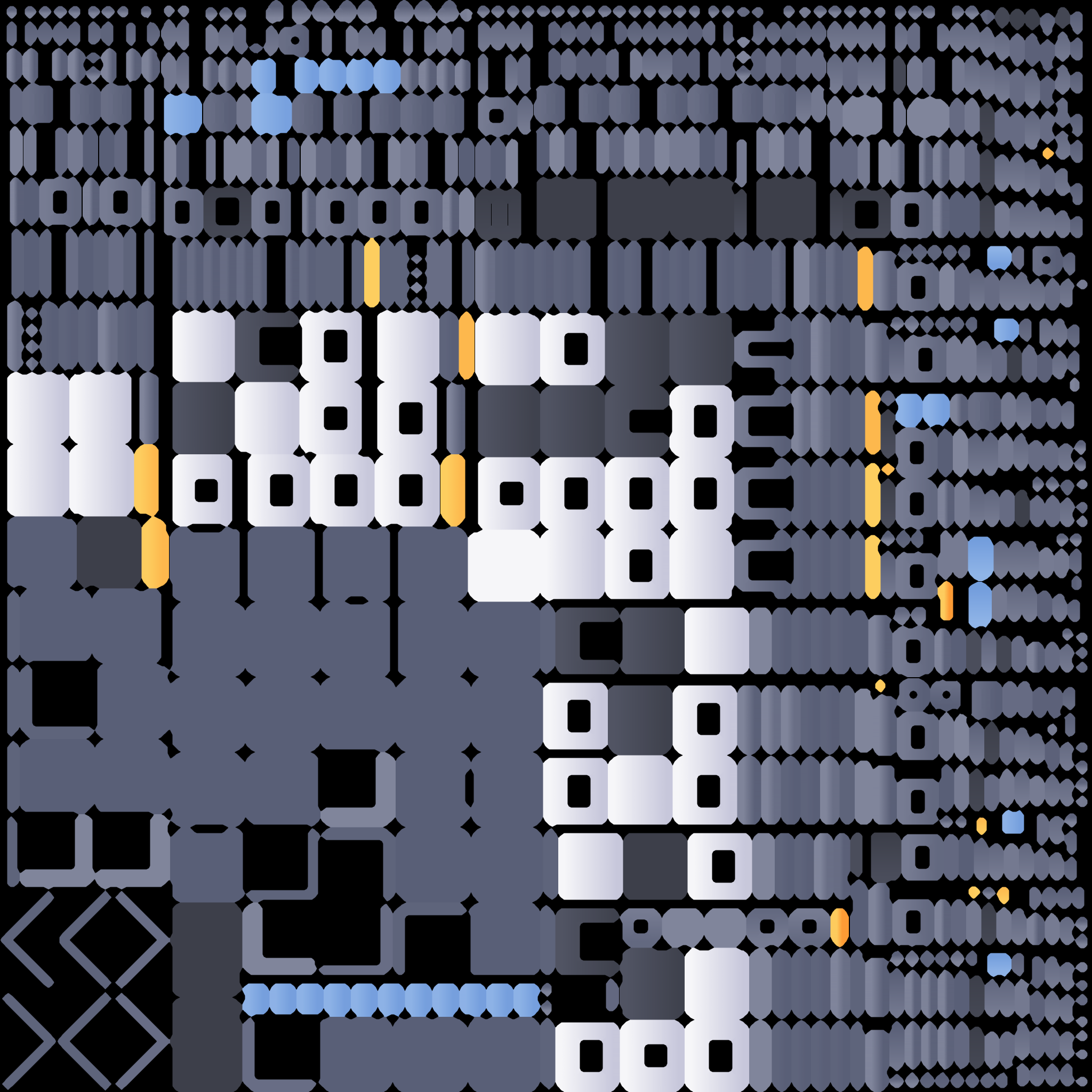
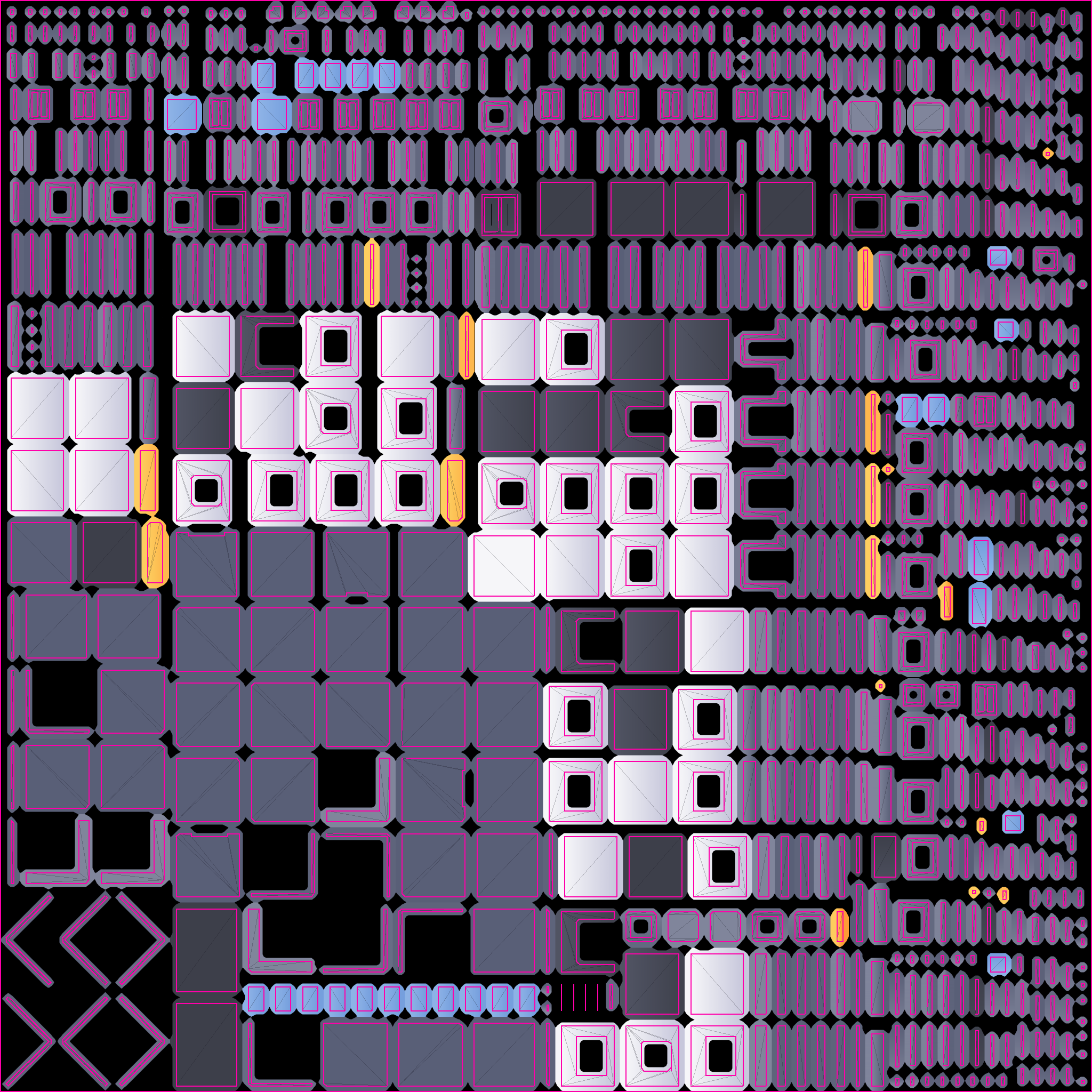
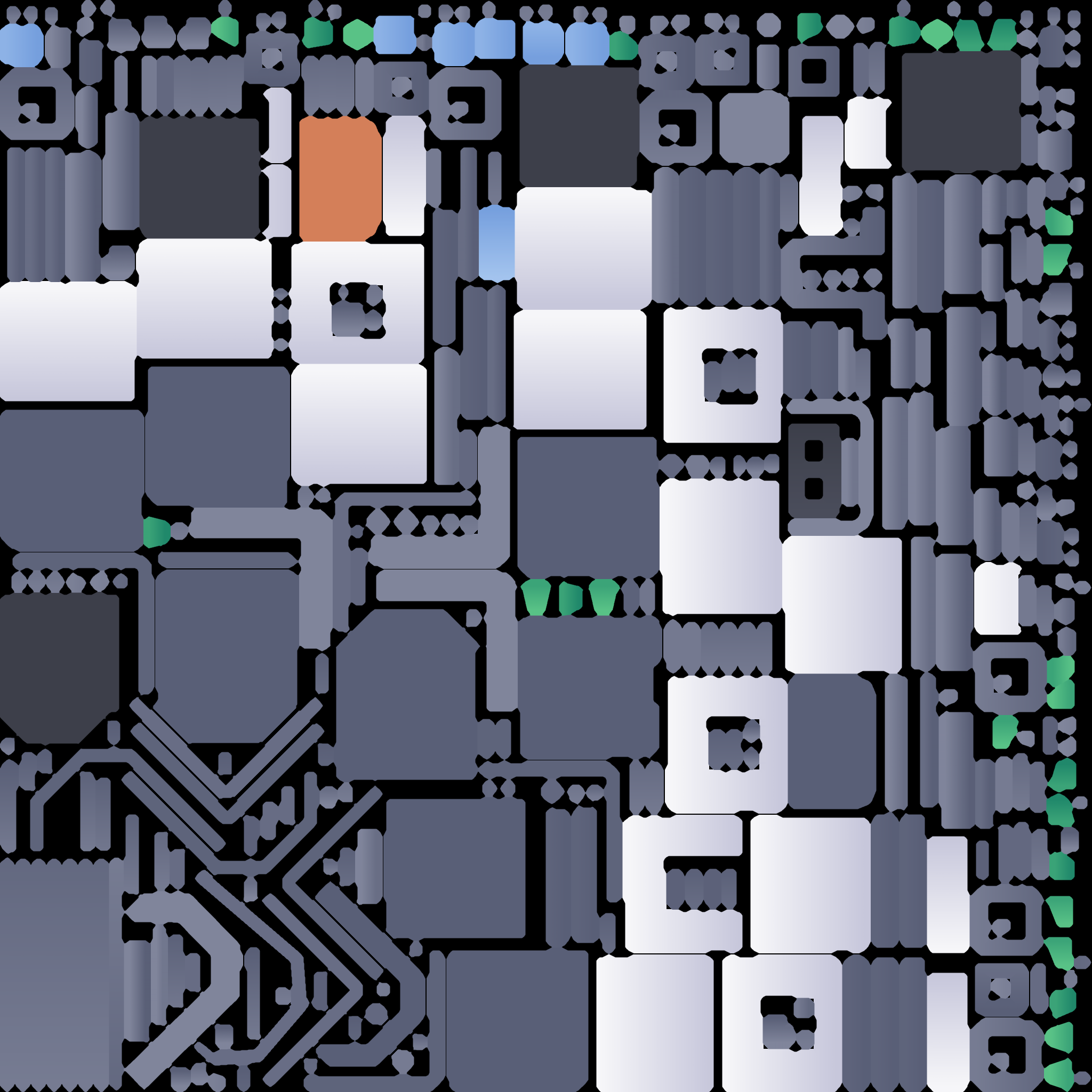
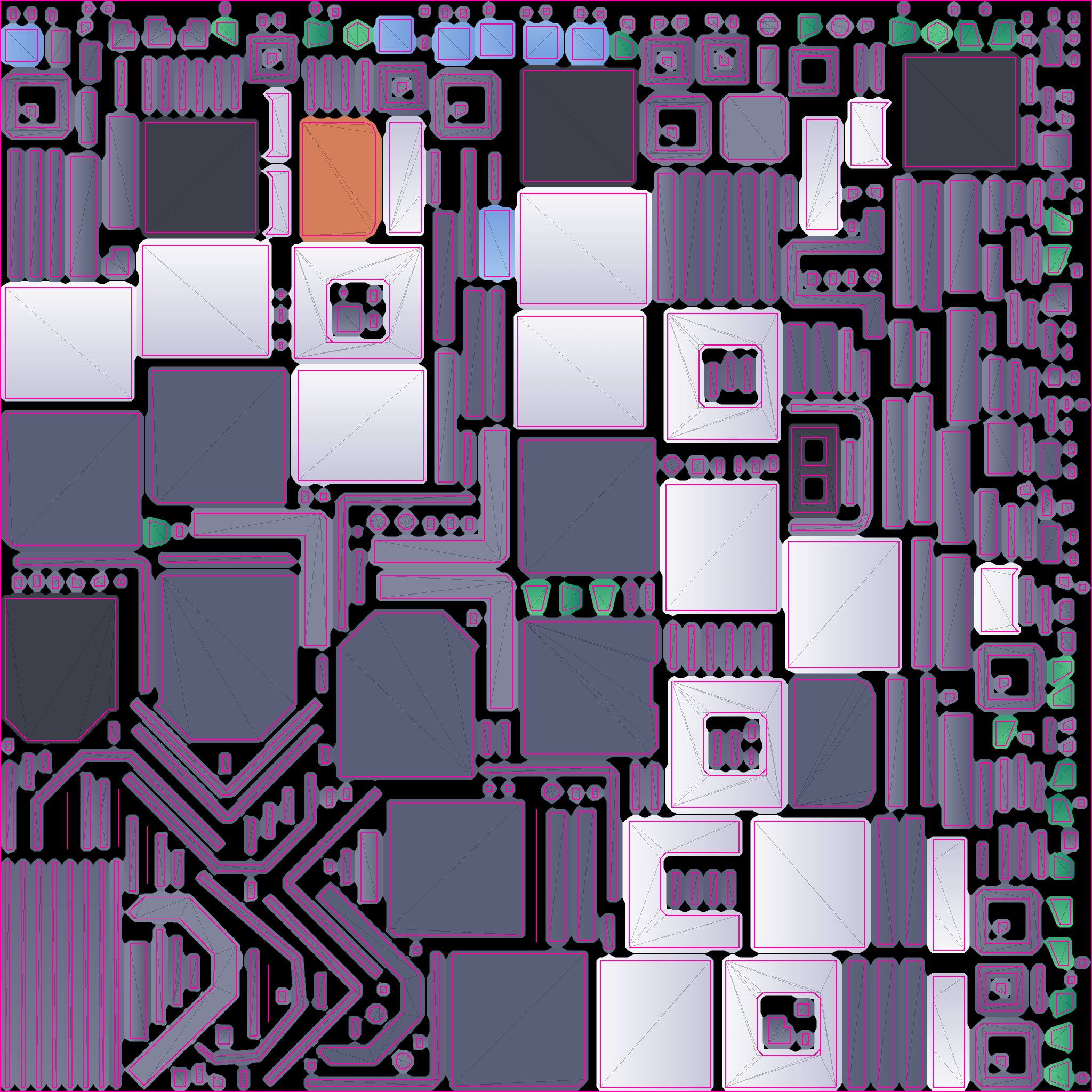
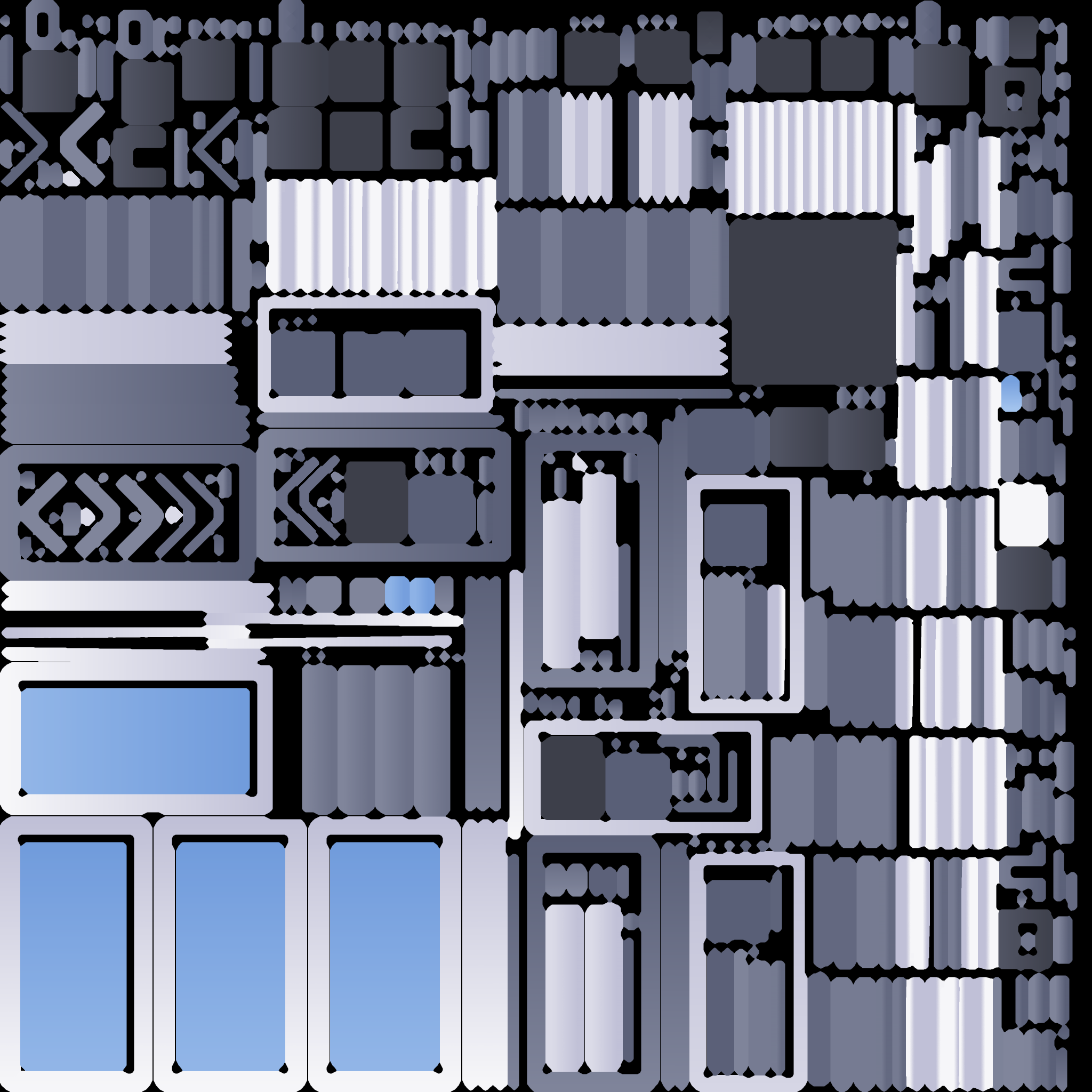
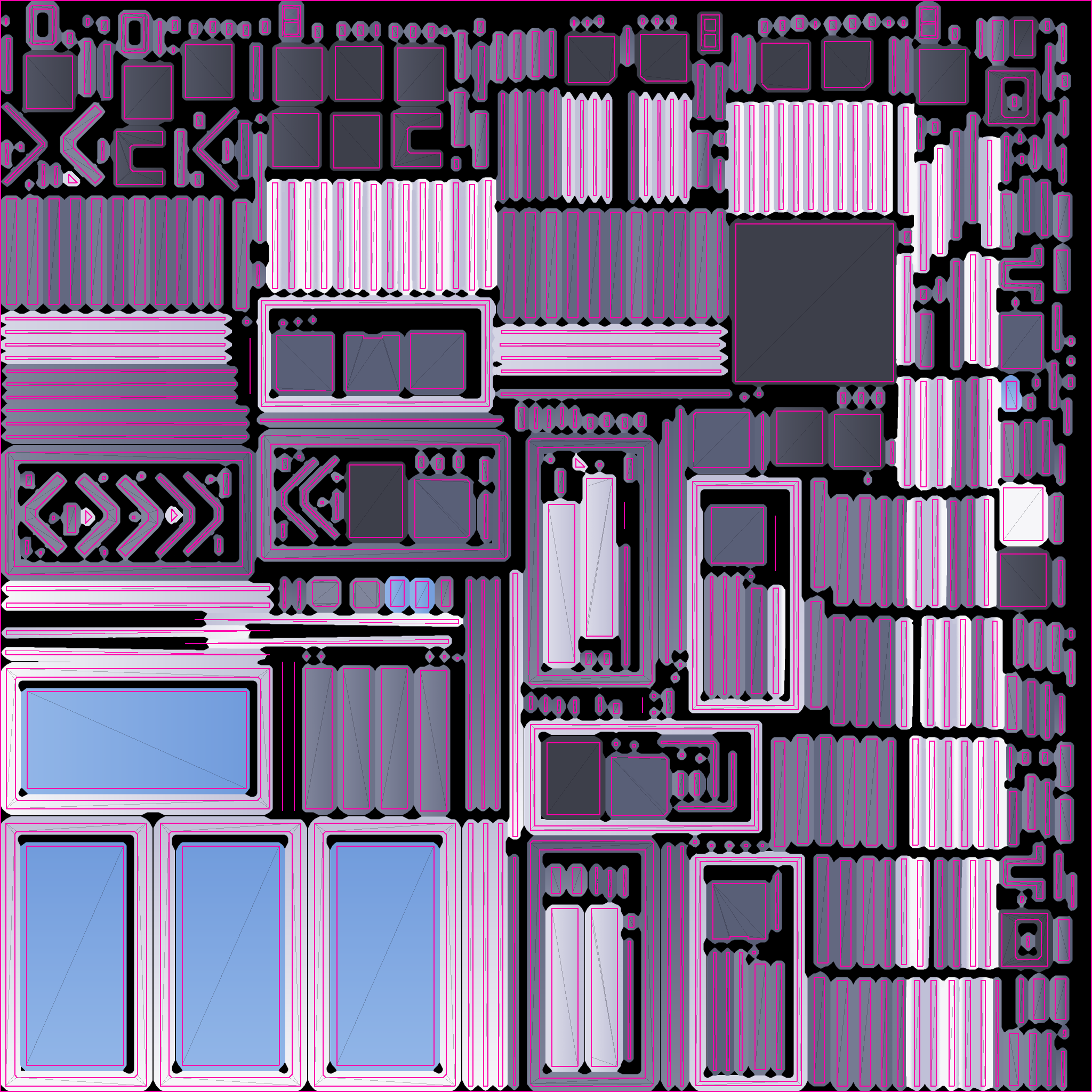
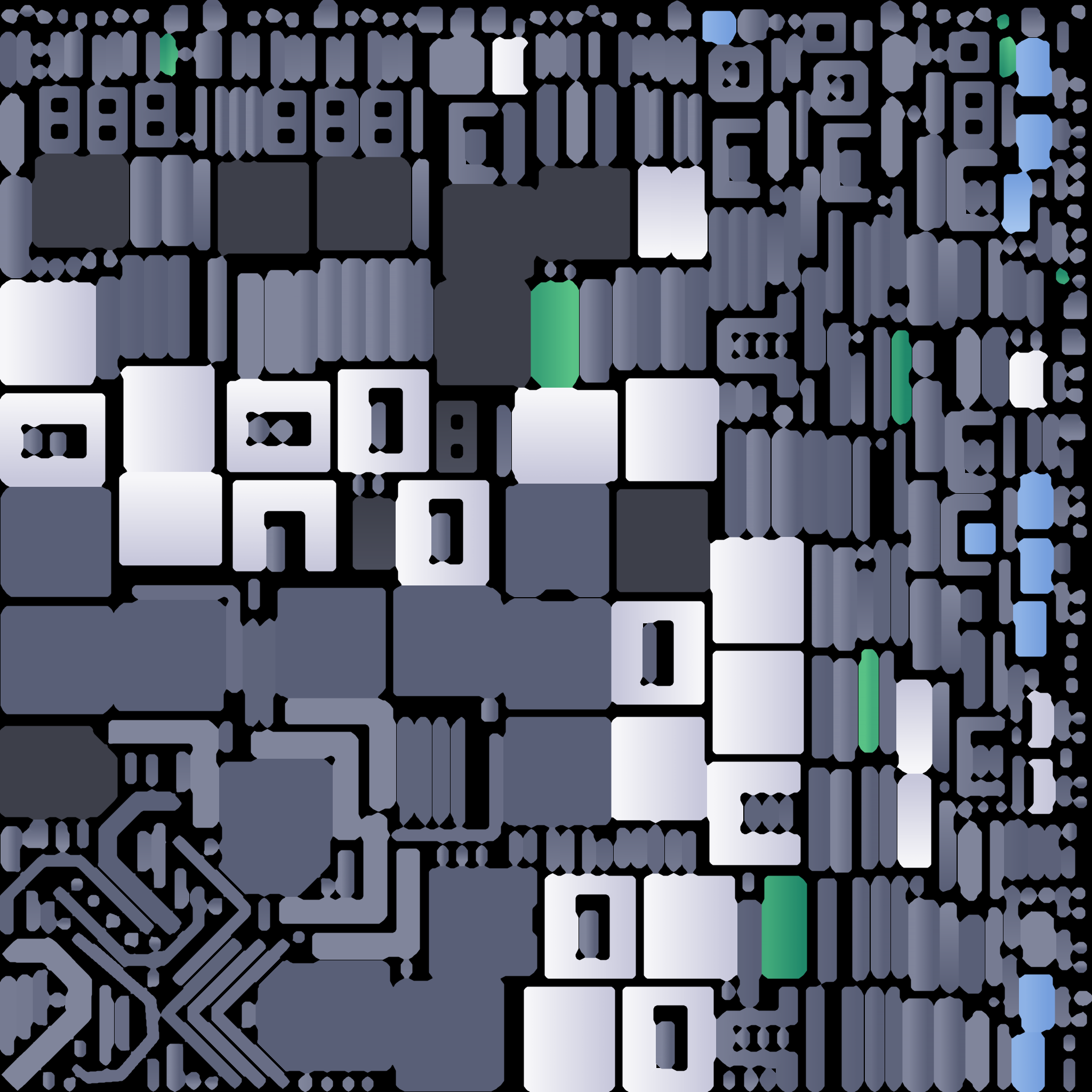
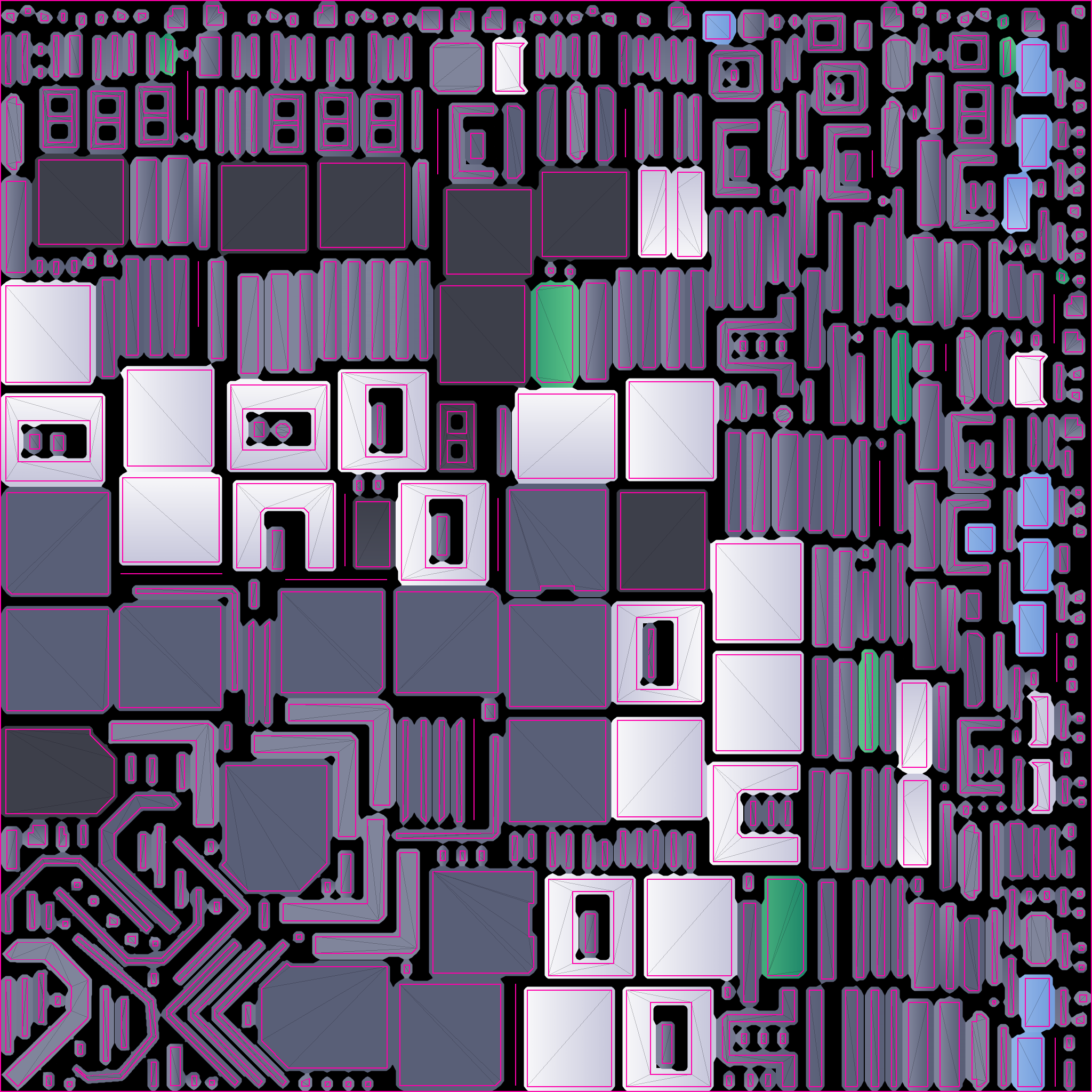

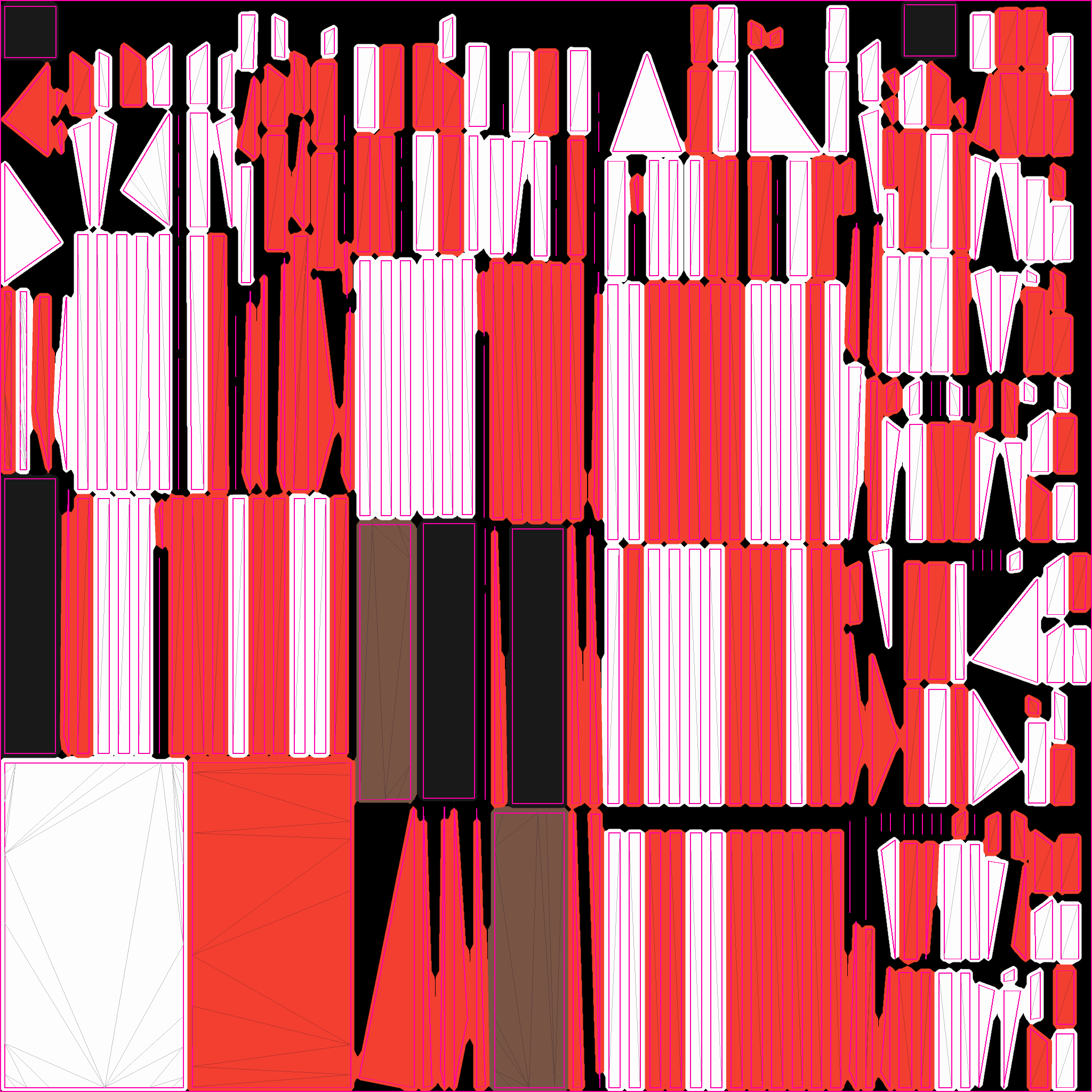
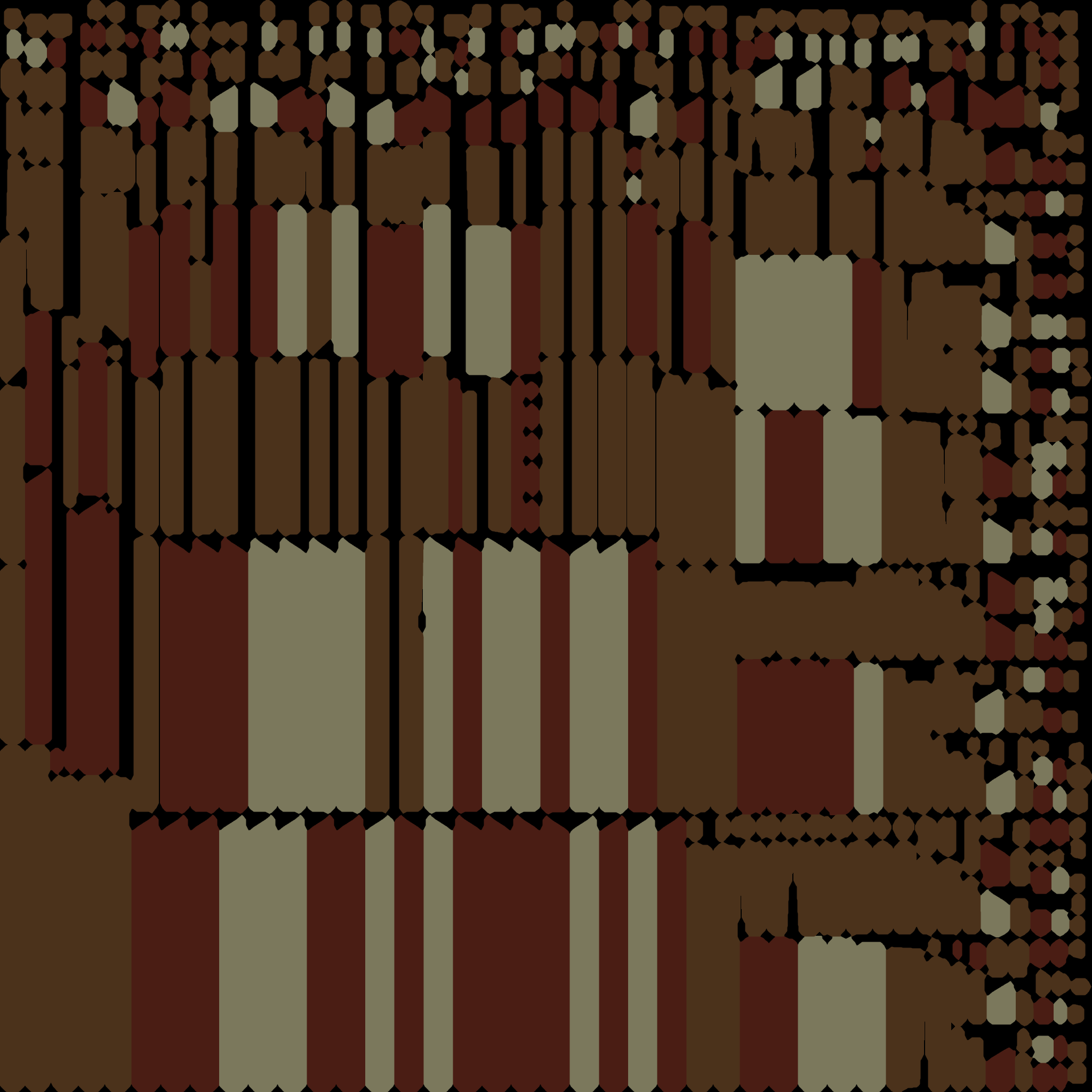
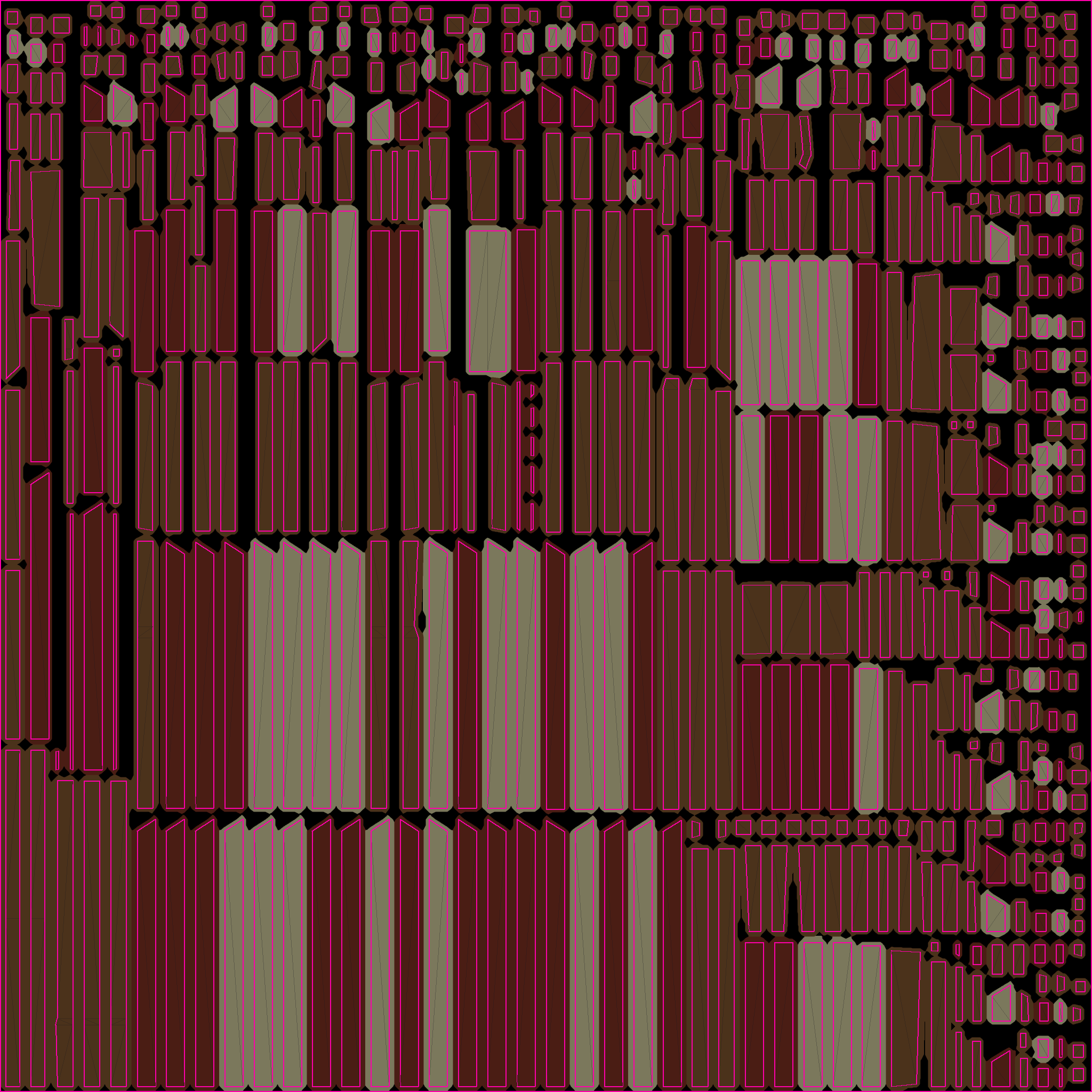
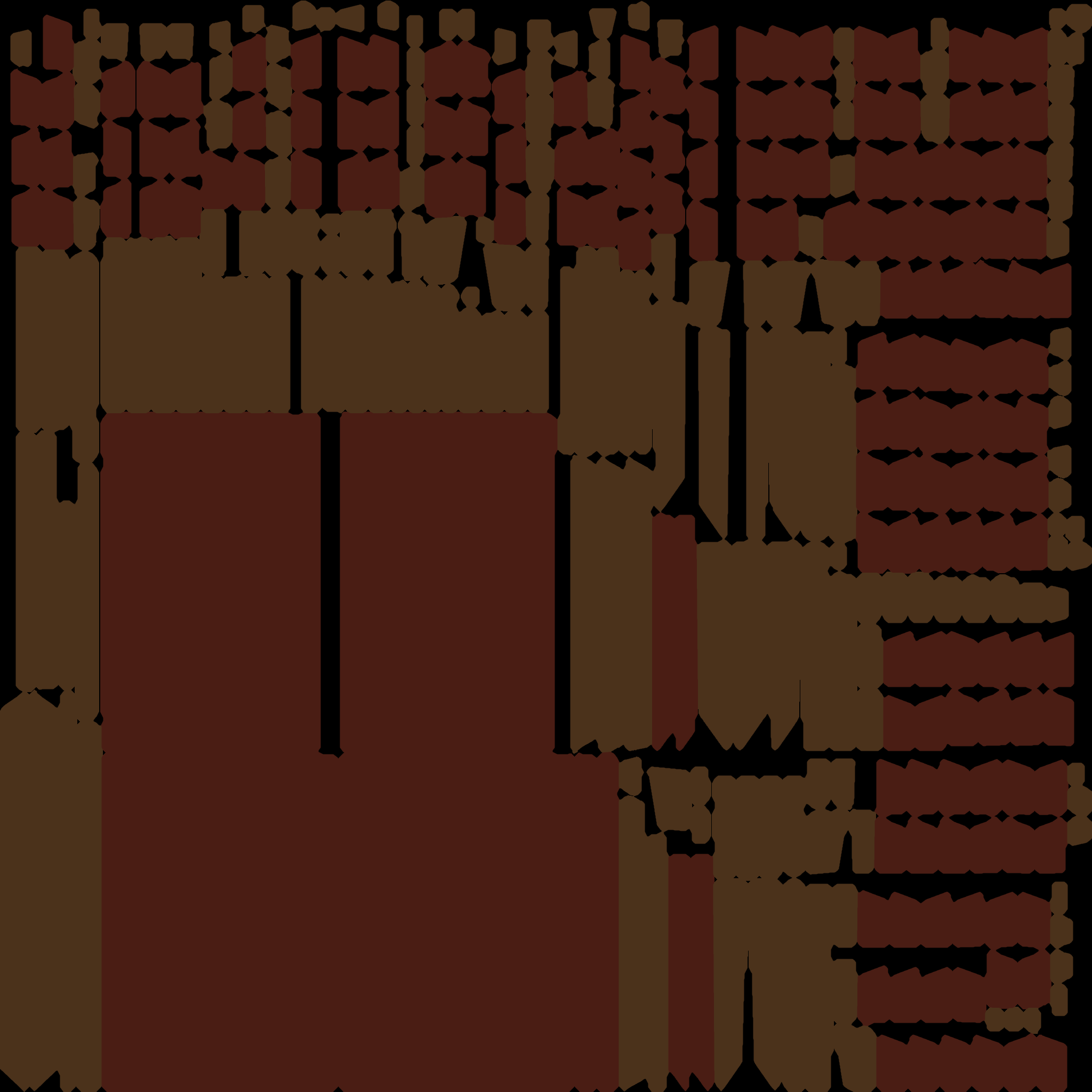
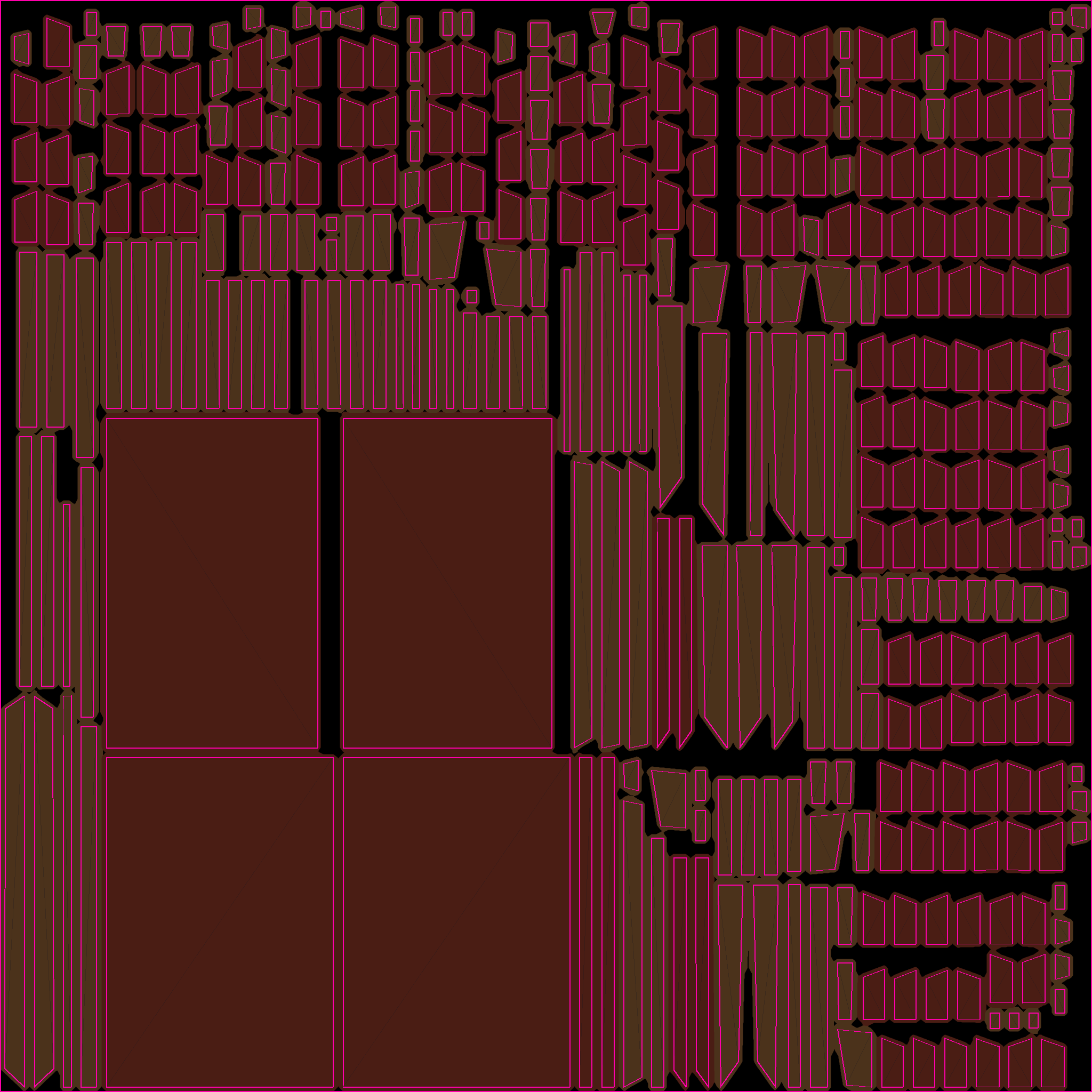

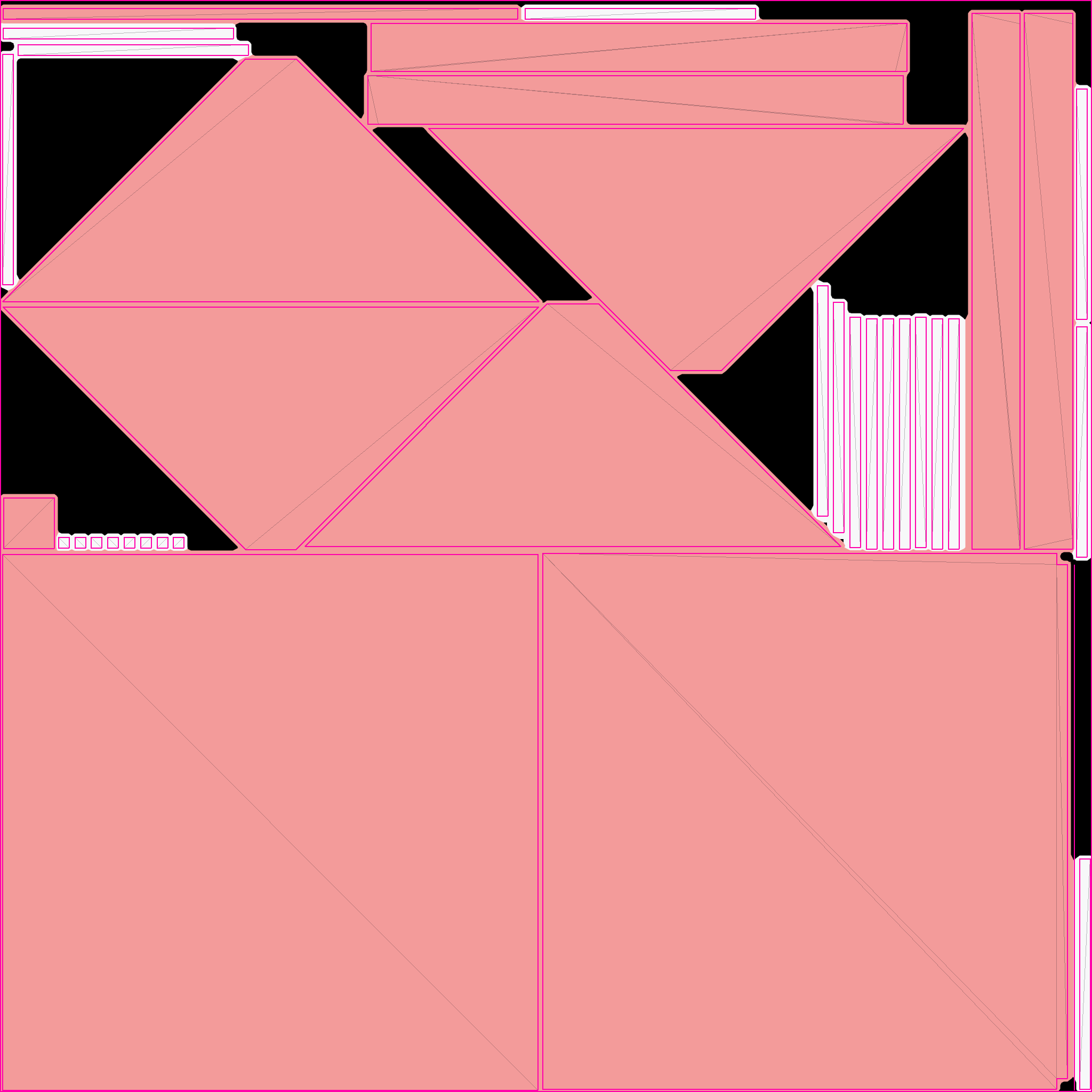
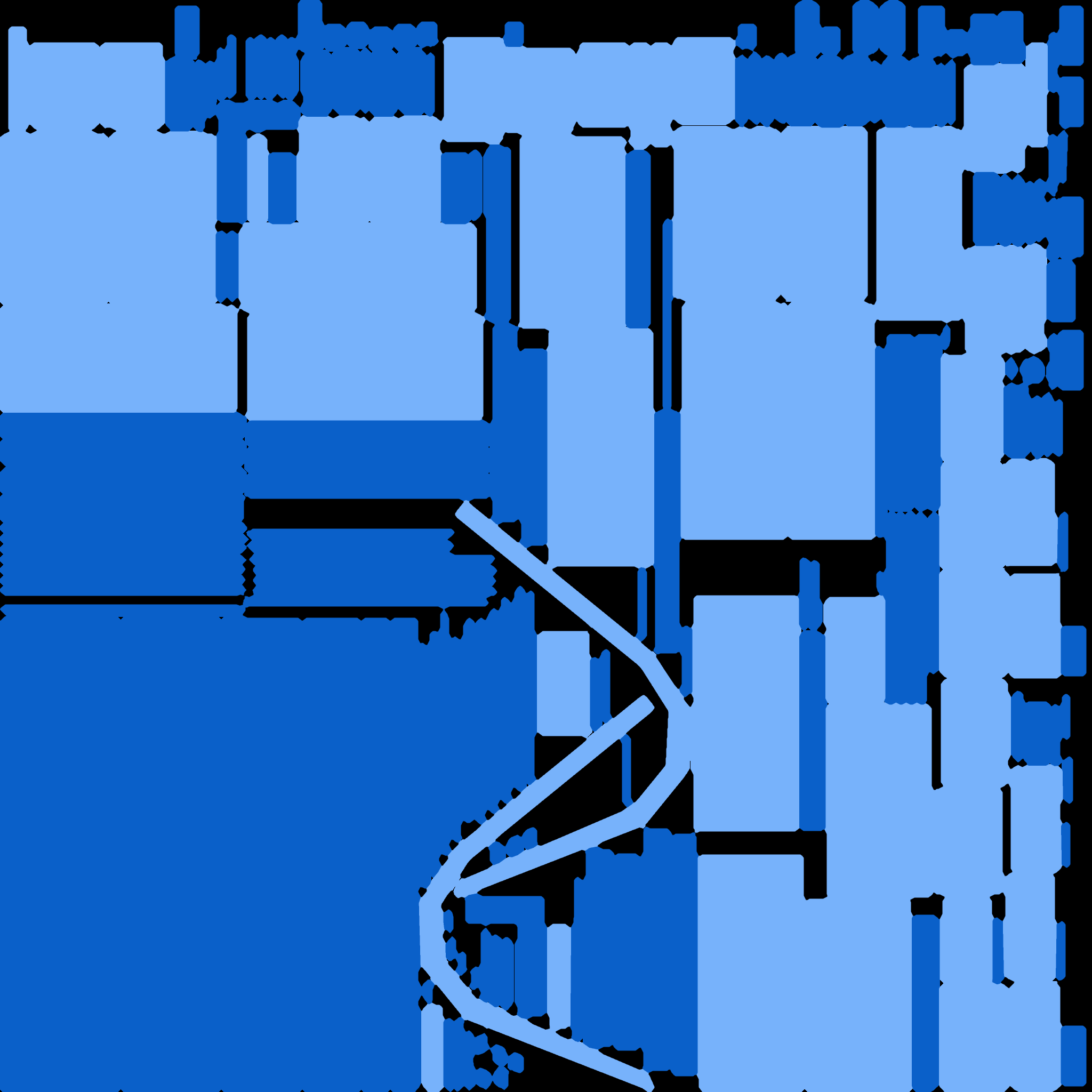
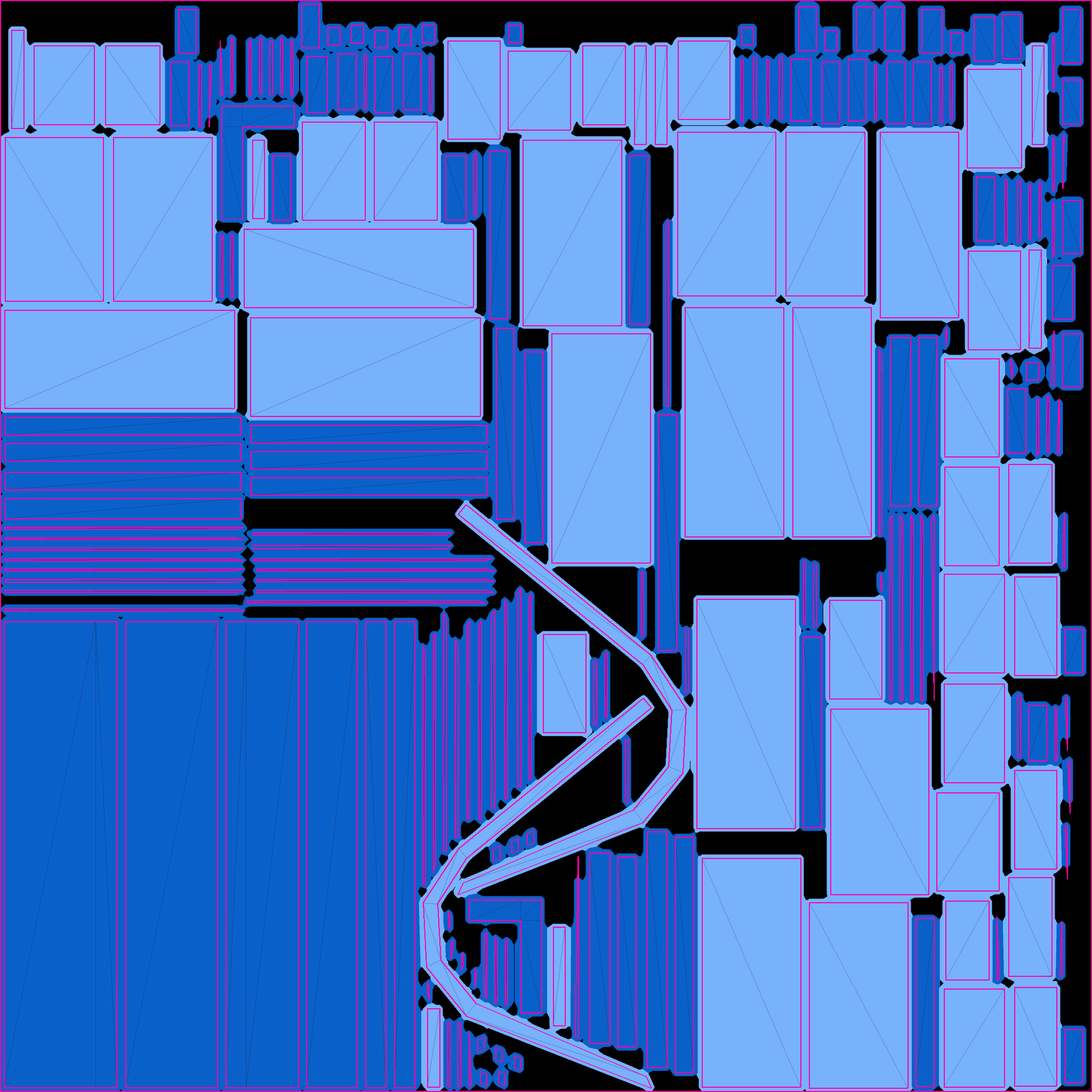
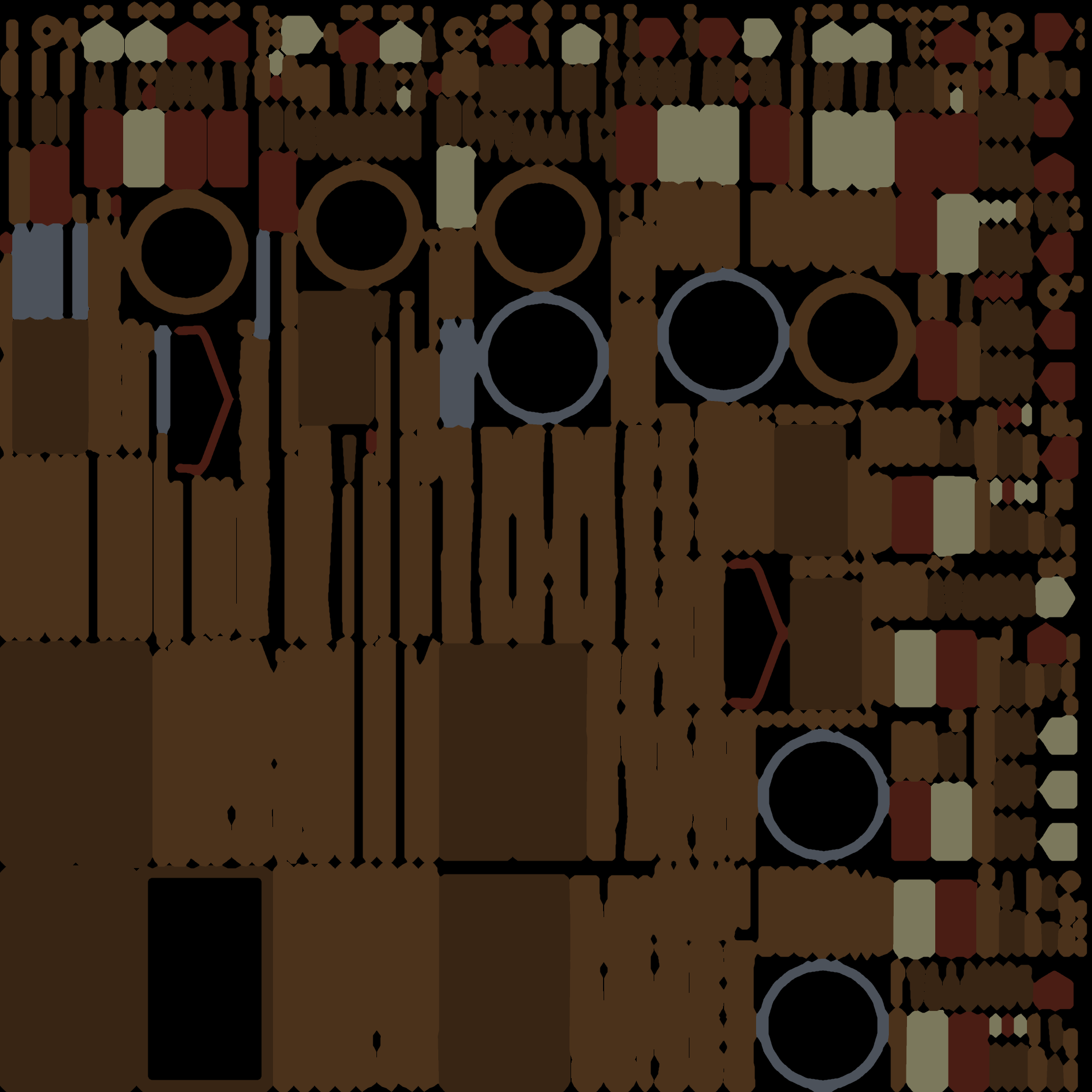
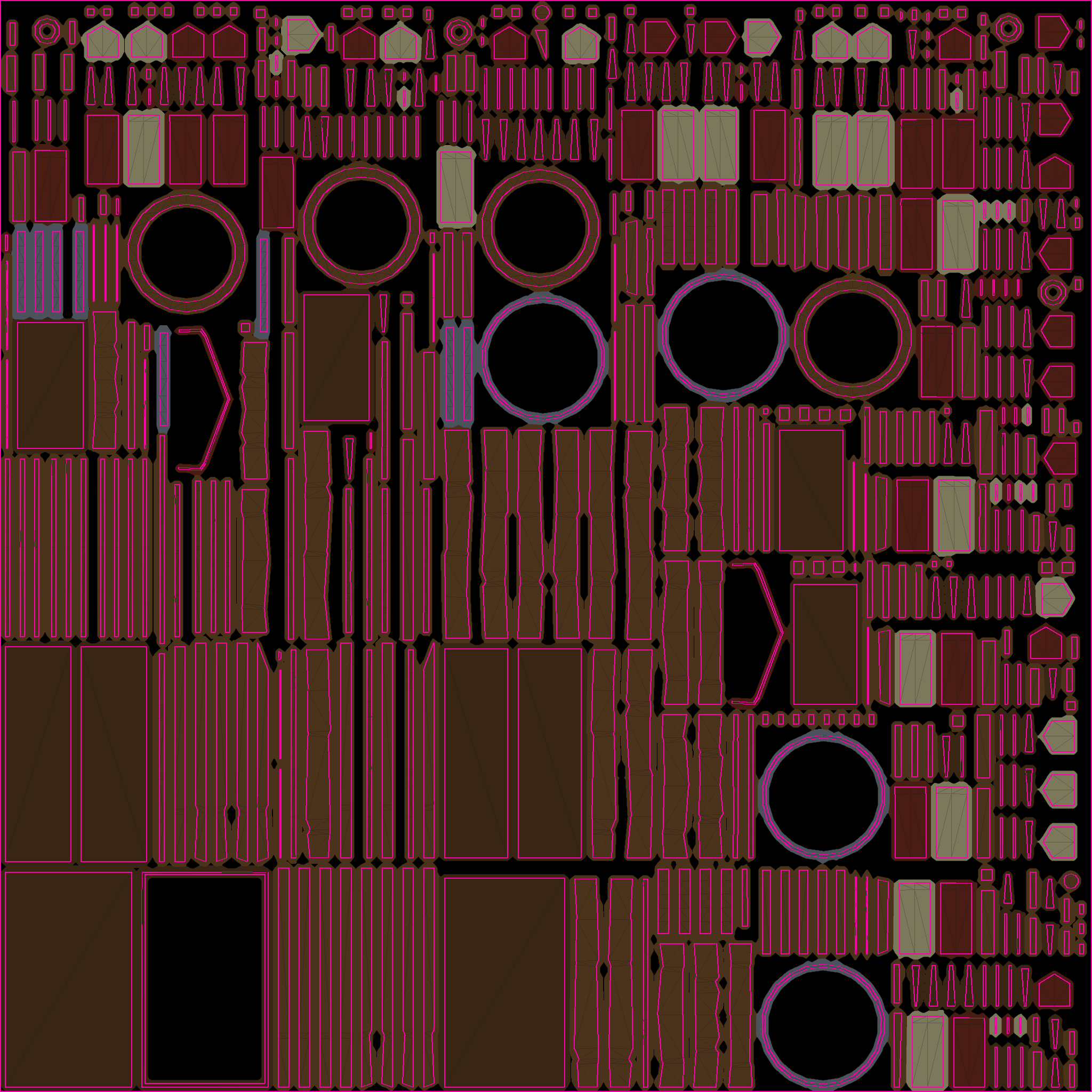

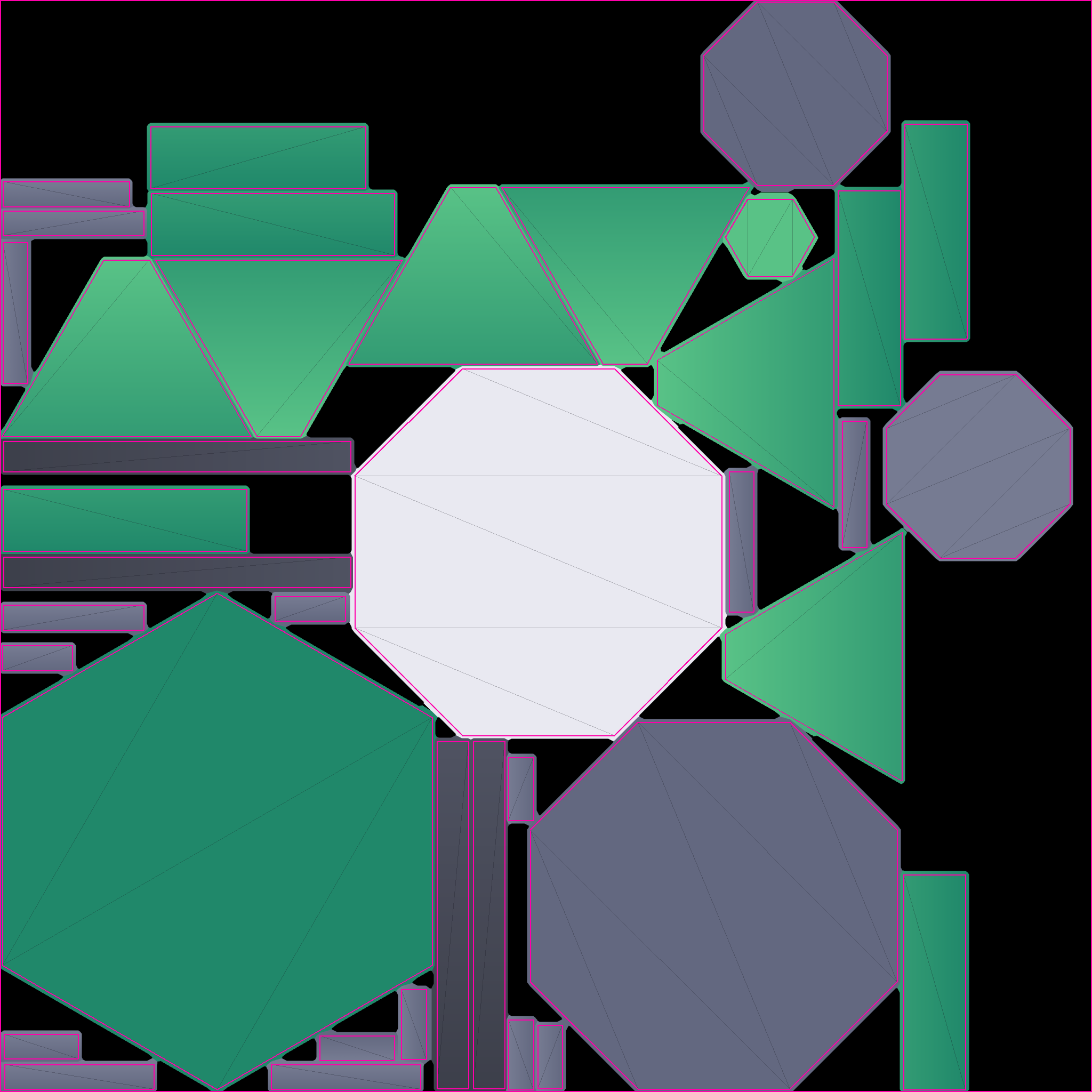
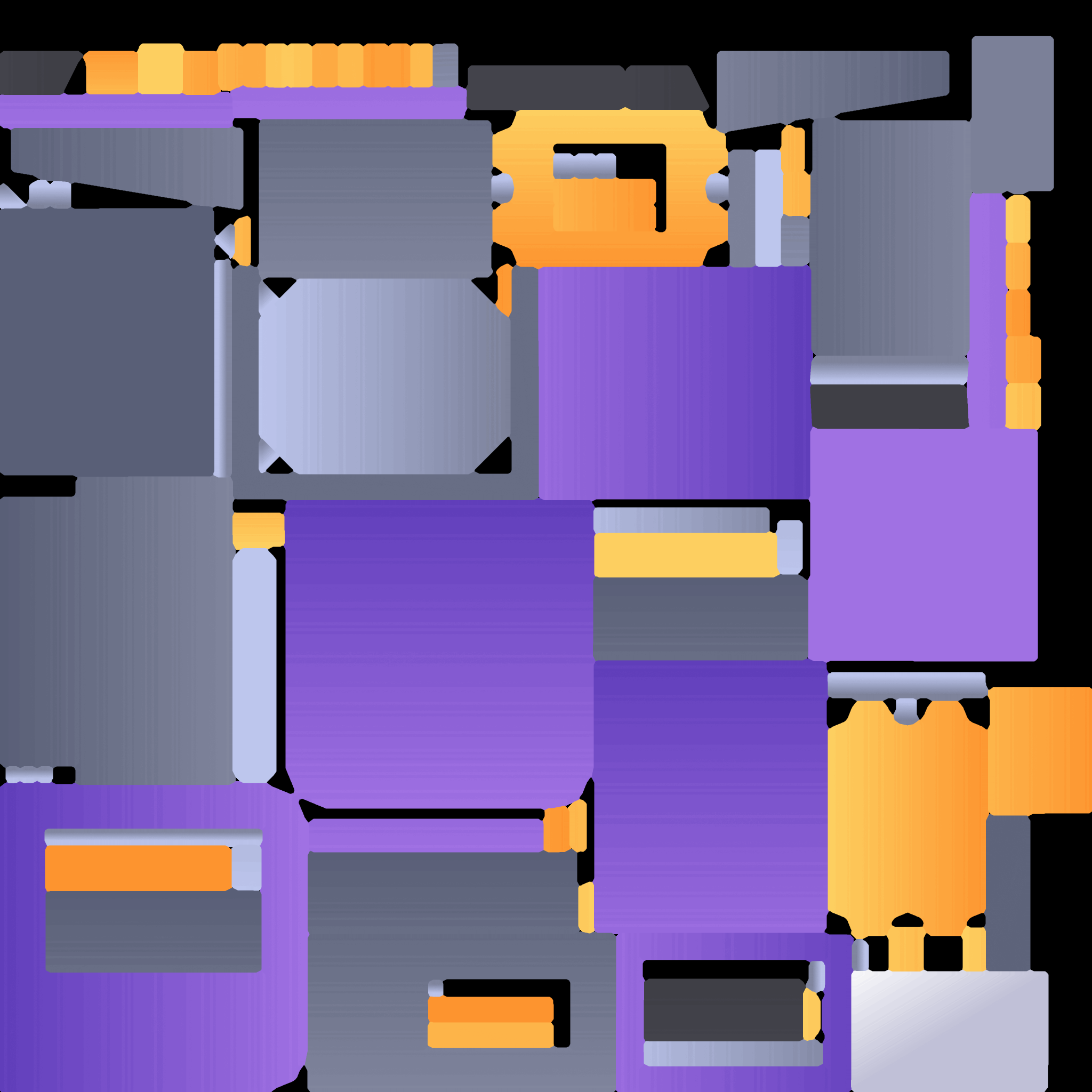
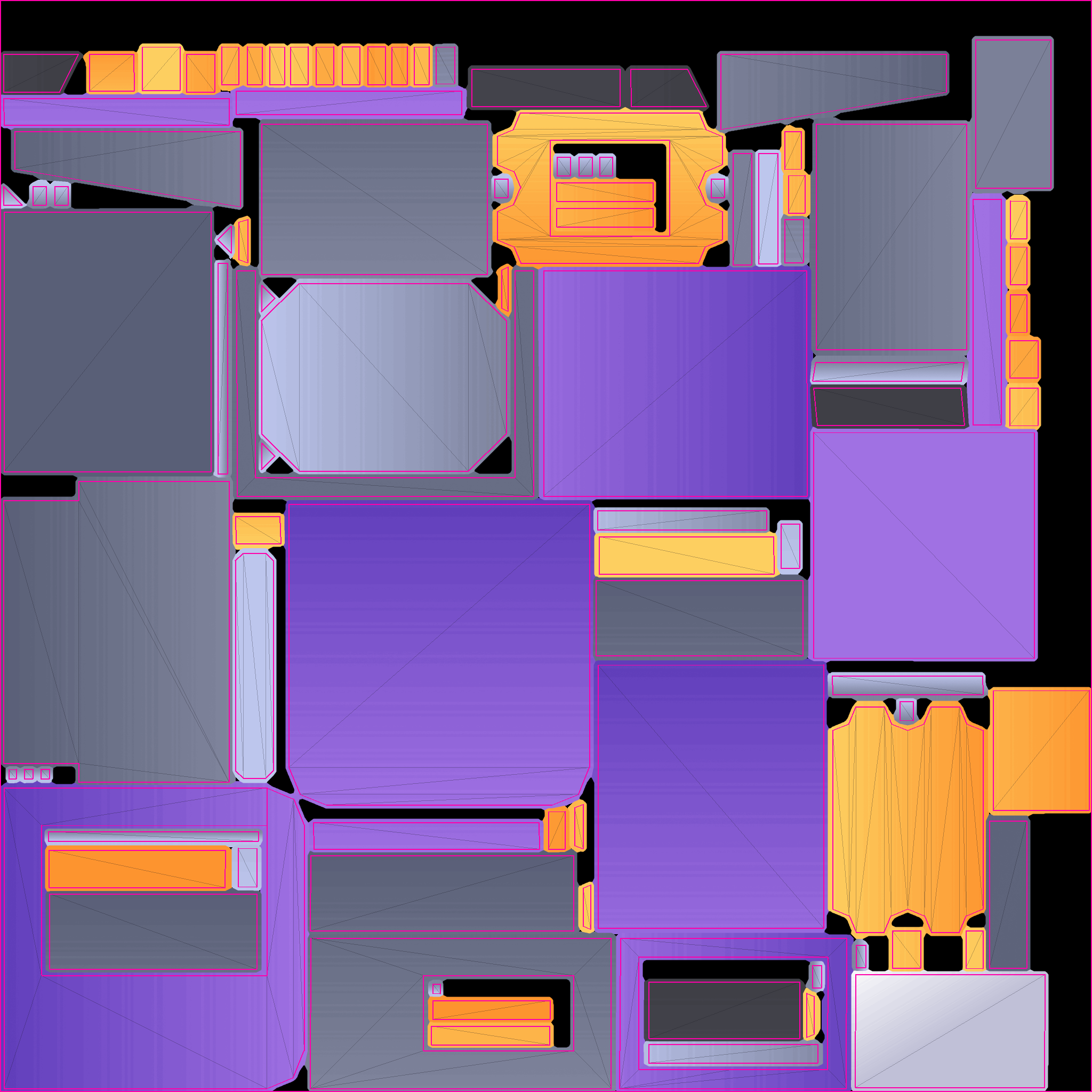
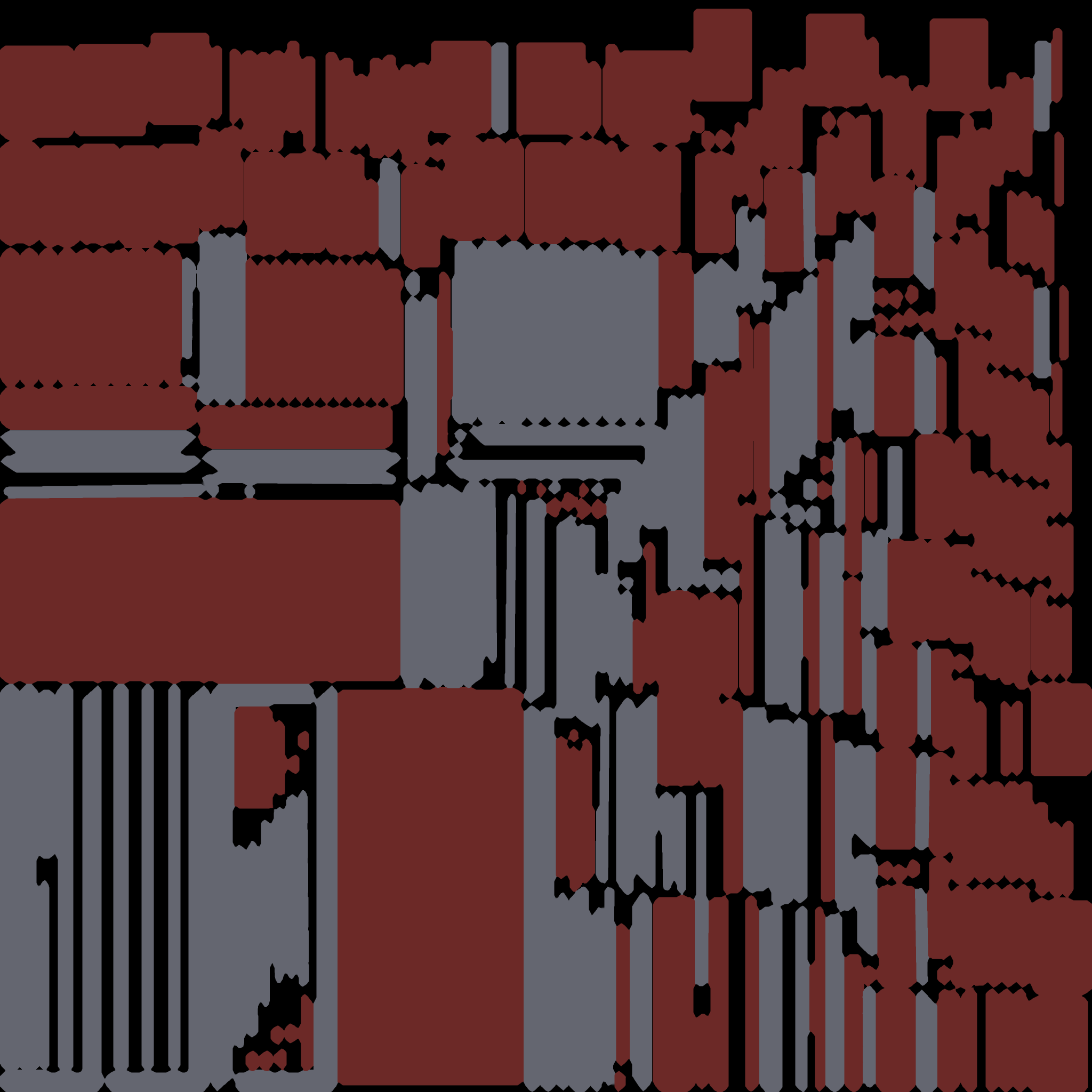
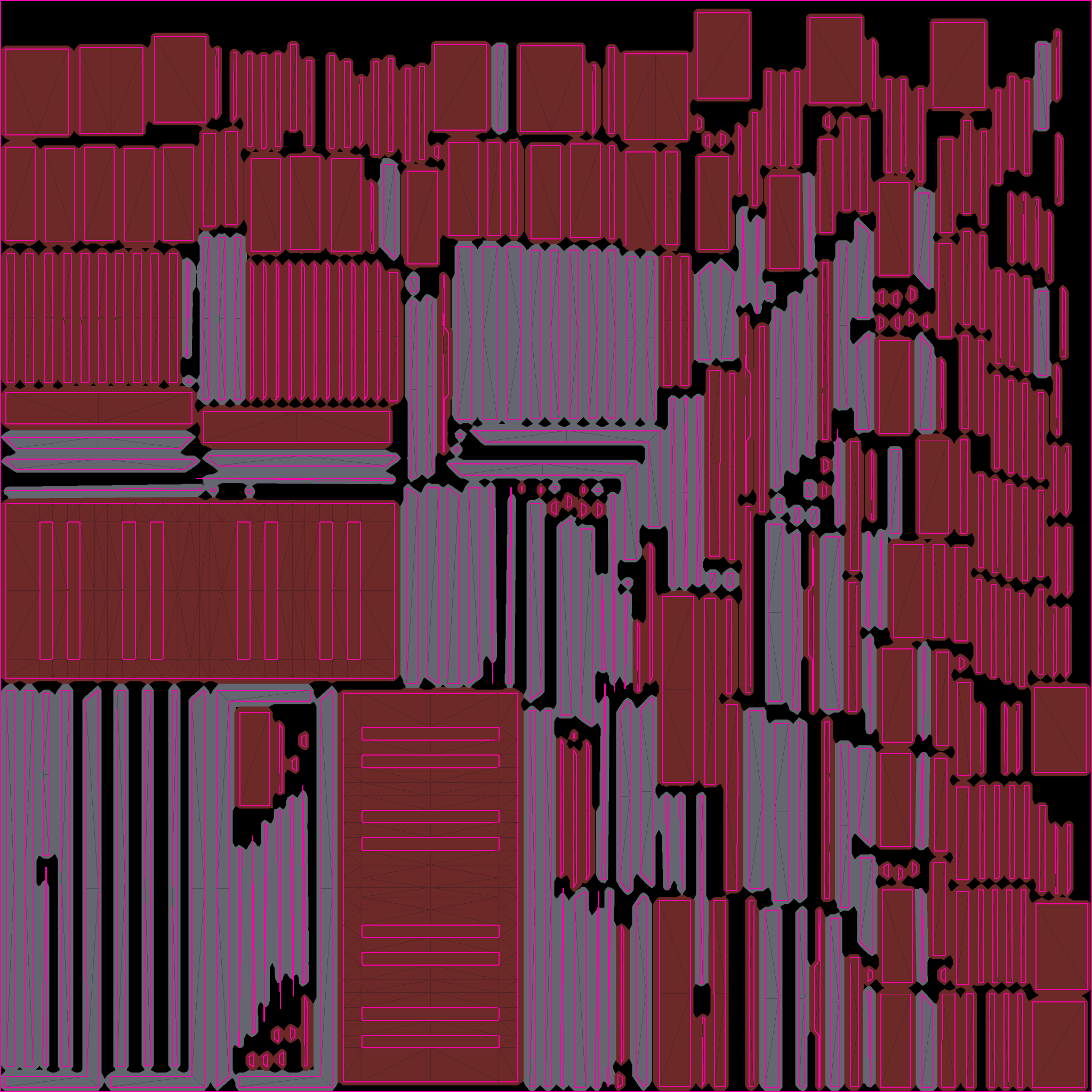
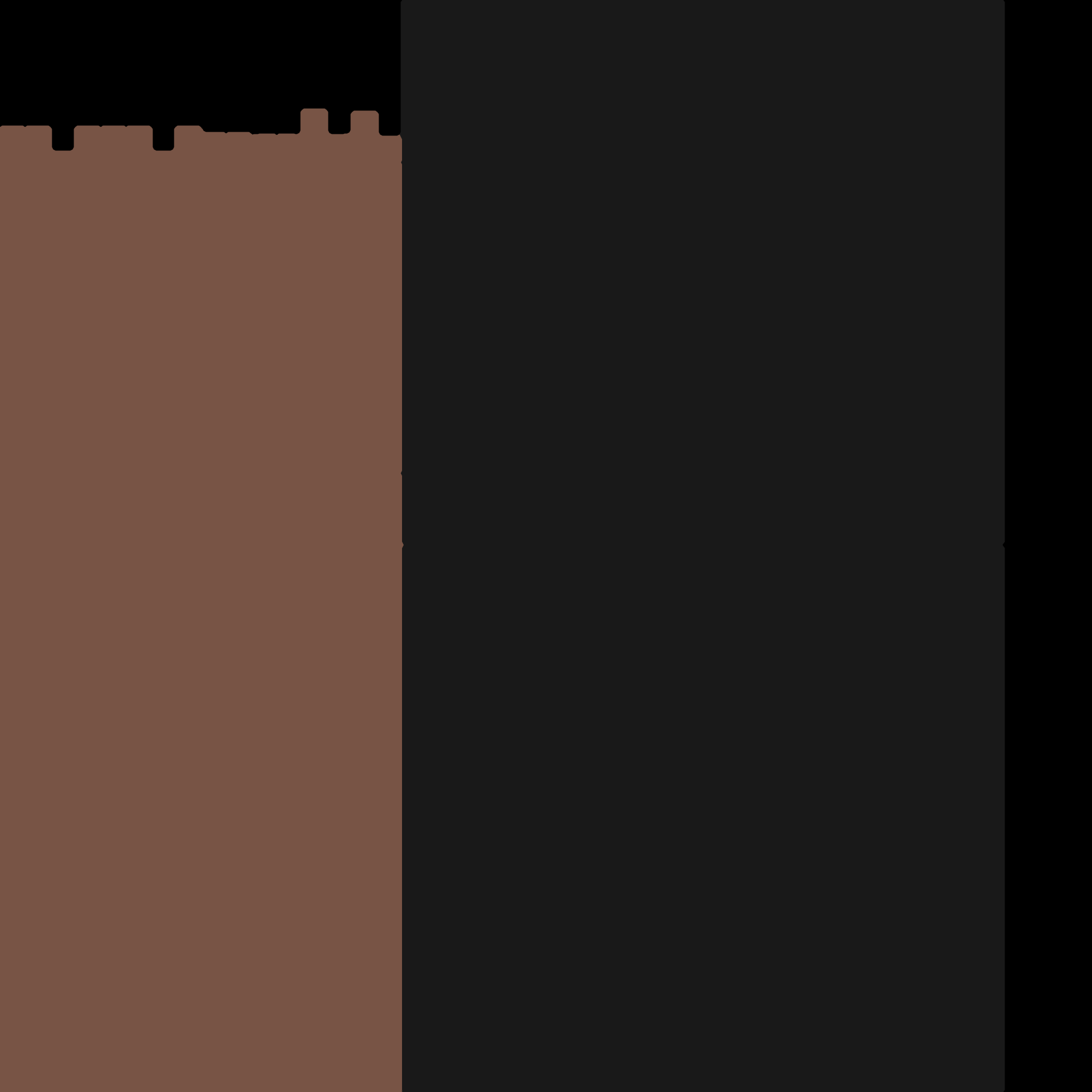
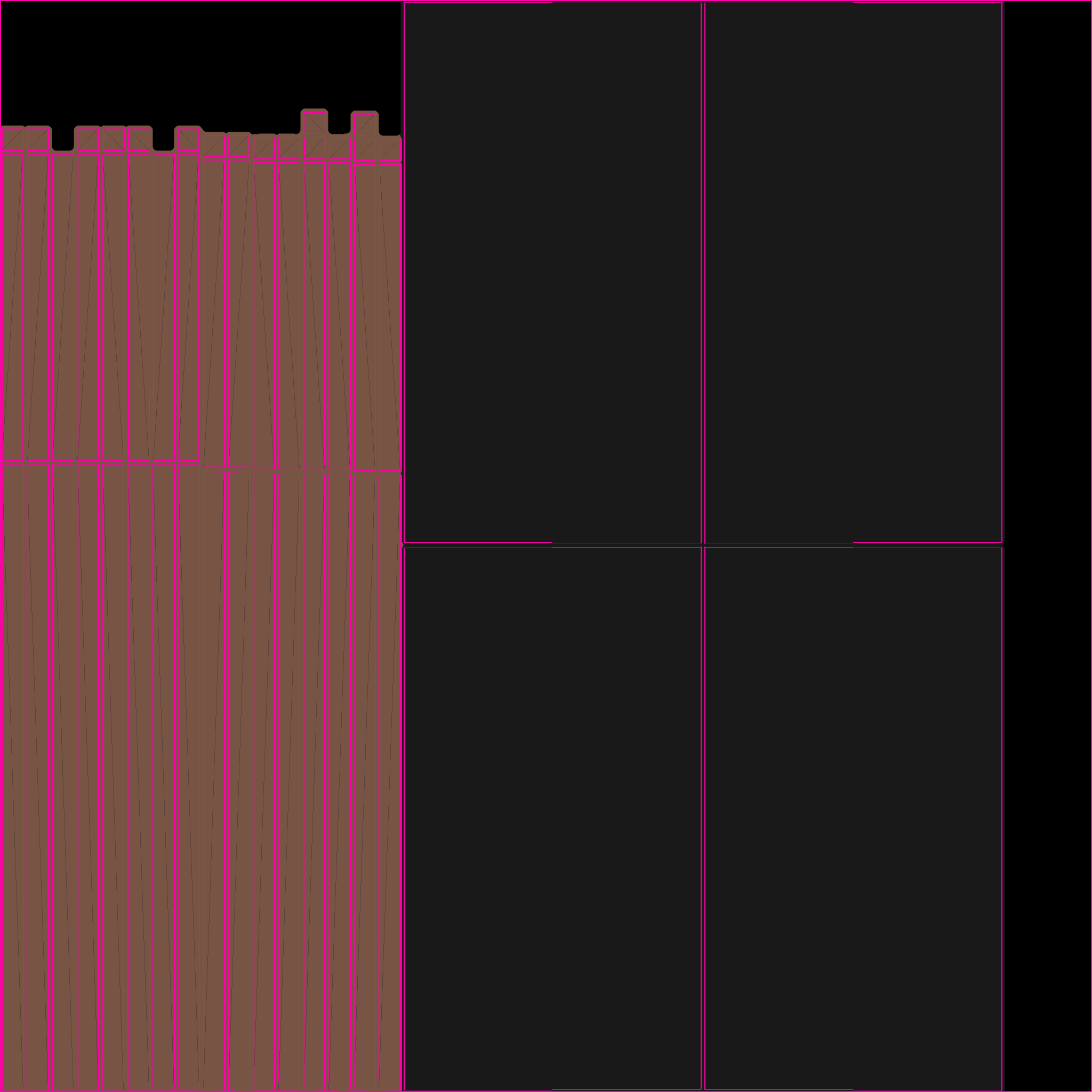

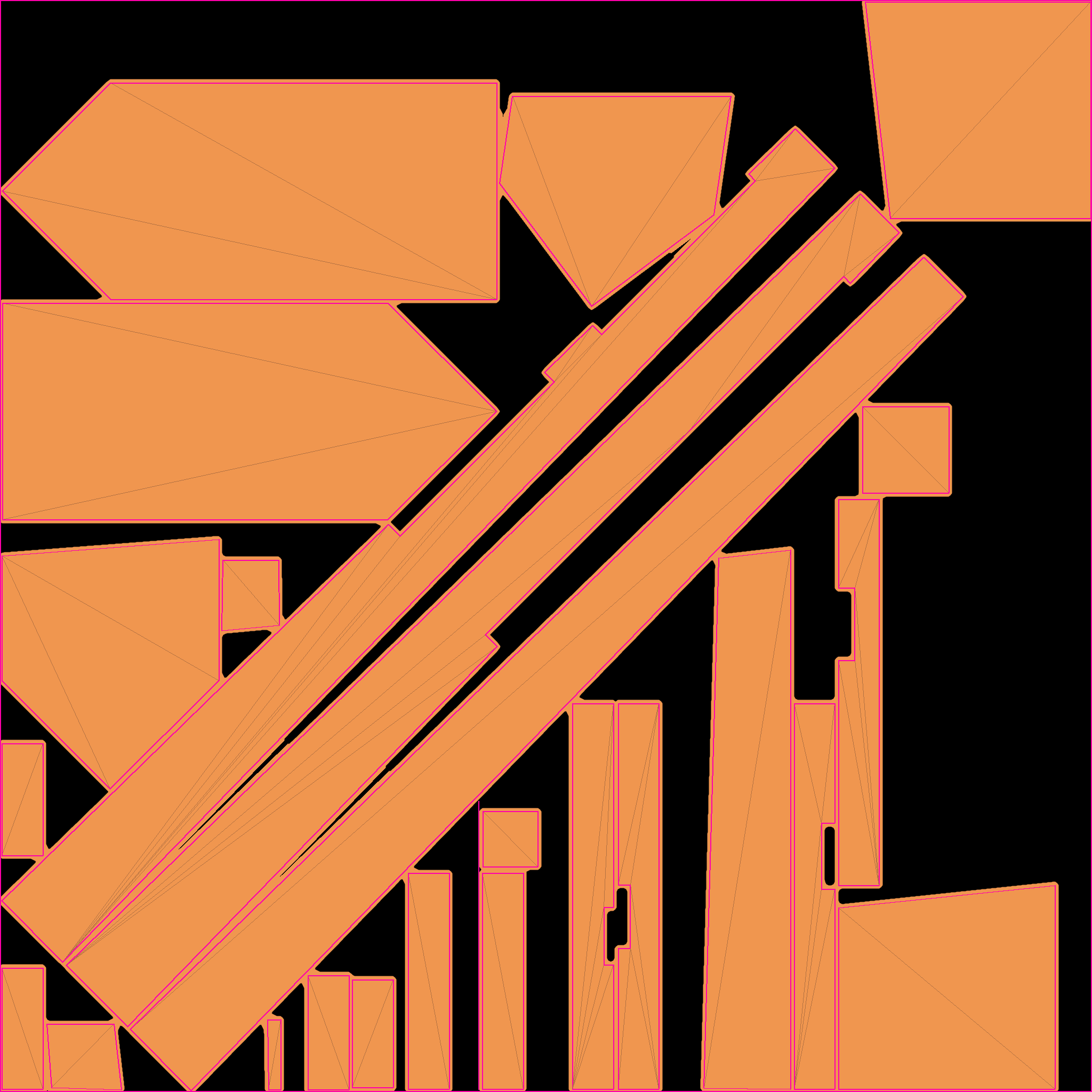

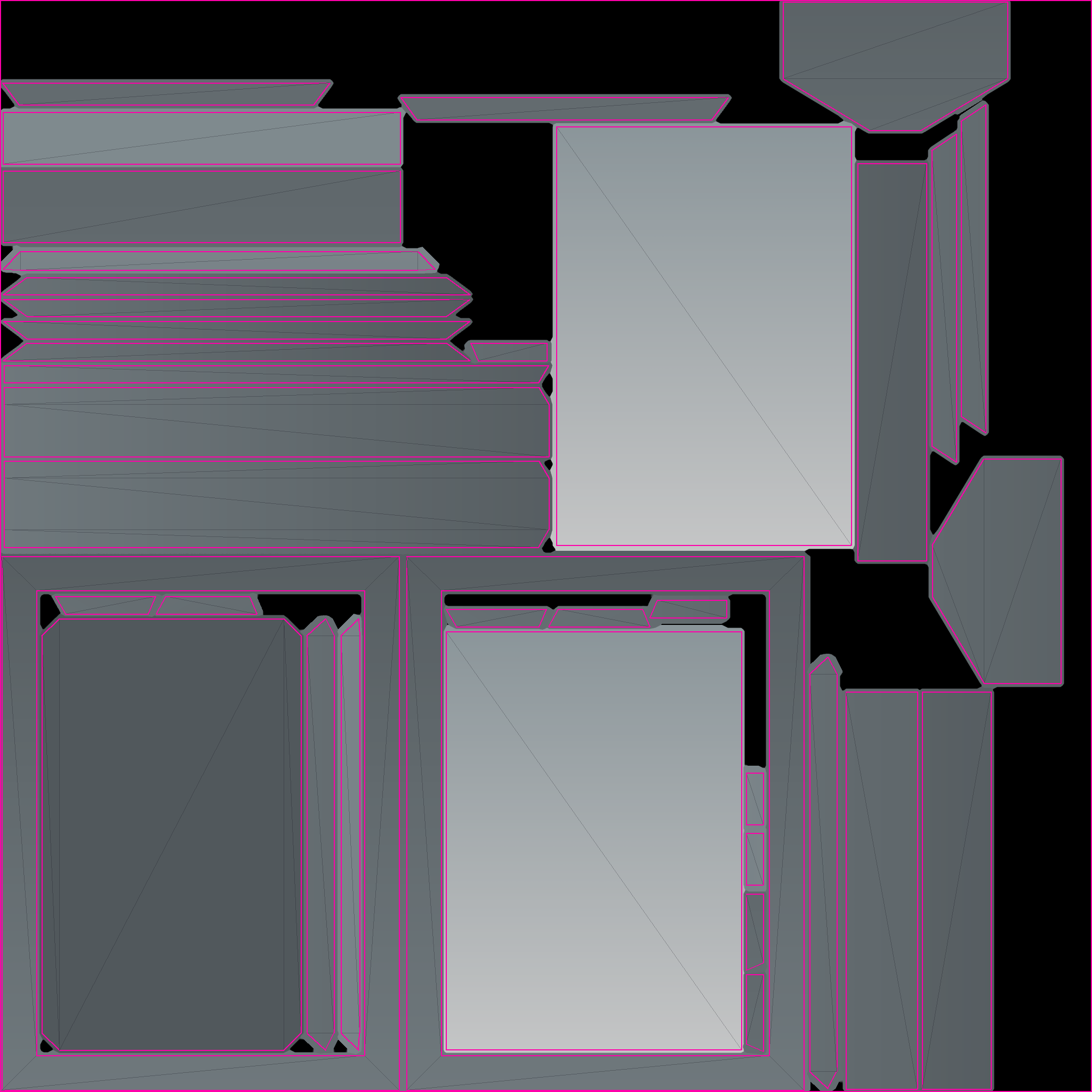
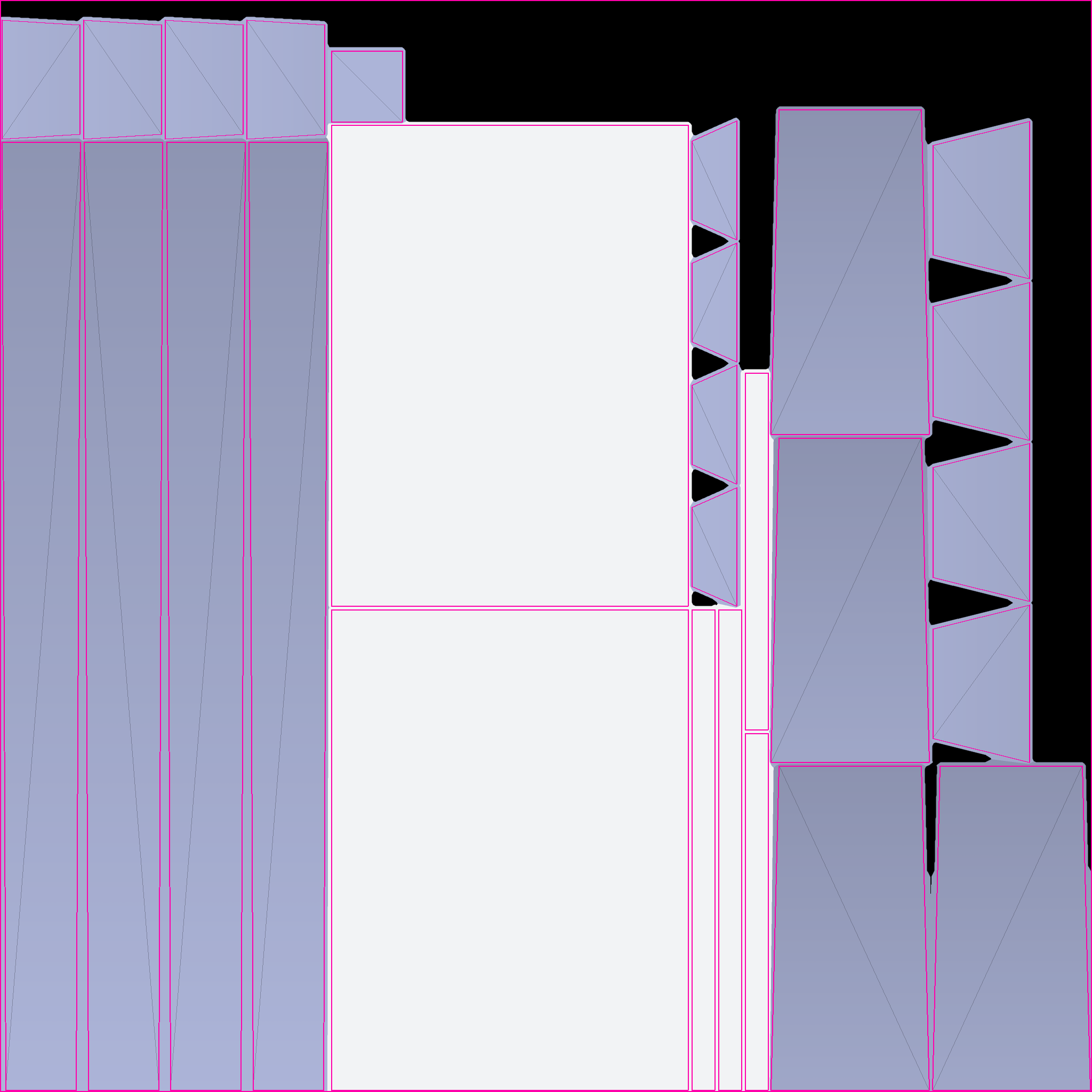

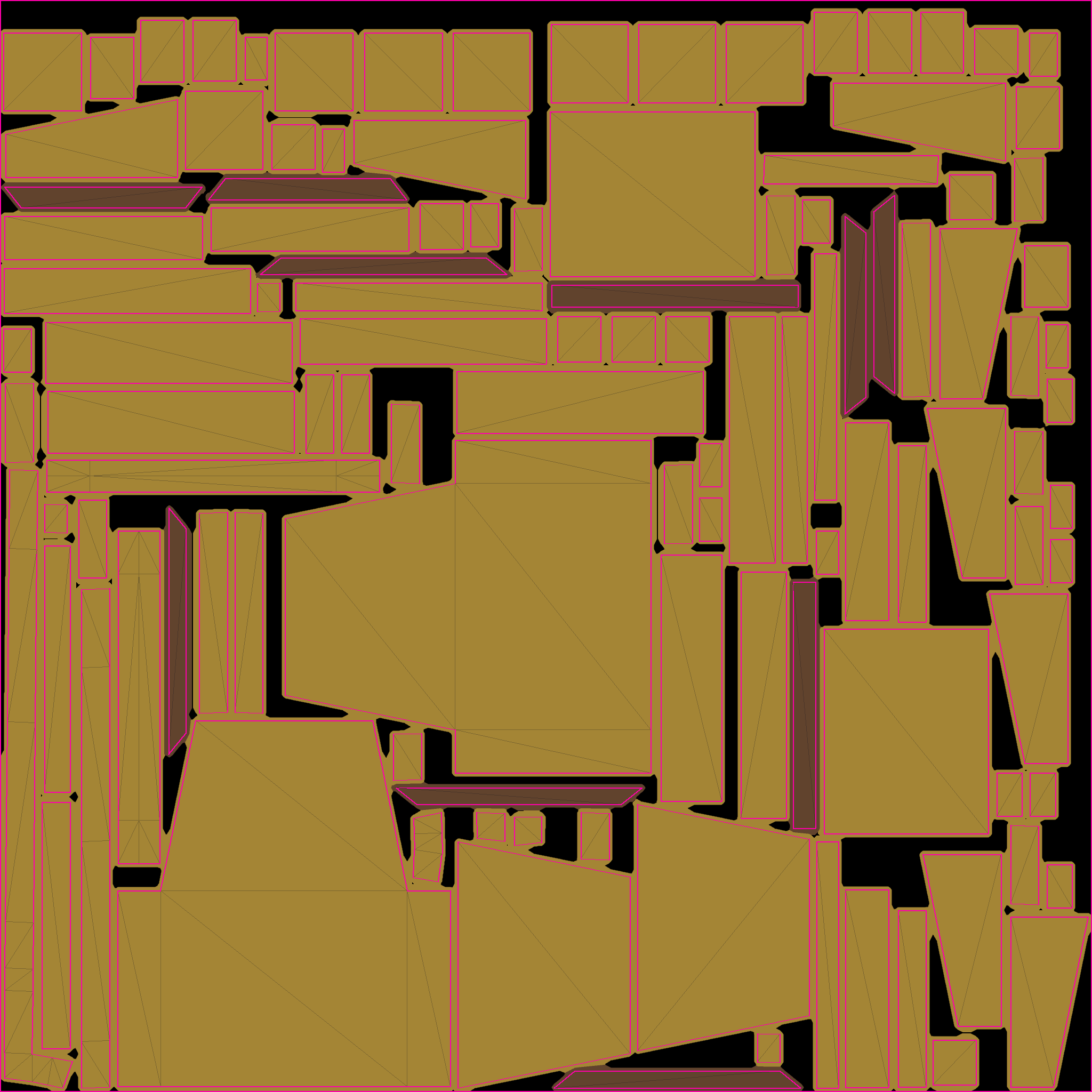

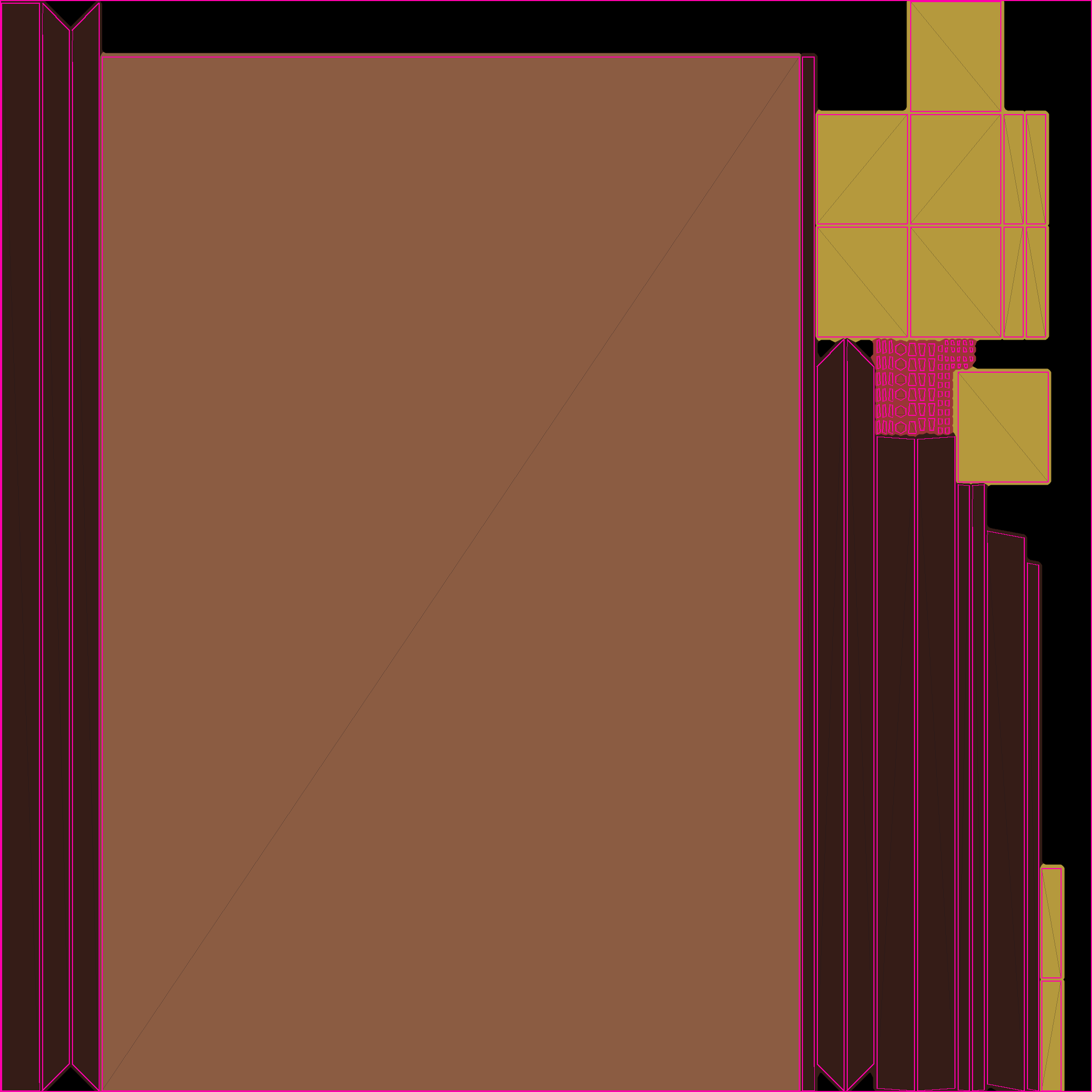


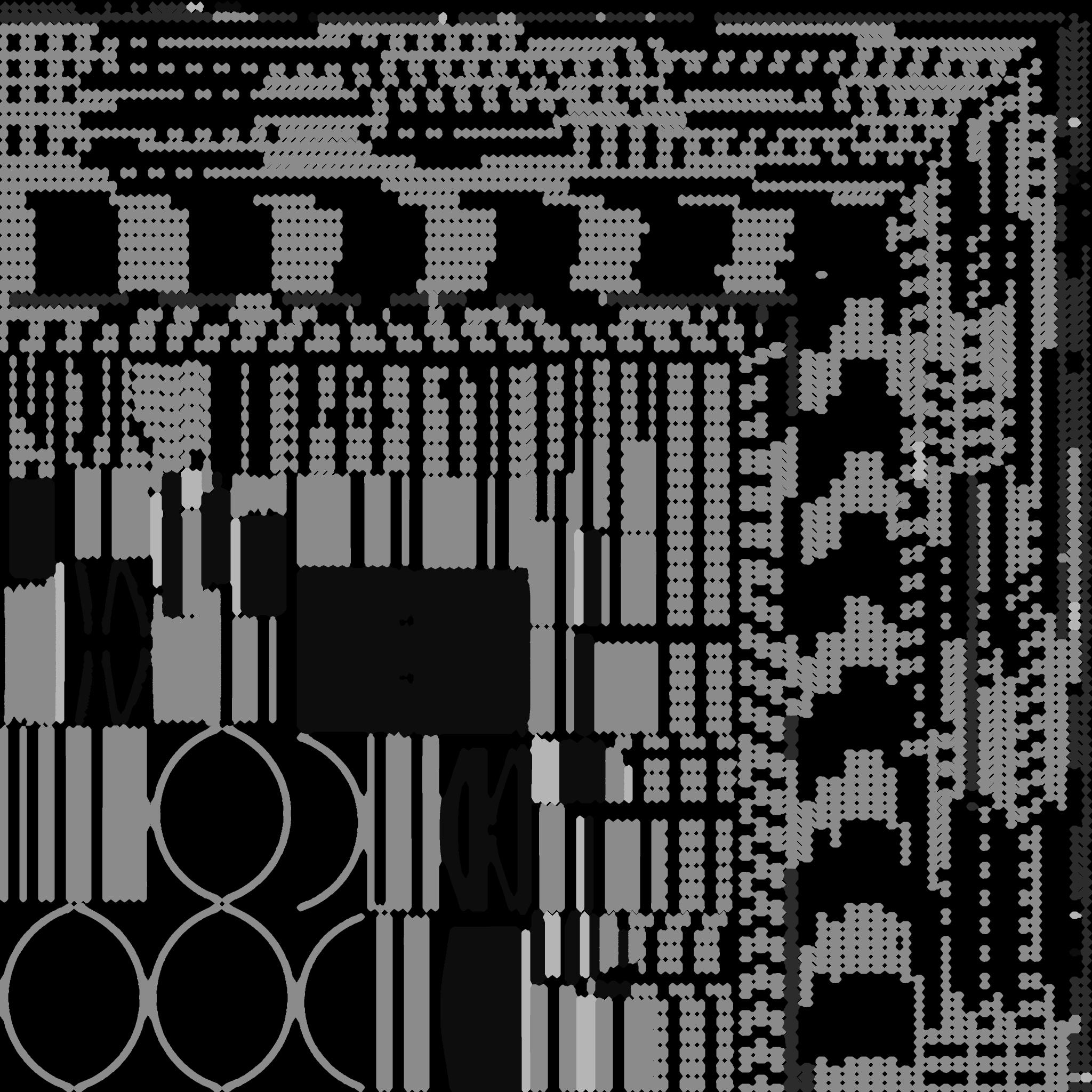
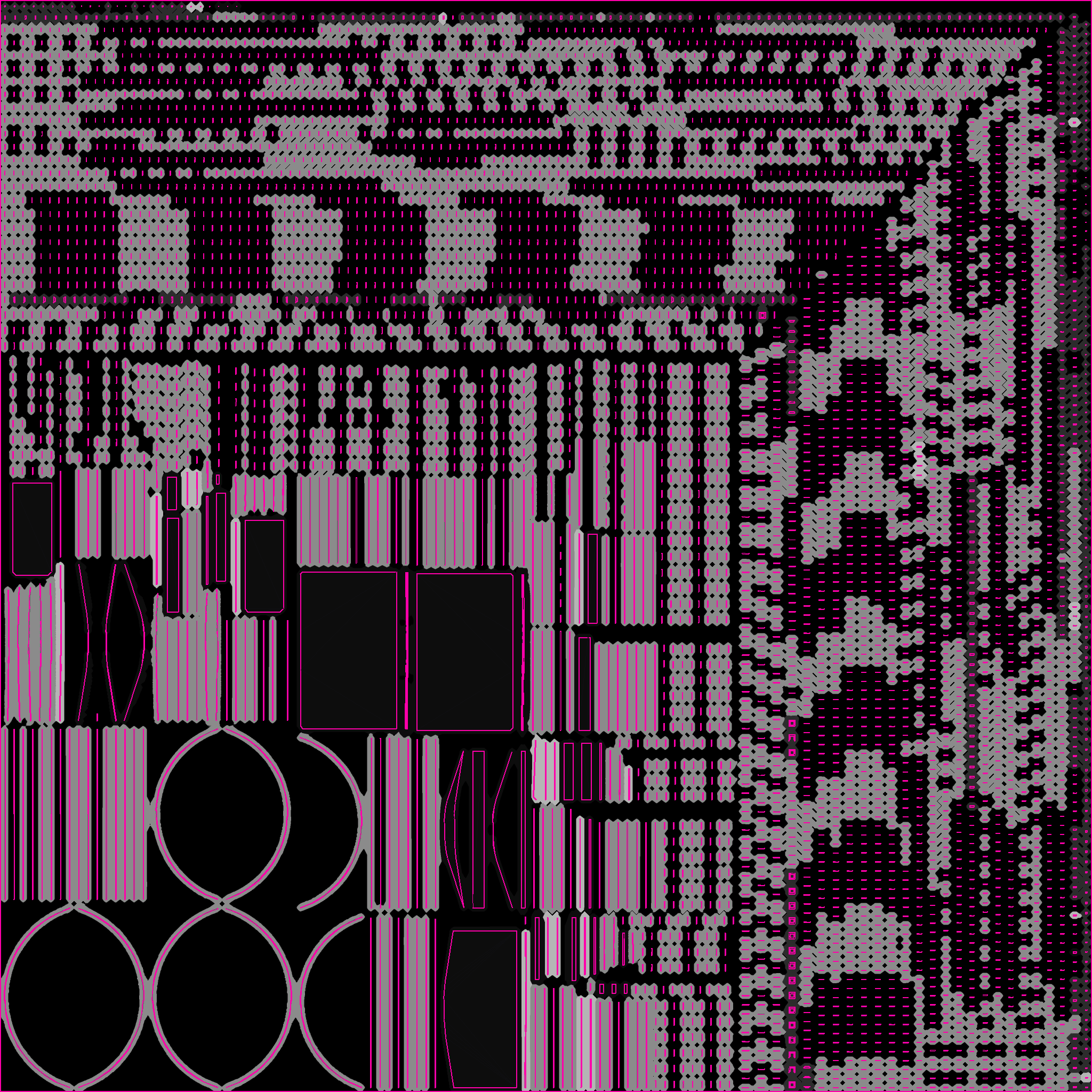

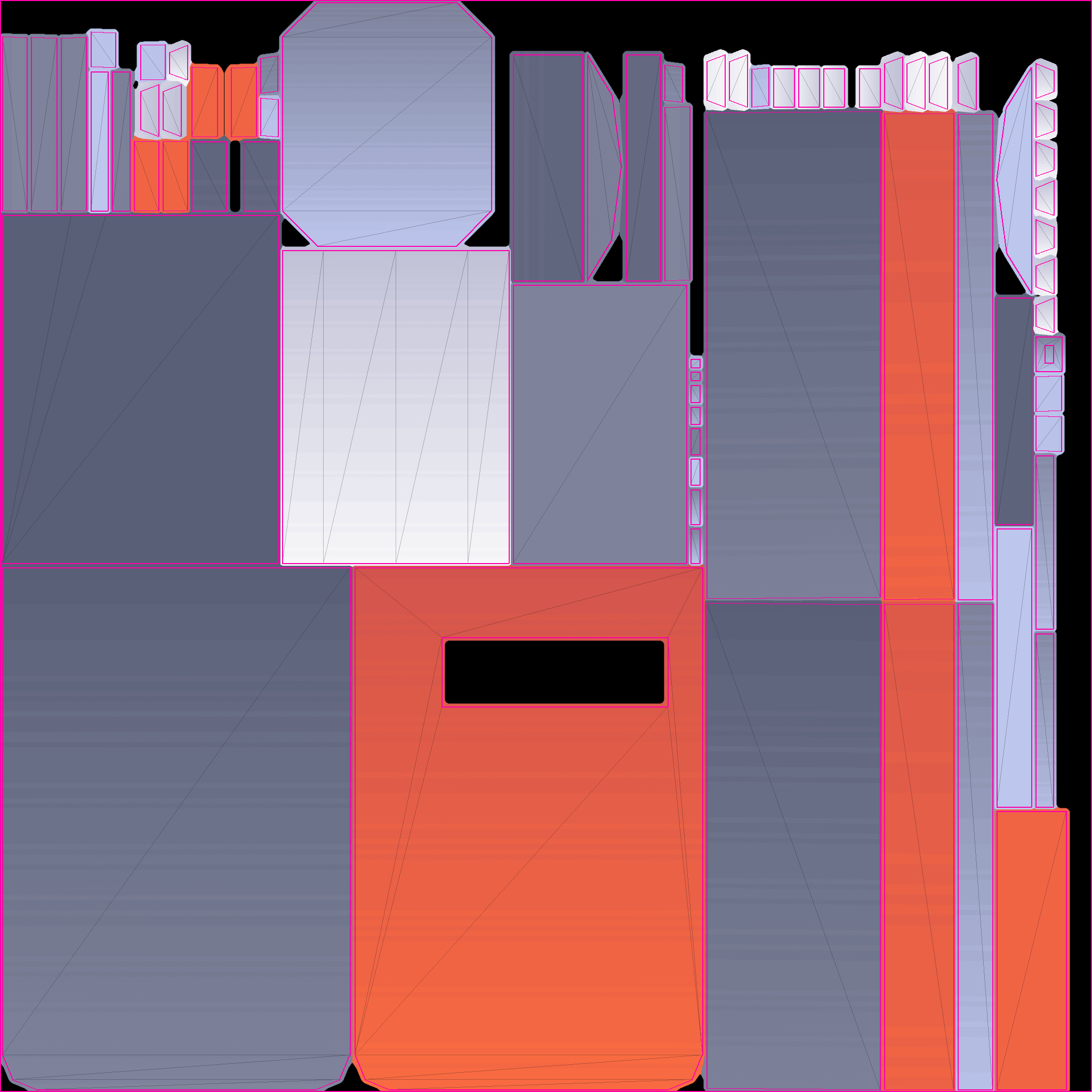
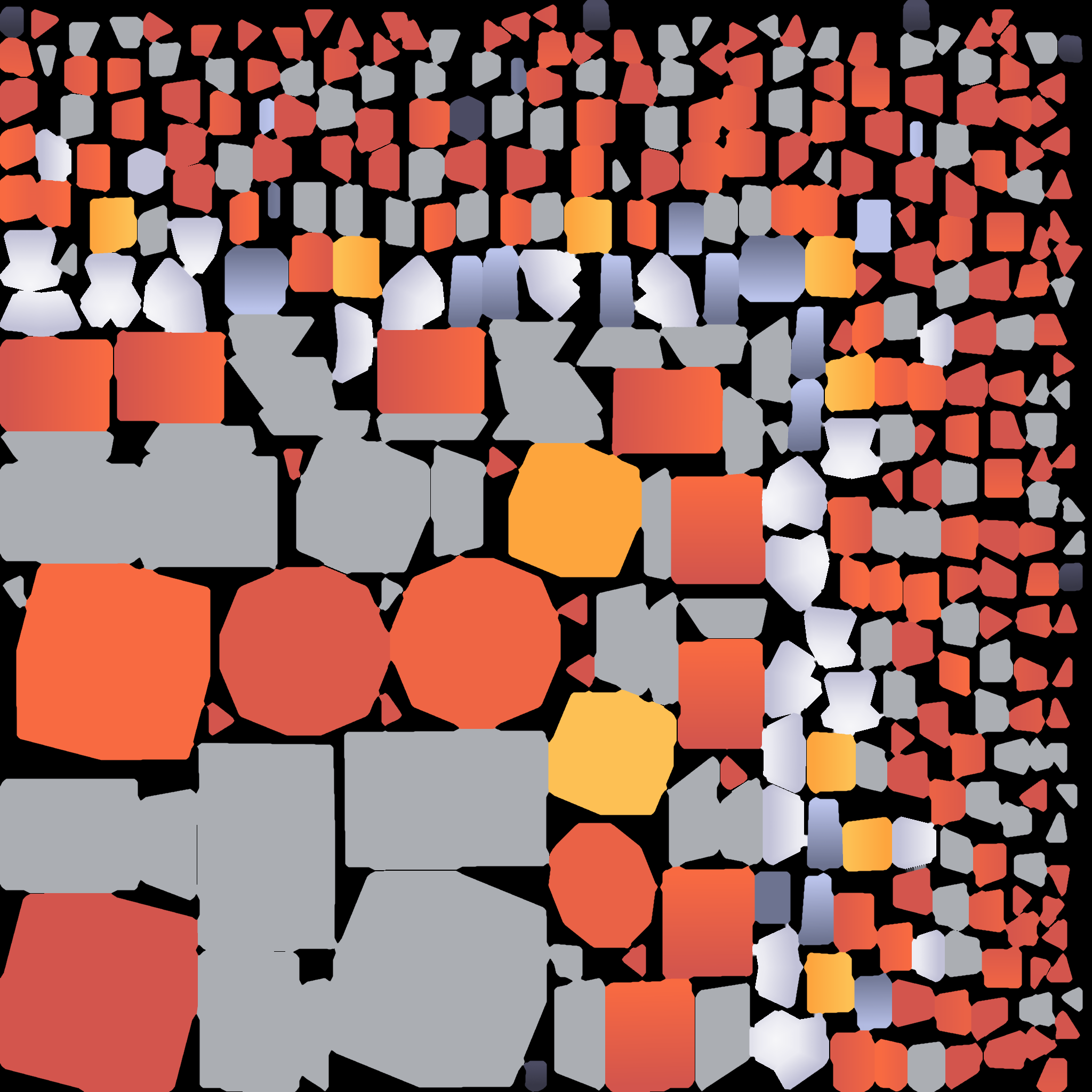
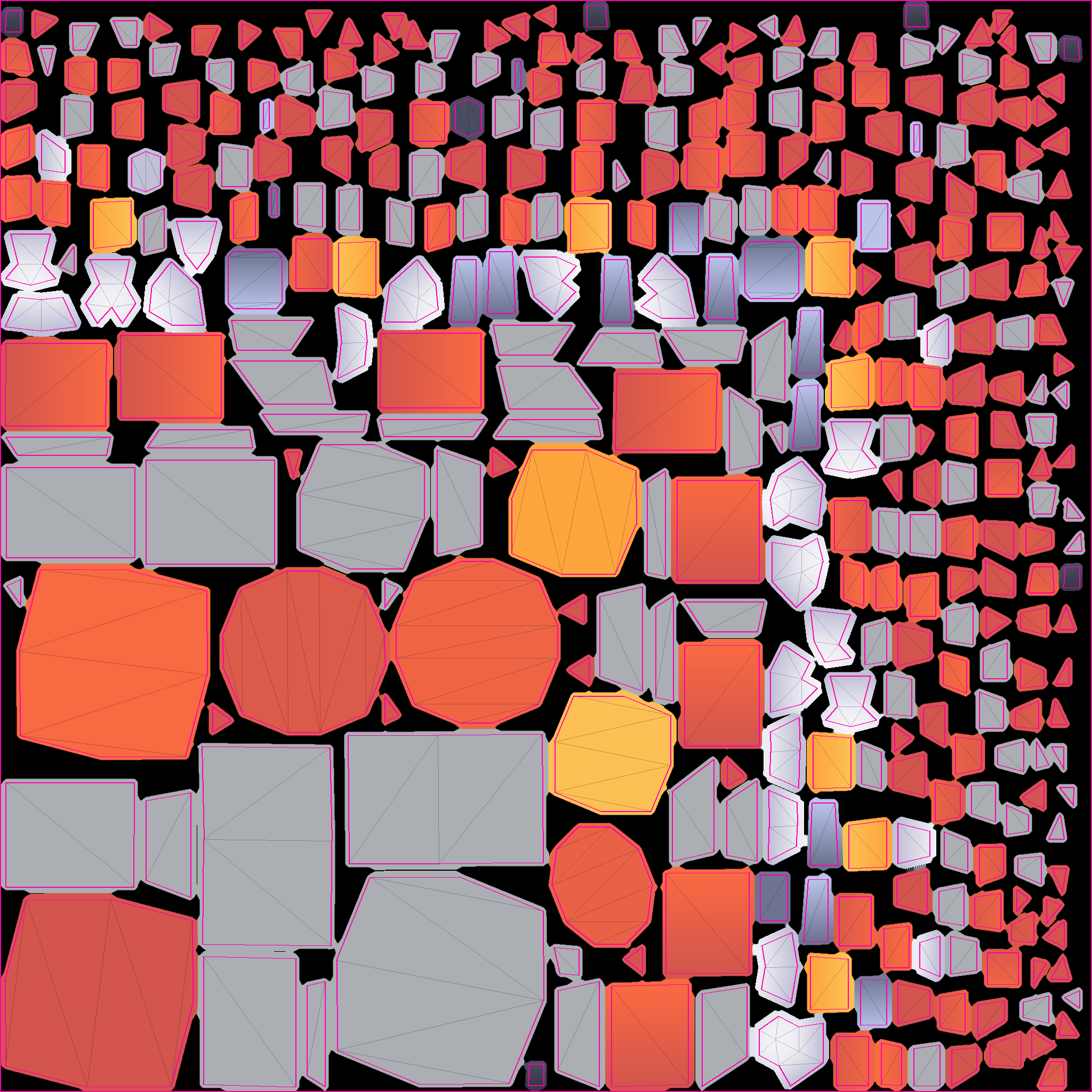

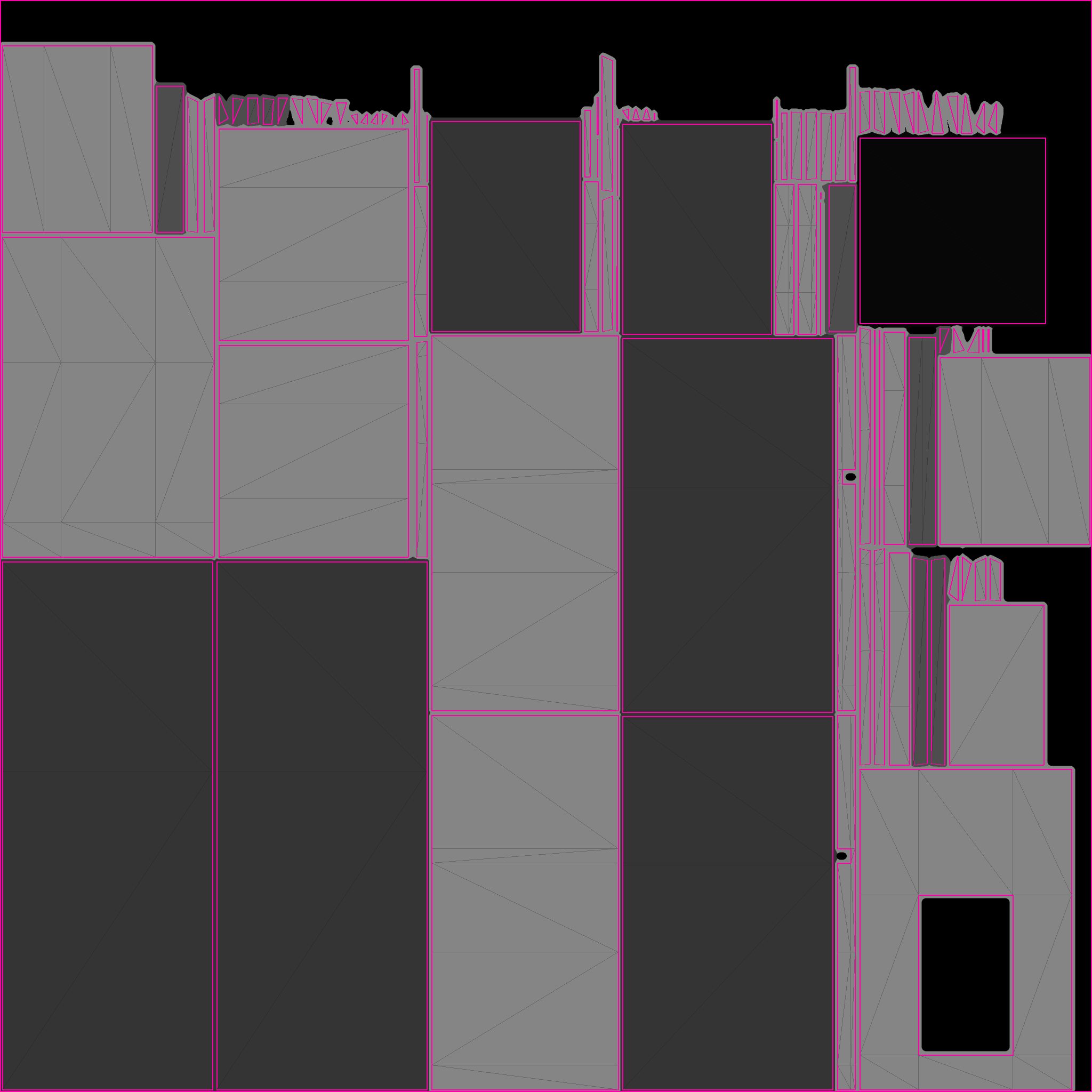
For textures, download the default template (square PNG), edit it and upload it at the same size (1024 to 2048px). The pink lines of the template with lines are the borders of the surface pieces: paint inside a piece and it shows on that surface.
For the ad shop (shop-ad), the one uploaded image is shown on the front, sides, back and top: the front sign, both sides, the back and the roof board all have the same ratio, so it reads from any side, even looking down from above. It has a door, so 「Enter through the door」 ("door": true) can be used.
Basic ad characters are free at any amount. They stand or walk around in character slots, hold props such as a neck sign, ID badge, hand picket, balloon, flag or shopping bag attached to their bones, and the prop board carries an ad image or sign letters (up to 12 characters). The cats, the dog and Vincent can take only props worn around the neck.
| Character | id | Props it can hold | License |
|---|---|---|---|
| Changmoa | changmoa | prop-neck-sign prop-badge prop-picket prop-balloon prop-flag prop-shopping-bag | CC0 1.0 |
| Metappyeoseu | metabbyeos | prop-neck-sign prop-badge prop-picket prop-balloon prop-flag prop-shopping-bag | CC0 1.0 |
| Bulk Uploader | bulkuploader | prop-neck-sign prop-badge prop-picket prop-balloon prop-flag prop-shopping-bag | CC0 1.0 |
| Hotspot Wizard | hotspot | prop-neck-sign prop-badge prop-picket prop-balloon prop-flag prop-shopping-bag | CC0 1.0 |
| Bangjang Knight | bangjang | prop-neck-sign prop-badge prop-picket prop-balloon prop-flag prop-shopping-bag | CC0 1.0 |
| Teolgalide | teolgal | prop-neck-sign prop-badge prop-picket prop-balloon prop-flag prop-shopping-bag | CC0 1.0 |
| Nailbus | neilbus | prop-neck-sign prop-badge prop-picket prop-balloon prop-flag prop-shopping-bag | CC0 1.0 |
| Linkblin | linkblin | prop-neck-sign prop-badge prop-picket prop-balloon prop-flag prop-shopping-bag | CC0 1.0 |
| Diablong | diablong | prop-neck-sign prop-badge prop-picket prop-balloon prop-flag prop-shopping-bag | CC0 1.0 |
| Vincent | vincent | prop-neck-sign prop-badge | Our own (FLOAT Co., Ltd.) |
| Nyangjupgo shorthair cat | cat_short | prop-neck-sign prop-badge | CC BY 4.0 |
| Nyangjupgo longhair cat | cat_long | prop-neck-sign prop-badge | CC BY 4.0 |
| Nyangjupgo munchkin | cat_munchkin | prop-neck-sign prop-badge | CC BY 4.0 |
| Nyangjupgo corgi | dog_corgi | prop-neck-sign prop-badge | CC BY 4.0 |
| Prop | id | Image ratio · minimum size |
|---|---|---|
| Neck sign (ID badge type) | prop-badge | 720:1024, at least 360×512px |
| Balloon | prop-balloon | 1024:1024, at least 512×512px |
| Hand flag | prop-flag | 1024:688, at least 512×344px |
| Neck sign | prop-neck-sign | 1024:720, at least 512×360px |
| Hand picket | prop-picket | 1024:720, at least 512×360px |
| Shopping bag | prop-shopping-bag | 1024:1024, at least 512×512px |
- Image formats: PNG · JPEG · WEBP, up to 2MB, up to 4096px wide and high, ratio tolerance up to 2%. Uploaded images are saved again as WebP (photo metadata is removed).
- 3D model: one glTF 2.0 binary (.glb) file, up to 6MB, textures inside the file, no outside addresses (uri).
- Uploaded files are checked by content (magic bytes): images are taken only as PNG, JPEG or WebP (no SVG, HTML, etc.) and made again as WebP, and models only as glTF 2.0 binary. Ad files are served only with a fixed type (image/webp, model/gltf-binary), nosniff and a sandbox policy, so they never run as scripts.
- The size of an ad model may be adjusted by the space operator or Metamoa depending on the space.
- Model and character files are under /ads/models/ and are served only as responses that allow no script (fixed type, nosniff, sandbox). The list and sources are in docs/ads/MODELS.md; to change them, rebuild data/ads-buildings.json and the files together with scripts/ads-import-models.mjs.
Model credits
Most basic models are CC0 (public domain) or made in-house; the ones below are CC BY, so their sources are credited. FLOAT Co., Ltd. modified all of them (size, ad faces, etc.).
- Standing billboard: "Blank Billboard" by Jarlan Perez (https://poly.pizza/m/1E0d2B7bC8e), CC BY 3.0 (https://creativecommons.org/licenses/by/3.0/), modified by FLOAT Co., Ltd.
- Pop-up booth: "Carnival Booth" by sirkitree (https://poly.pizza/m/4NizXJZsuO2), CC BY 3.0 (https://creativecommons.org/licenses/by/3.0/), modified by FLOAT Co., Ltd.
- Bus stop ad board: "Bus Stop" by Zsky (https://poly.pizza/m/OWczicNWhO), CC BY 3.0 (https://creativecommons.org/licenses/by/3.0/), modified by FLOAT Co., Ltd.
- A-frame board: "Sandwich Board" by Anonymous (https://poly.pizza/m/ejy0W_7cHWT), CC BY 3.0 (https://creativecommons.org/licenses/by/3.0/), modified by FLOAT Co., Ltd.
- Nyangjupgo shorthair cat: "Cat" by Polyfork (https://polyfork.dev/asset/cat-base), CC BY 4.0, made into voxels by FLOAT Co., Ltd.
- Nyangjupgo longhair cat: "Cat" by Polyfork (https://polyfork.dev/asset/cat-base), CC BY 4.0, made into voxels by FLOAT Co., Ltd.
- Nyangjupgo munchkin: "Cat" by Polyfork (https://polyfork.dev/asset/cat-base), CC BY 4.0, made into voxels by FLOAT Co., Ltd.
- Nyangjupgo corgi: "Dog" by Polyfork (https://polyfork.dev/asset/dog-base), CC BY 4.0, made into voxels by FLOAT Co., Ltd.
Request a model
When an advertiser chooses 「Request a model」, we make the 3D model, attach it to the campaign and then review it. Send the materials (product photos, logo, drawings) to [email protected] with the campaign number.
| Tier | grade | Making fee | Free from this media spend |
|---|---|---|---|
| Simple product · sign | simple | ₩50,000 (supply price, VAT excluded) | ₩500,000 |
| Detailed product | precise | ₩100,000 (supply price, VAT excluded) | ₩1,000,000 |
| New character | character | ₩100,000 (supply price, VAT excluded) | ₩1,000,000 |
- The free threshold is the actual media spend (the sum over the whole contract period, up to 3 months, excluding modeling, VAT and invalid traffic).
- A model made for free comes with a license to show it on Metamoa only (copyright stays with Metamoa; a transfer is for the making fee), with 1 revisions. If the advertiser cancels or cuts the spend, the making fee is charged pro rata: making fee × (1 − actual media spend ÷ free threshold). Paid models get 2 revisions.
- Basic ad characters (the Moa Campsite and Nyangjupgo characters) are free at any amount, with no making request.
Advertisers: self sign-up steps
- Sign in with a Metamoa account at https://metamoa.com/ads/manage (sign-up in the same window).
- Create a campaign: name, brand, industry and brand-space address (when using entry CPA).
- Creative: ① upload your own 3D model (glb) ② pick an ad building → an image for each board for image, one texture for texture ③ pick a basic ad character + prop → an image or sign letters on the prop board ④ request a model (choose a grade). The specs and a preview are shown.
- Spaces: from the list of spaces that consented to ads, pick slots yourself by category, people online now and daily space clicks, or tap 「Recommend」 for a bundle of spaces matched to industry, category and traffic.
- Set the billing type (CPM, CPA, view time, fixed space contract), budget and dates and apply → waiting for review.
- Once it passes review (obscenity, violence, suspected copyright, etc.), it runs. A running campaign can be paused and turned back on, and you see viewable impressions, clicks, entries and view time every day.
PUT  https://metamoa.com/api/ads/assets?kind=image&building=billboard-low&face=main   (본문: 이미지 파일)
PUT  https://metamoa.com/api/ads/assets?kind=image&prop=prop-neck-sign                    (본문: 이미지 파일)
POST https://metamoa.com/api/ads/recommend {"industry": "food", "count": 5}
POST https://metamoa.com/api/ads/campaigns
{
  "name": "겨울 우유 3D",
  "brand": "반짝 우유",
  "industry": "food",
  "billing": "cpm",
  "budget_won": 500000,
  "start_day": "2026-12-01",
  "end_day": "2026-12-31",
  "targeting": "recommend",
  "slot_ids": [
    "sl_k2m9x0a1b2c3d4e5"
  ],
  "brand_url": "https://milk.example/space",
  "creative": {
    "kind": "building",
    "building_id": "billboard-low",
    "mode": "image",
    "images": {
      "main": "as_a1b2c3d4e5f6g7h8"
    }
  }
}
(헤더: X-Account-Token: mm1.… · X-Device-Id: <기기 id>)
Character creative: {"kind": "character", "character_id": "bangjang", "prop": "prop-picket", "image": "as_…"} or "text": "Sparkle Milk" instead of "image". Fixed space contract: "billing": "fixed", "fixed_period": "week" | "month", end_day = start_day + period − 1. Model request: {"kind": "request", "grade": "simple", "note": "…"}.
Building and own-model creatives can take two more things (optional): "tagline": "one-line description" (up to 30 characters, letters only — no tags, angle brackets or curly braces (400 invalid, fields creative), reviewed with the creative) is drawn on the strip under the ad shop's or building's sign (mesh ad_tagline) and comes as serve's ad.tagline { text, mesh, aspect }. "door": true is 「Enter through the door」 (brand_url required). These are the same as the 「One-line description」 and 「Enter through the door」 fields in step 2 of /ads/manage.
Review
- Uploaded models and images and campaigns wait for review (review) before they run. When an administrator approves, it runs (active); when rejected, rejected and the reason are kept.
- Images are first checked on upload by AI image screening for obscenity, violence and other people's logos or characters, and blocked right away if caught (rejected). If the check cannot run, an administrator looks at it.
- Models are opened and checked by an administrator. Obscenity, violence or suspected copyright gets them rejected.
Error codes
The error body is { "error": "<code>", "message": "<one line on what to do next>" }; field errors come with fields, limits with retry_after.
| HTTP | error | Meaning |
|---|---|---|
| 400 | invalid | A field has the wrong format. fields lists the wrong fields. |
| 400 | bad_model | Not a glb, not glTF 2.0, or contains an outside address (uri). The reason is in reason. |
| 400 | bad_image | The image format, size or ratio does not match the spec. reason (format · bytes · too_large · too_small · aspect) and spec come with it. |
| 400 | bad_building | The slot's default_building is not a building or sign id of GET /ads/v1/buildings (empty is fine). |
| 400 | slot_unavailable | The chosen slot does not take ads, does not take that industry, or does not match the kind of creative (characters only in character slots). slot_ids lists those slots. |
| 401 | unauthorized | No space key or space console sign-in, or a wrong one. |
| 401 | sign_in | Advertiser: no Metamoa account sign-in, or it expired. |
| 403 | owner_required | There is a space key, but the space operator is not verified yet. |
| 403 | owner_page_only | Tried the terms check or consent to ads with a space key (works only in the space console). |
| 403 | bad_ad_key | SDK: space and key (mm_adpub_) do not match. |
| 403 | terms_required | That space has not checked the ad placement terms. |
| 403 | ads_off | That space has turned consent to ads off. |
| 403 | origin_mismatch | The SDK request did not come from that space's site (same domain). |
| 404 | not_house | Our own ads (GET /ads/v1/house) were called from a space Metamoa does not run itself. |
| 403 | not_yours | Advertiser: used someone else's file id. |
| 404 | no_slot | There is no ad slot with that name or id. |
| 404 | not_found | That campaign or file does not exist. |
| 409 | not_listed | A space that is not listed (before approval or hidden). |
| 409 | payout_info_required | Tried to turn on consent to ads without the payout info type (individual or business) and a contact (mobile phone or email). Add them in the space console's Monetization (/owner/revenue?id=<space id>). |
| 409 | advertiser_required | Advertiser: tried to apply for or pay for a campaign before adding the advertiser info (PUT /api/ads/advertiser). |
| 409 | biz_doc_required | Advertiser: a business advertiser tried to pay or apply for a fixed space contract before uploading a copy of the business registration certificate (PUT /api/ads/advertiser/doc). |
| 409 | business_only | Advertiser: an individual advertiser tried to upload a copy of a business registration certificate. |
| 400 | bad_doc | Advertiser: the copy of the business registration certificate is not a PDF, JPG or PNG. |
| 413 | doc_too_big | Advertiser: the copy of the business registration certificate is over 5MB. |
| 503 | advertiser_unavailable | Advertiser: the server has no encryption key for advertiser info, so it cannot take it. |
| 409 | email_not_linked | Advertiser: an individual advertiser's email is not the mail signed in to this Metamoa account. |
| 409 | name_taken | A slot with the same name already exists. |
| 409 | slot_limit | Up to 30 operator slots per space, and up to 5 unconfirmed SDK slots. |
| 409 | slot_taken | A slot already under another fixed space contract for that period. |
| 409 | tier_too_low | Chose, as a fixed space contract, a slot in a space whose daily space clicks are below the lowest tier. slot_ids lists those slots. |
| 409 | not_for_sale | There is no fixed space contract price. |
| 409 | under_minimum | Below the minimum media spend. min_spend_won and spend_won come with it. |
| 409 | no_click_history | Chose CPM or a fixed space contract for slots in spaces with no space-click history yet (impressions and tier cannot be measured). Only CPA and view time work. slot_ids and billings come with it. |
| 409 | over_inventory | The CPM budget is over the expected viewable impressions cap of the chosen slots. max_budget_won comes with it. |
| 409 | rejected_file | Used a file blocked in review for a campaign. |
| 409 | wrong_state | Something that cannot be done in that state (pausing a campaign under review, etc.). |
| 409 | stale | Administrator: the campaign changed after the review screen was opened (decide's version differs from the current one). Look again and decide again. |
| 409 | already_paid | Tried to open payment again for a campaign already paid. |
| 409 | not_paid | Administrator: tried to approve settlement for a campaign whose payment is not complete. |
| 409 | held | Administrator: tried to approve settlement for a campaign with a held share (decide the hold first). |
| 424 | hrum_failed | Could not connect to payment (Hrum). Try again in a moment. |
| 503 | pay_not_ready | Payment cannot be opened yet (before the server is set up). |
| 409 | model_missing | Administrator: approved a model request campaign before attaching the model. |
| 413 | model_too_big | The model file is over 6MB. |
| 429 | too_many | Too many requests. Wait the Retry-After seconds. |
All paths
SDK (CORS *, 그 공간 사이트에서)
  GET /ads/sdk.js · GET /ads/v1/serve · POST /ads/v1/slots · POST /ads/v1/events · GET /ads/go (Turnstile 화면, 문이면 &via=door) · POST /ads/go · GET /ads/v1/buildings · GET /ads/a/{asset}.glb|webp
공간운영자 (공간 관리 로그인 mm_own_ 또는 공간 키 mm_live_)
  GET /api/space/{id}/ads · POST /api/space/{id}/ads/terms · POST /api/space/{id}/ads/consent {"on": true}  (이 둘은 공간 관리 로그인만)
  GET|POST /api/space/{id}/ads/slots · PATCH|DELETE /api/space/{id}/ads/slots/{slot_id} · GET /api/space/{id}/ads/stats?from=&to=
공간운영자 등급 (공개)
  GET /api/ads/partners → 등급표, 남은 자리(플래티넘·골드) · 안내 페이지 /ads/partners
광고 고르기 (공개)
  GET /api/ads/options → 업종·과금 방식·건물·업로드 규격·정해진 단가 (로그인 없이 조회 가능)
광고주 (메타모아 계정: X-Account-Token + X-Device-Id)
  GET|PUT /api/ads/advertiser (광고주 정보: 사업자 또는 개인, 캠페인 신청·결제 전에 한 번) · PUT /api/ads/advertiser/doc (사업자등록증 사본, 첫 결제·공간 고정 계약 전) · POST /api/ads/production (제작 의뢰: 이름·회사, 연락처, 원하는 것, 예산 범위(선택), 일정 · 로그인 없이) · GET /api/ads/spaces · POST /api/ads/recommend · PUT /api/ads/assets · GET /api/ads/assets · GET /api/ads/assets/{id}/raw
  GET|POST /api/ads/campaigns · GET /api/ads/campaigns/{id} · PATCH /api/ads/campaigns/{id} {brand_url} (바꾸면 다시 검수 대기, 승인 전까지 입장은 전에 승인된 주소로) · POST /api/ads/campaigns/{id}/pause|resume · POST /api/ads/campaigns/{id}/pay (흐름 결제 열기)
문서: /ads/docs (사람) · /ads/llms.txt (AI) · /api#ads · /api/openapi.json